
DayZ Private Cheat: MEDUSA LITE by LAZY CHEATS
 Medusa

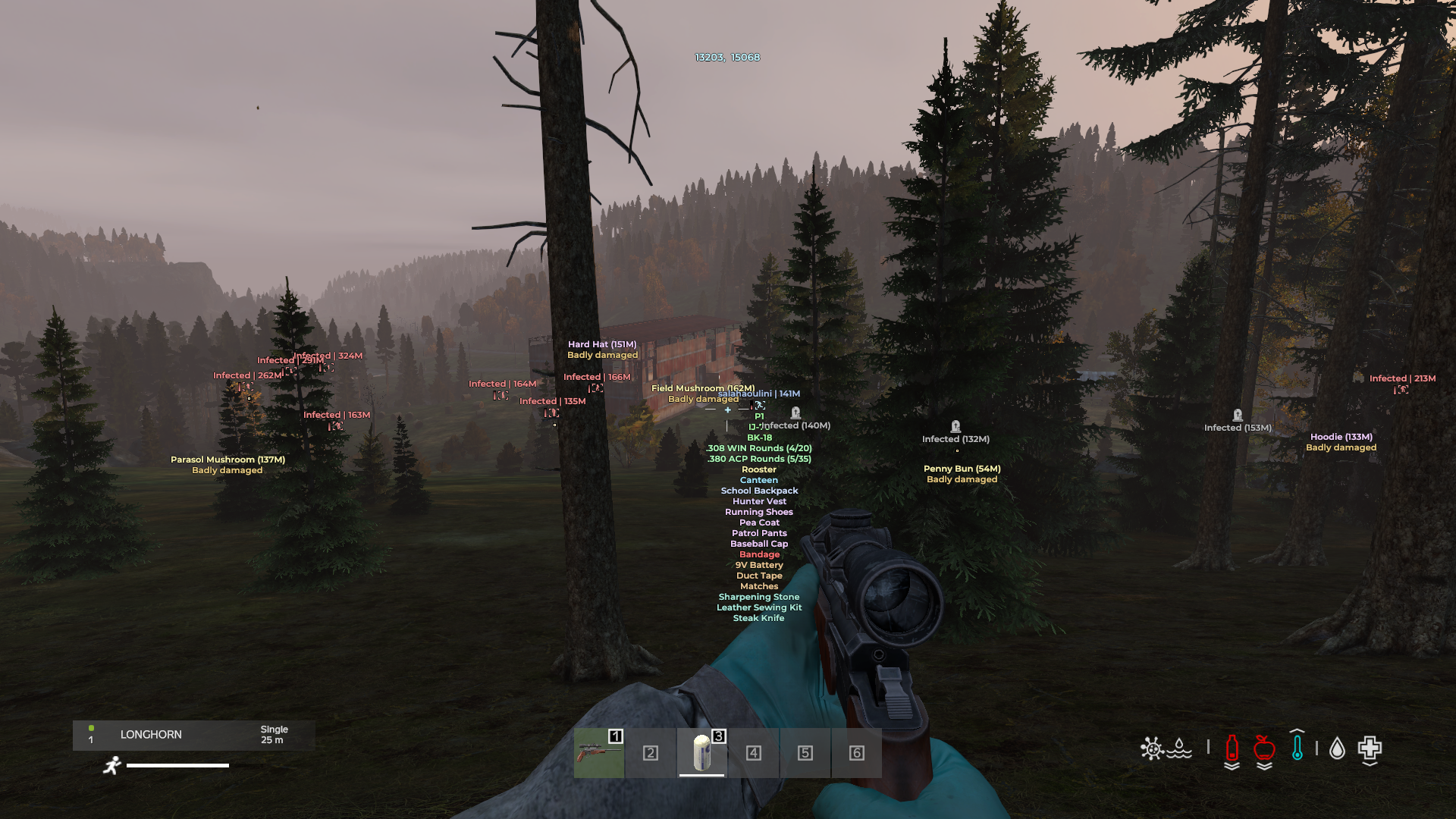
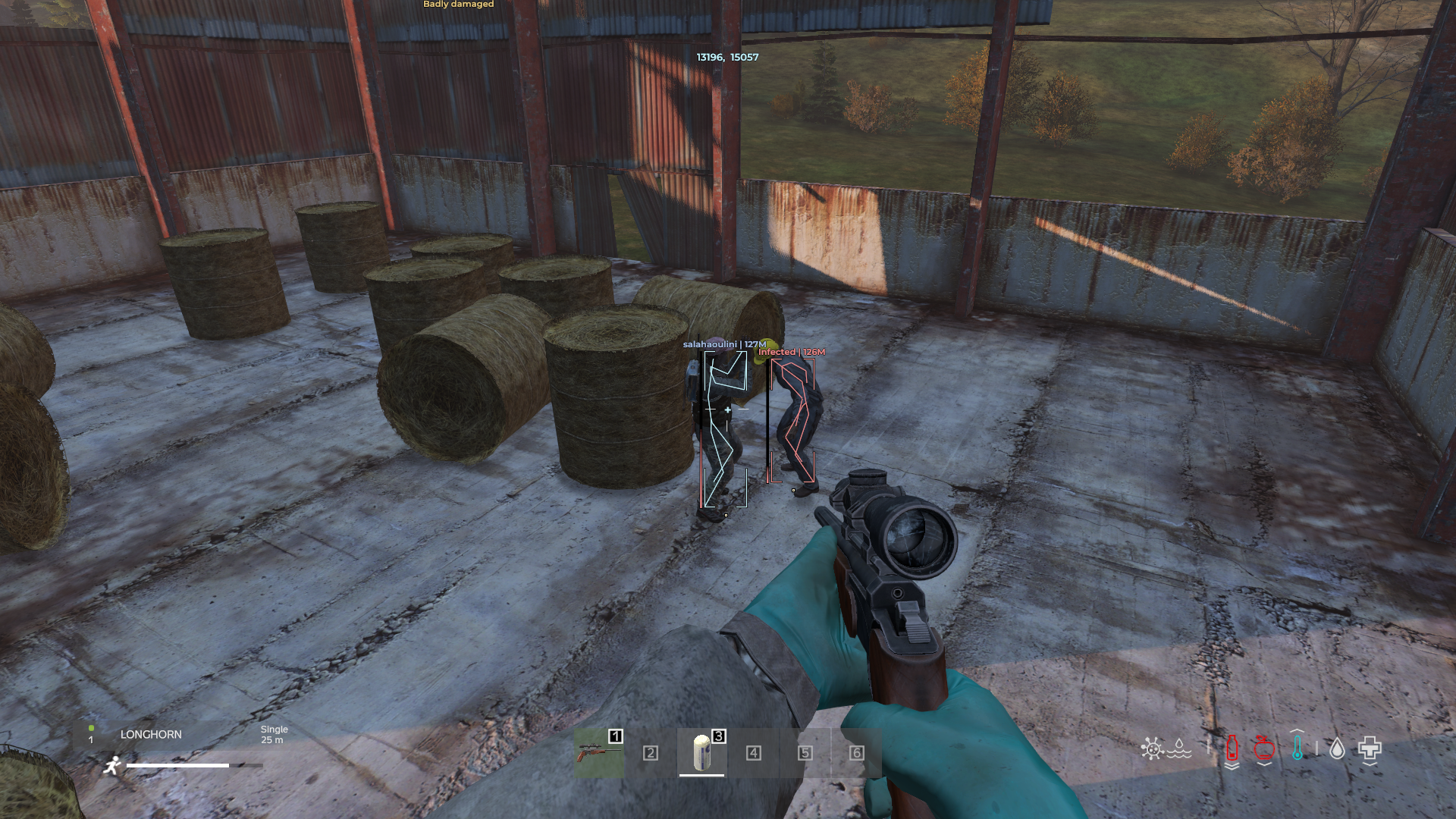
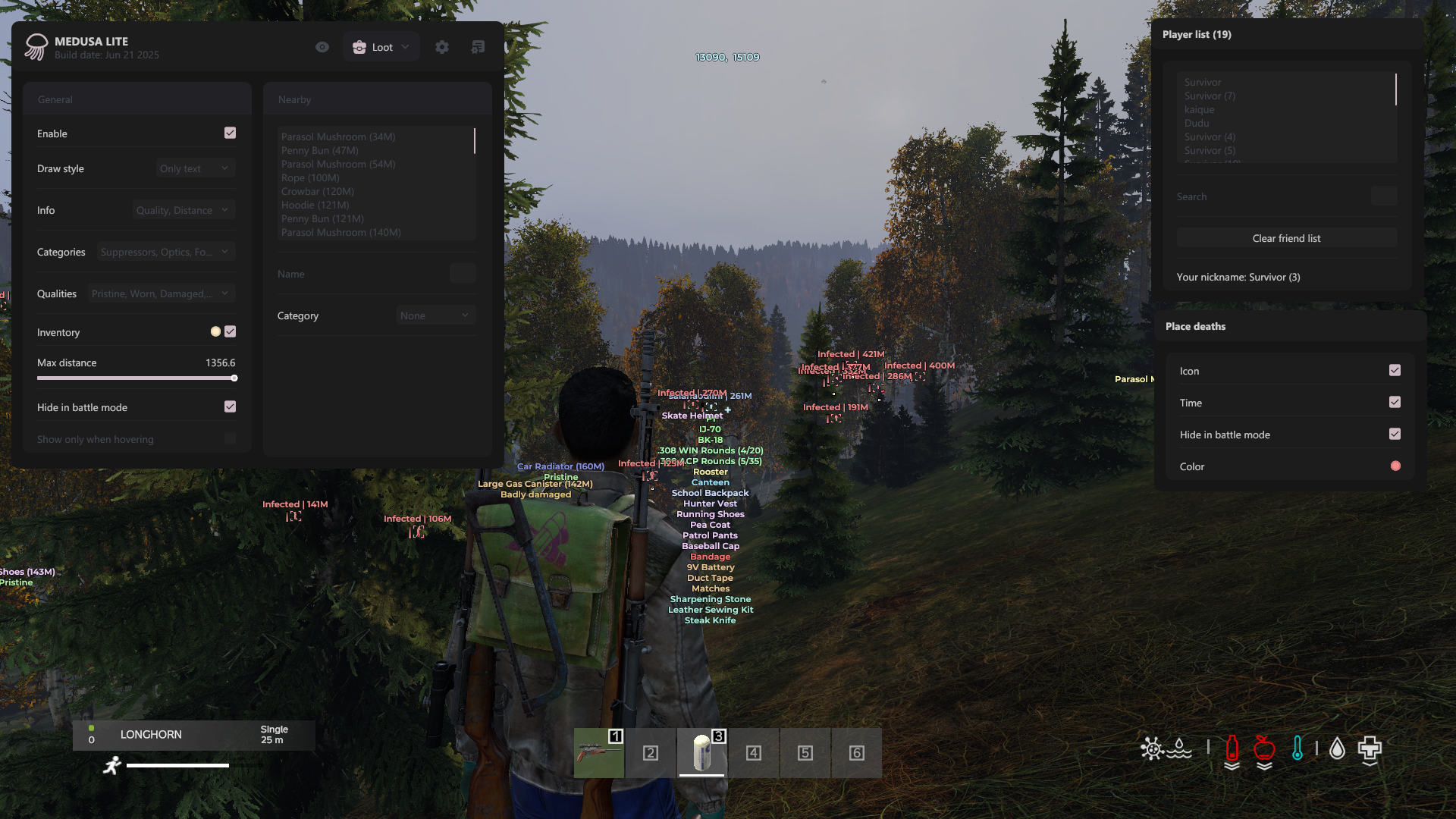
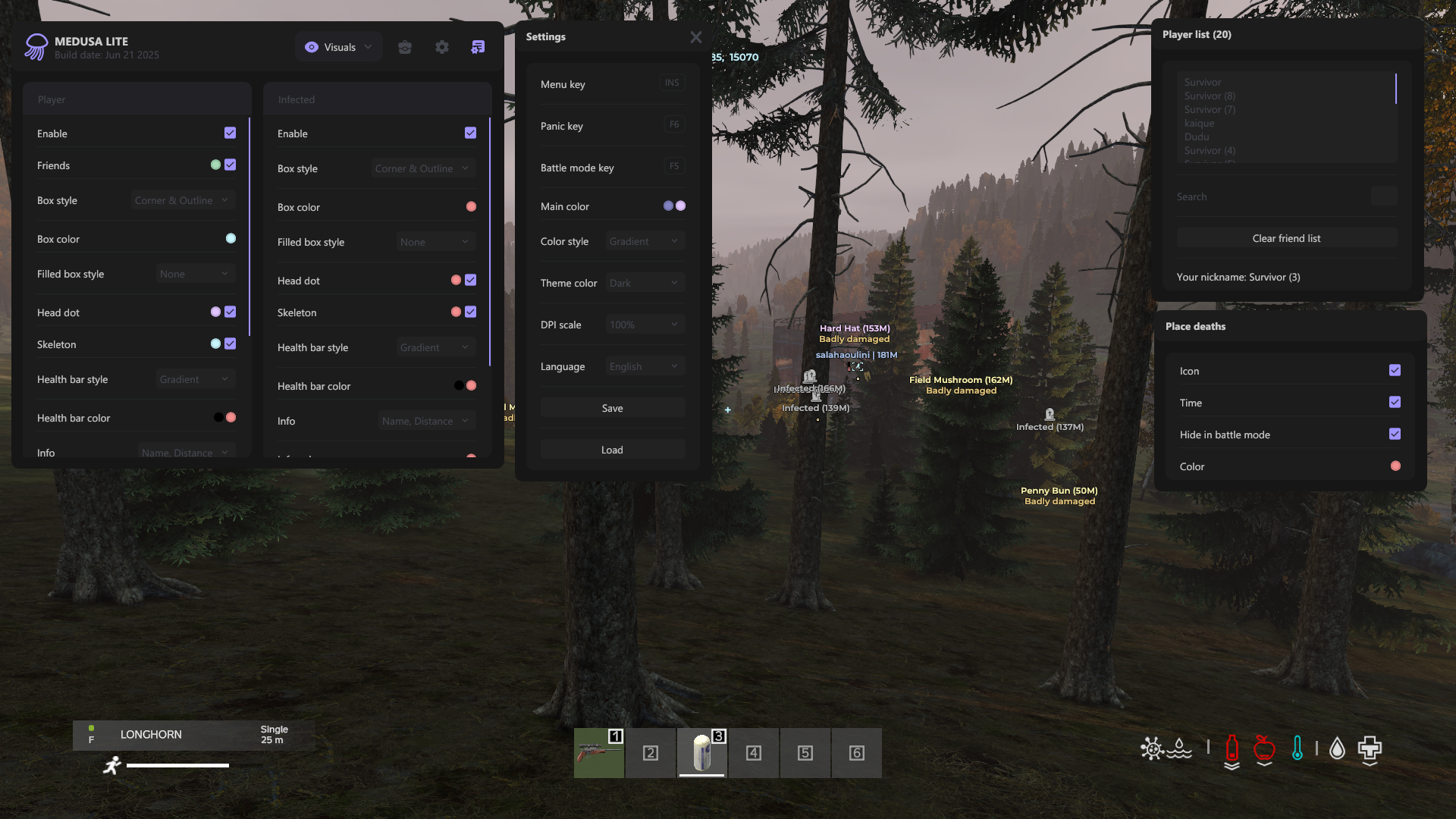
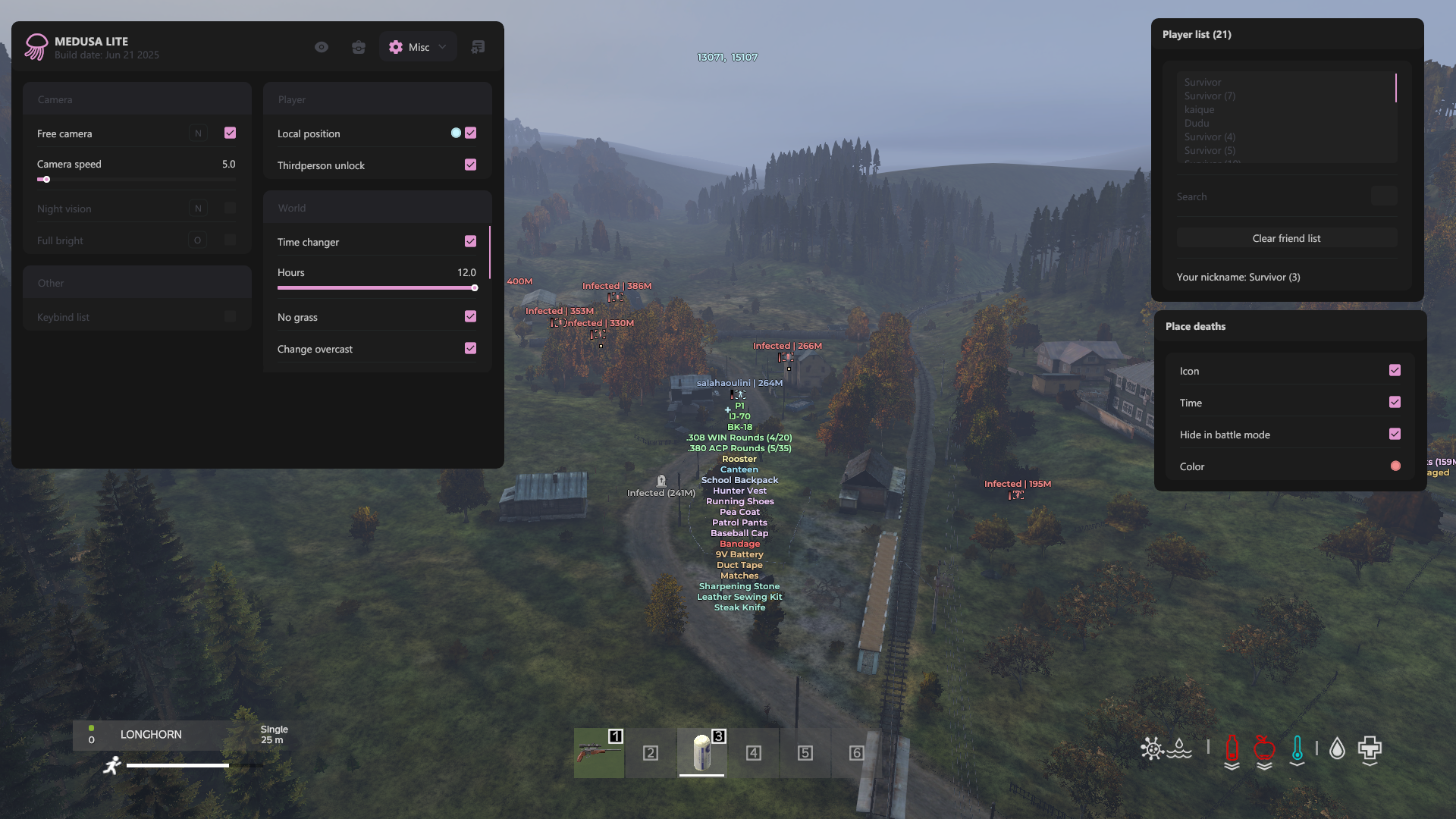
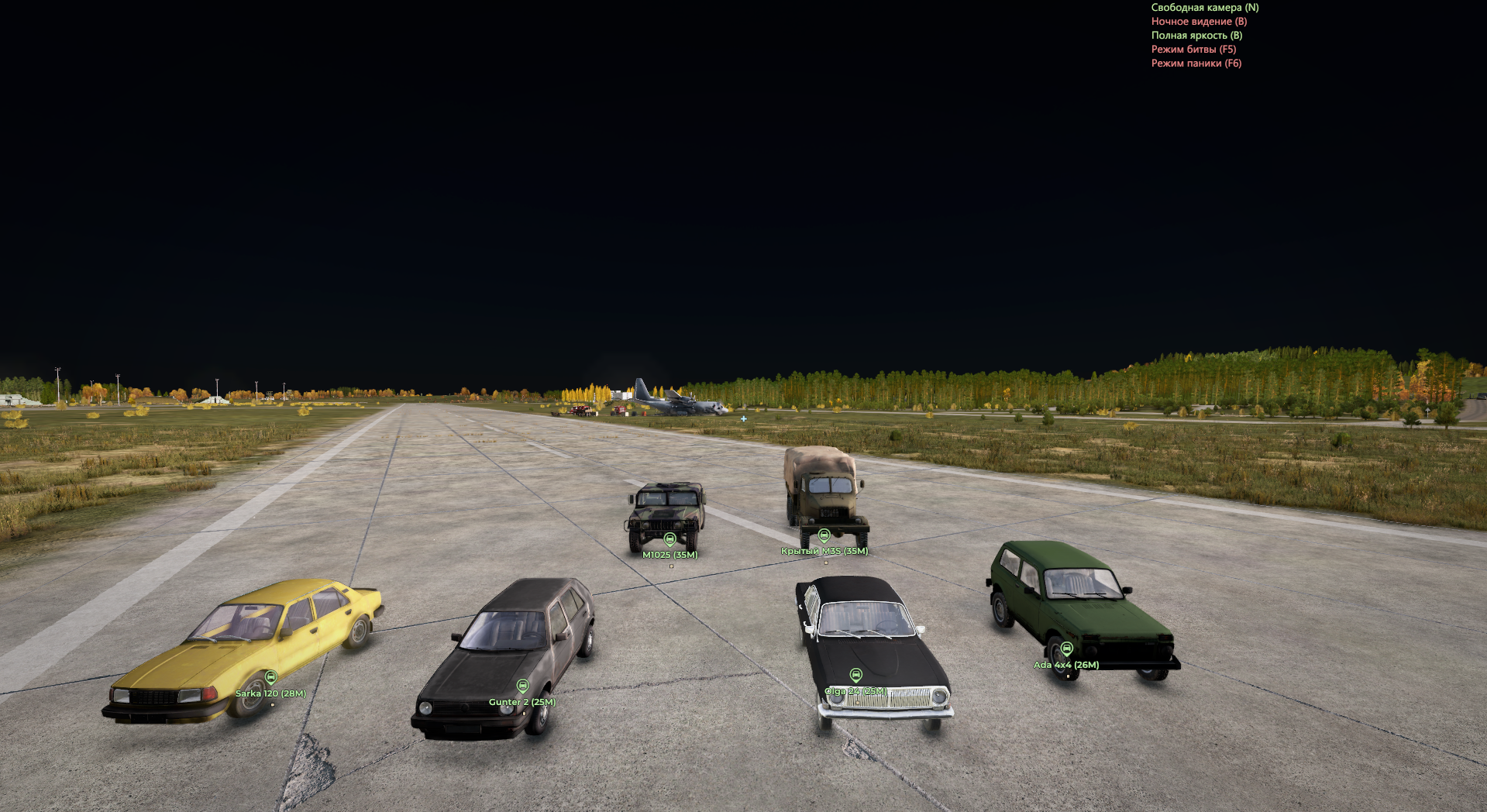
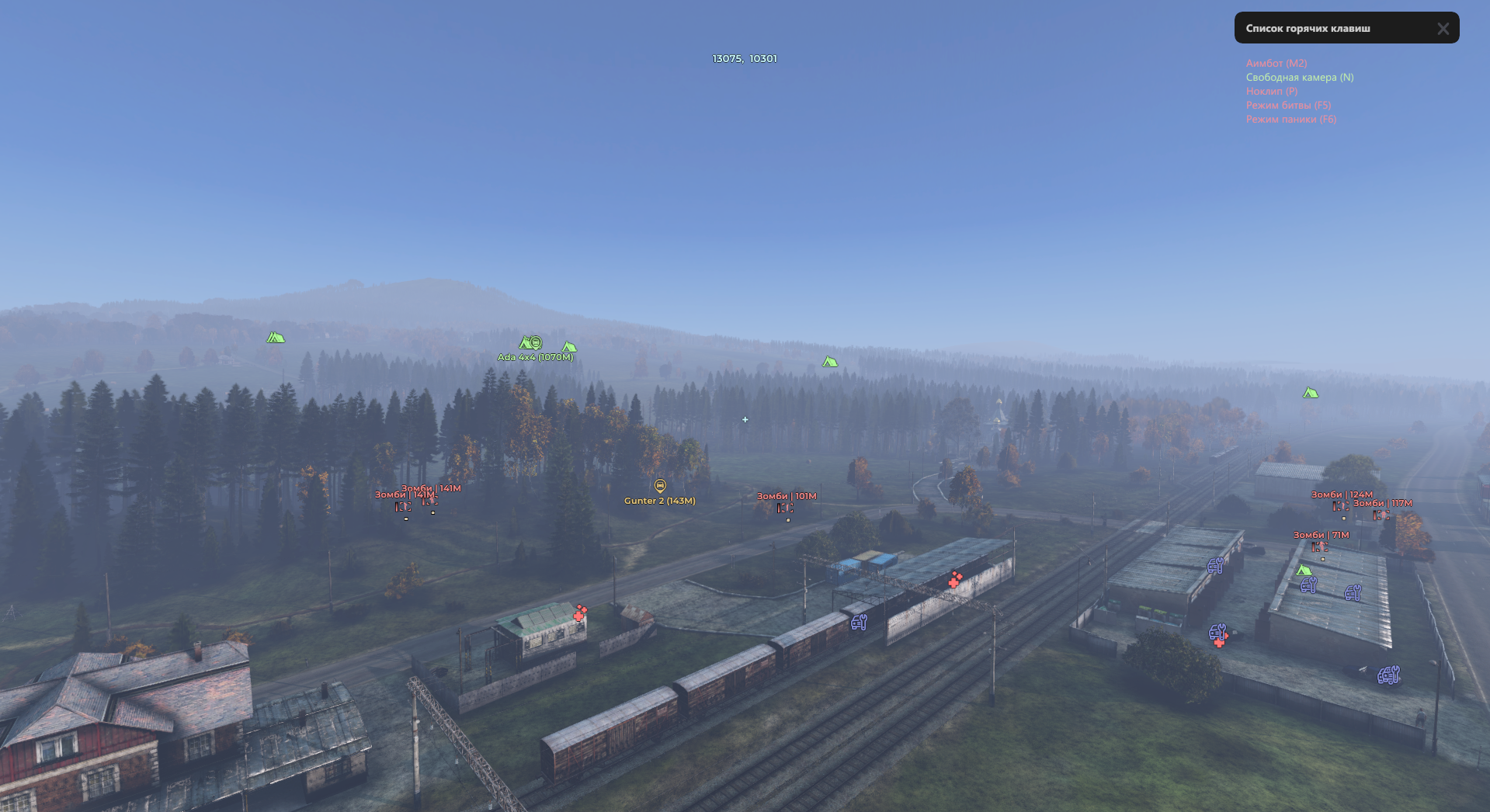
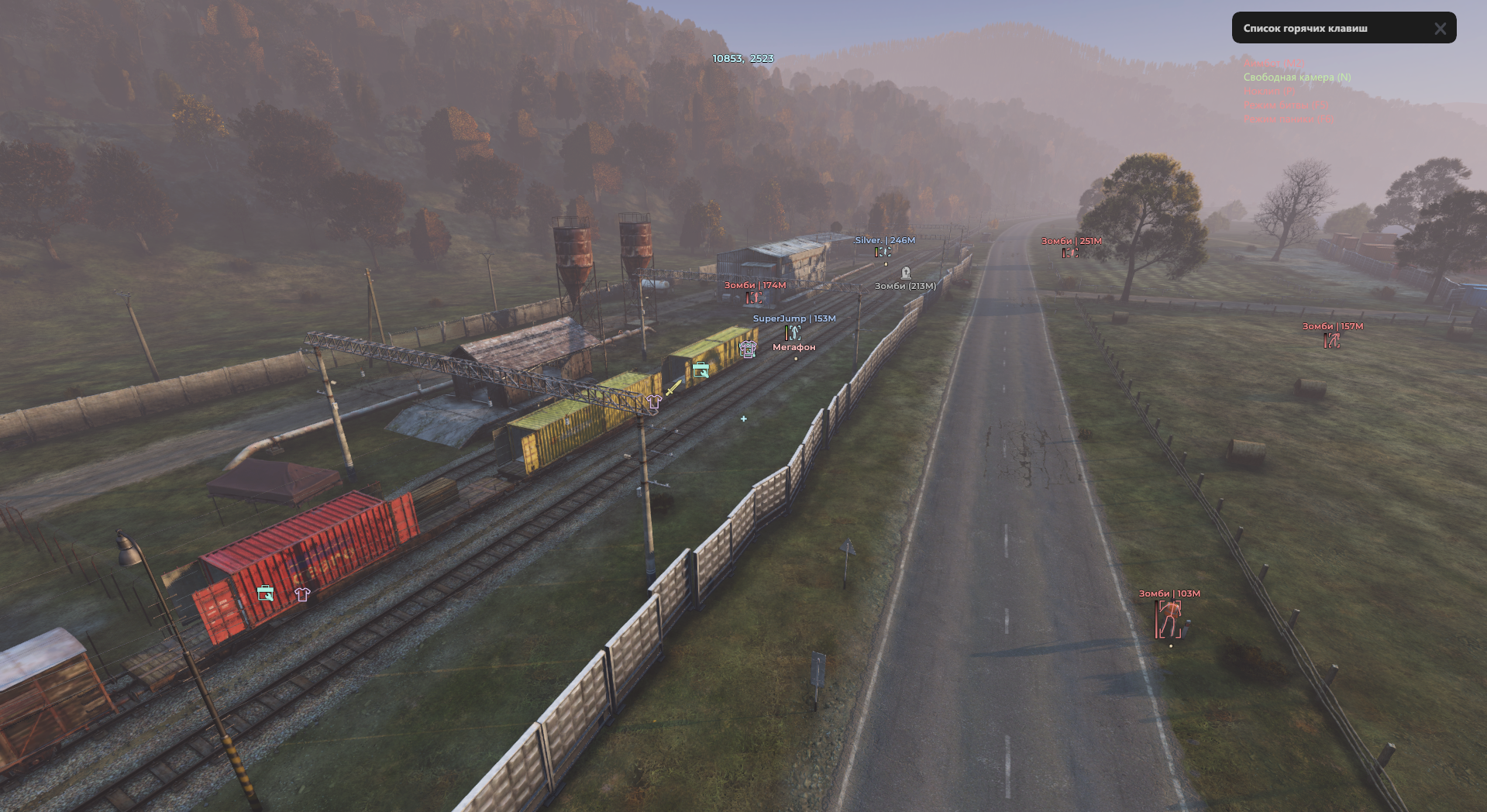
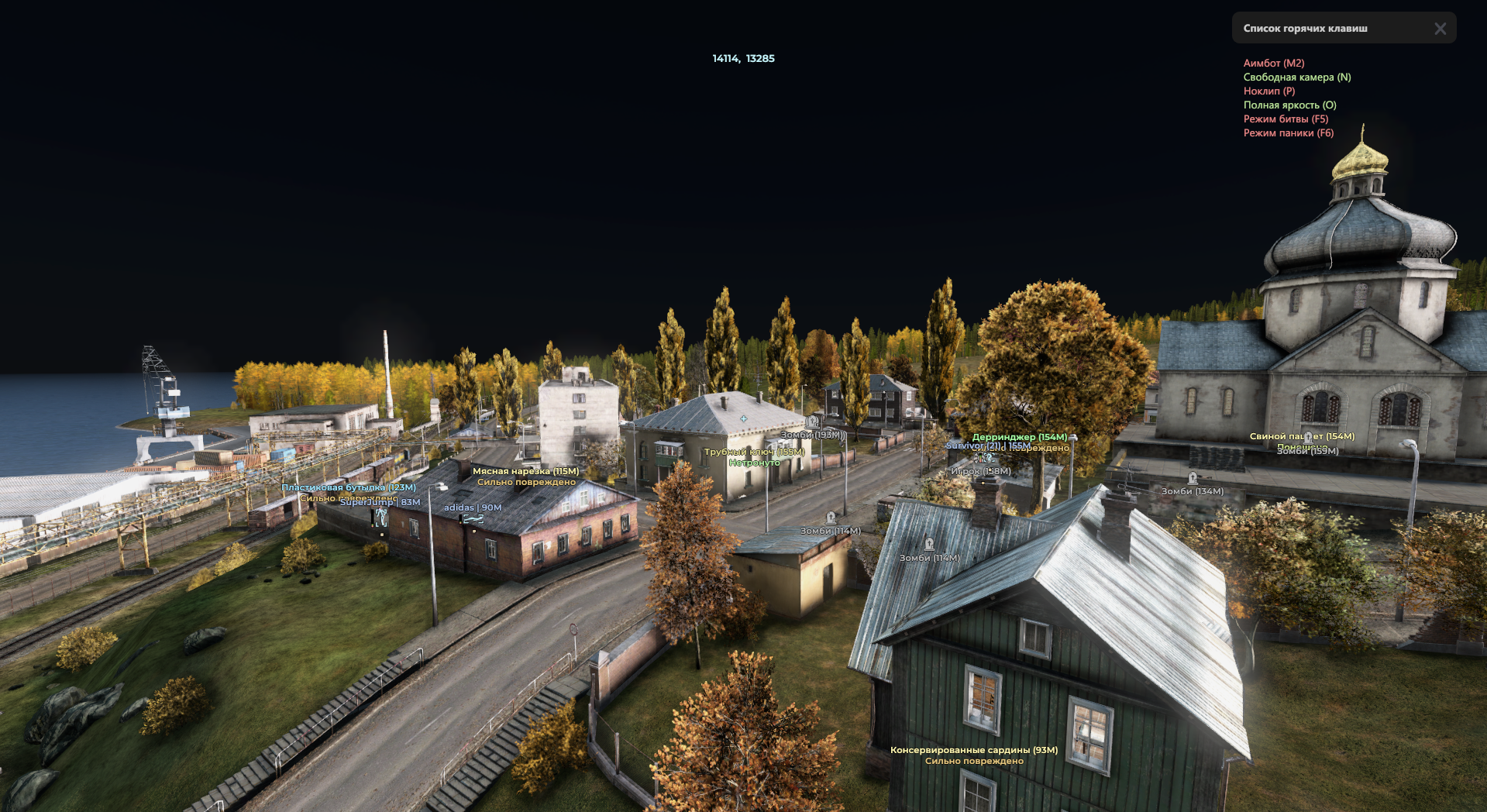
Meet MEDUSA LITE, a streamlined, optimized version of the flagship cheat from LAZY CHEATS, built specifically for DayZ players who value clean information and tactical superiority without the bloat. This DayZ cheat is focused on delivering the most powerful and flexible ESP on the market, along with a set of key utilities that make survival in the harsh world of Chernarus significantly more comfortable.
MEDUSA LITE isn't just a "stripped-down" version. It's a standalone, powerful dayz esp tool that lets you see absolutely everything: from detailed info on players and zombies to the location of valuable loot, vehicles and helicopter crashes. Full customization of colors and visual styles lets you tune the interface perfectly to your liking. If you've been looking for a reliable private cheat dayz standalone that gives you maximum information without overloading you with unnecessary features, MEDUSA LITE will be your perfect choice.
MEDUSA LITE: When knowledge is power, and information is the key to survival.
Product features
Visuals (Aesthetics and Information)
Box Customization
Your design. Choose from 4 box styles, set up gradients and colors for friends and enemies. Make the cheat's interface easy on the eyes.Skeleton & Health Bar
Diagnostics. Skeletons and gradient health bars give you the full picture of a target's condition.World Visuals
A living world. Icons for animals, vehicles and helicopter crashes with individual colors. See everything important for kilometers around.Loot (Smart Collection)
Hover Mode & Search
Clean screen. Enable loot display only when your crosshair is aimed at it. Use search by name to find a specific gun or vehicle part.Quality & Category Filters
Sorting. Filter items by quality and category. Set up colors so food shows green and weapons show red.Misc & Config (Full Control)
Weather Control
Storm master. Remove rain, fog and snow. Enable "Full Brightness" for perfect visibility at night.Profile System
Flexibility. Create different config profiles (for PvP, for looting, for sniping) and switch between them in a second. Export/Import configs for friends.Known issues & fixes
Real questions from our support, with the fixes that worked. Based on user requests for this product.
The cheat or loader won't start, throws an error, or crashes on injection — what should I do?
The most common causes are an unsupported Windows version or antivirus interference.
- Check that you're running a supported Windows version and build (see the list on the website).
- Add the loader folder to your antivirus exclusions and temporarily disable real-time protection.
- Restart your computer and try launching the program again.
If the error persists, contact support — a specialist will run a compatibility check and advise on next steps.
I keep getting a blue screen (BSOD) while using the cheat — how do I fix it?
Blue screens are usually caused by an unsupported Windows version or a conflict with system protection features.
- Make sure you're running a supported Windows version and install the latest system updates.
- Add the program to your antivirus exclusions and disable real-time protection.
- Restart your computer before launching again.
If the blue screens continue, contact support — you may need a system file repair and further diagnostics.
The cheat stopped working right after a game update — is it broken?
No, it's not broken. After a major game update, developers temporarily pause the cheat while they adapt it to the new version.
This usually takes anywhere from a couple of hours up to the end of the day. You can check the current status with support.
Loader shows update error or connection error when connecting to the server
Restart your computer. If the error persists, re-download the loader from the website and launch the fresh version , this resolves most connection issues after an update.
DayZ cheat crashes or causes blue screen , what to do?
First, make sure your version of Windows is on the supported list. You can check the current list of compatible OS versions on the product page or in the site's support section.
A blue screen (BSOD) when activating cheat functions is most often caused by an incompatible operating system version. If your Windows is supported, contact support with your payment receipt , the operator will escalate to the developer for diagnosis.
I bought a key for one Windows version but my PC runs a different one — can it be switched?
The key and subscription are tied to the Windows version selected at checkout. If your actual system is different (for example, Windows 11 instead of Windows 10), activation will fail.
You can't change the version on an existing key — you'll need to place a new order and select the Windows version that's actually installed on your PC.
Do I need to re-spoof the system every time I restart my computer?
Yes, you need to re-run the system binding every time you restart your PC — the setup isn't saved automatically between sessions.
If you skip this step after a reboot, the cheat may fail to launch or the key may not activate.


 Join all games chat





