Отличный продукт
User information
Your PC needs at least 12 GB of RAM
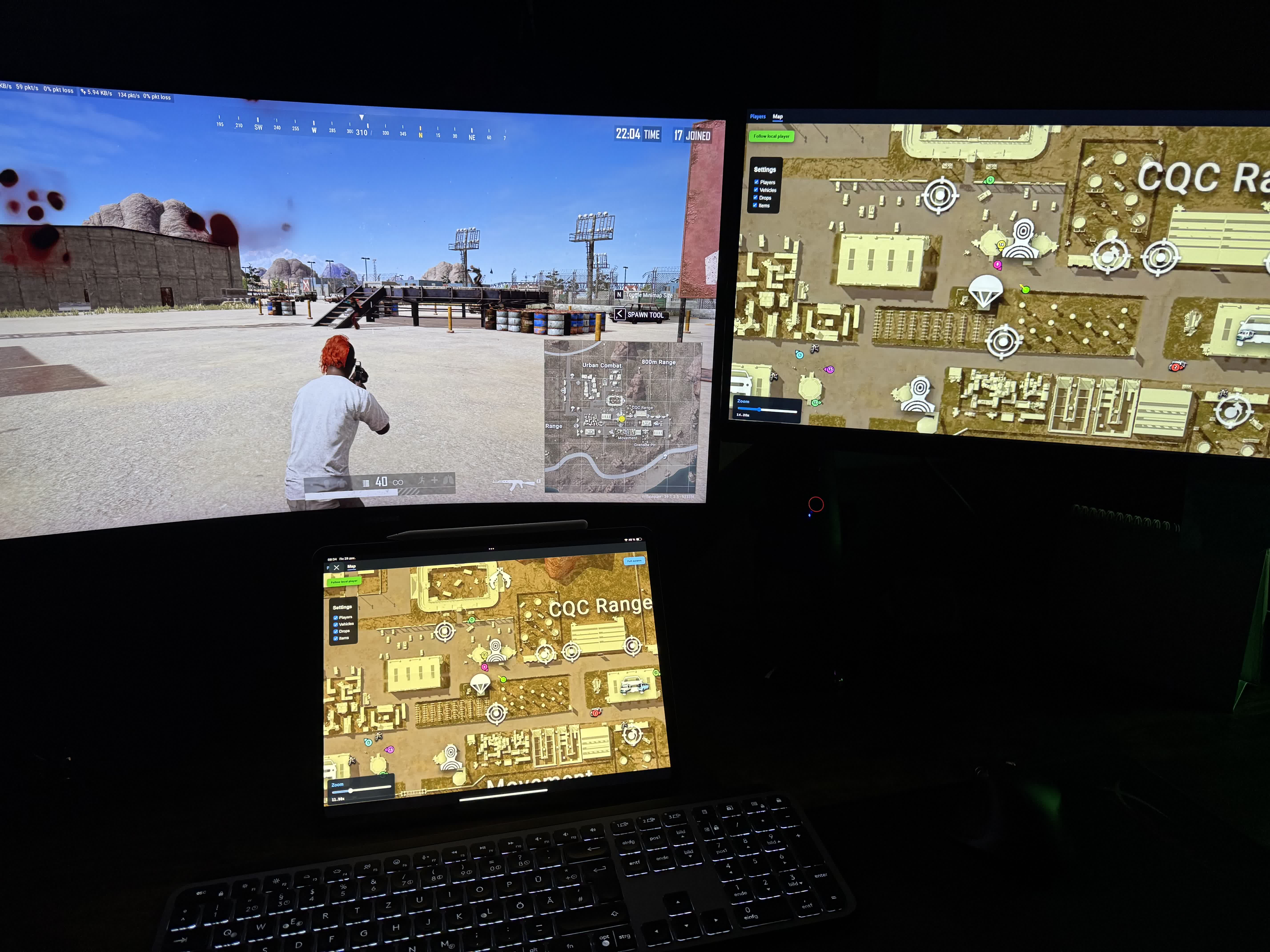
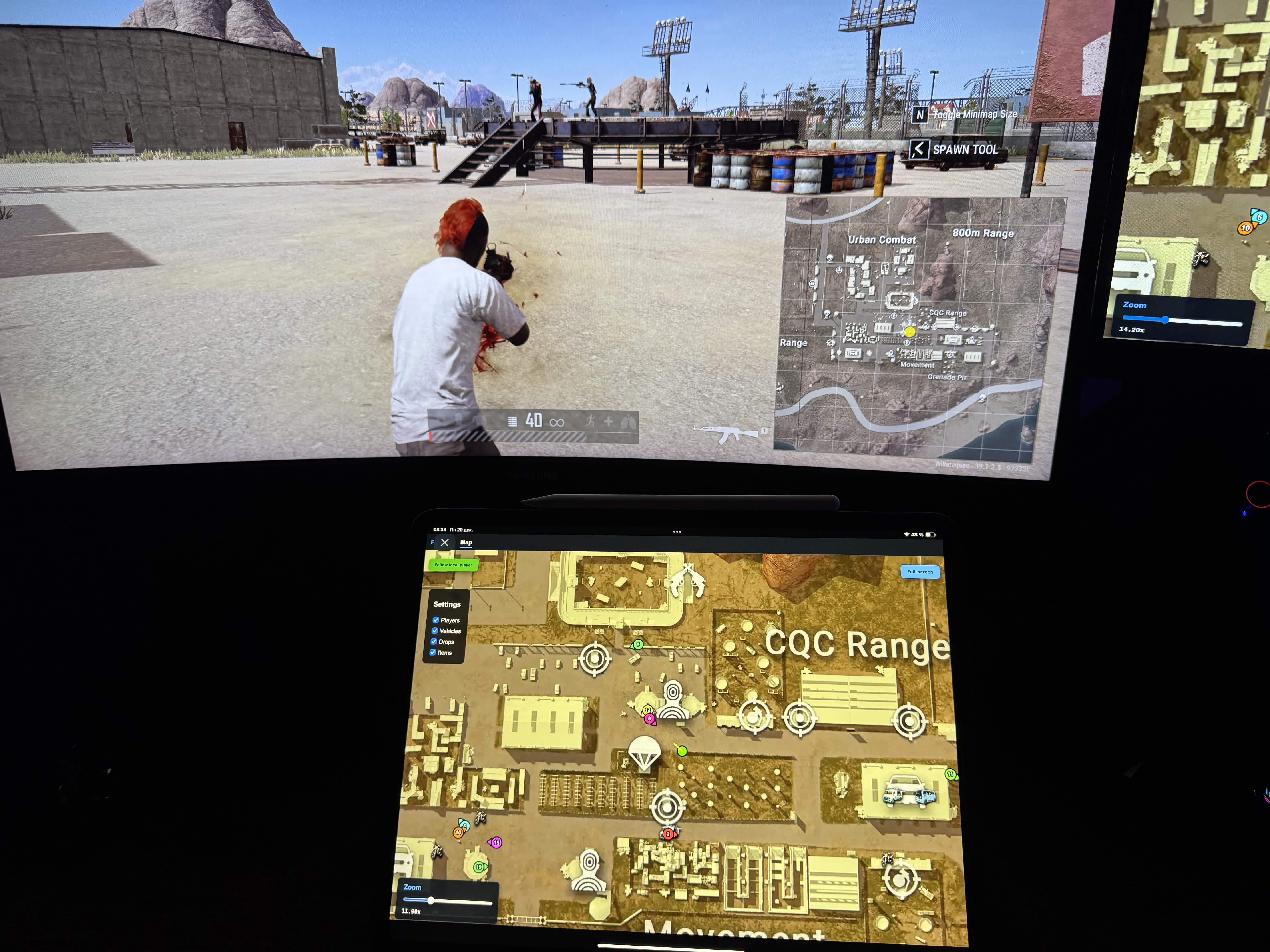
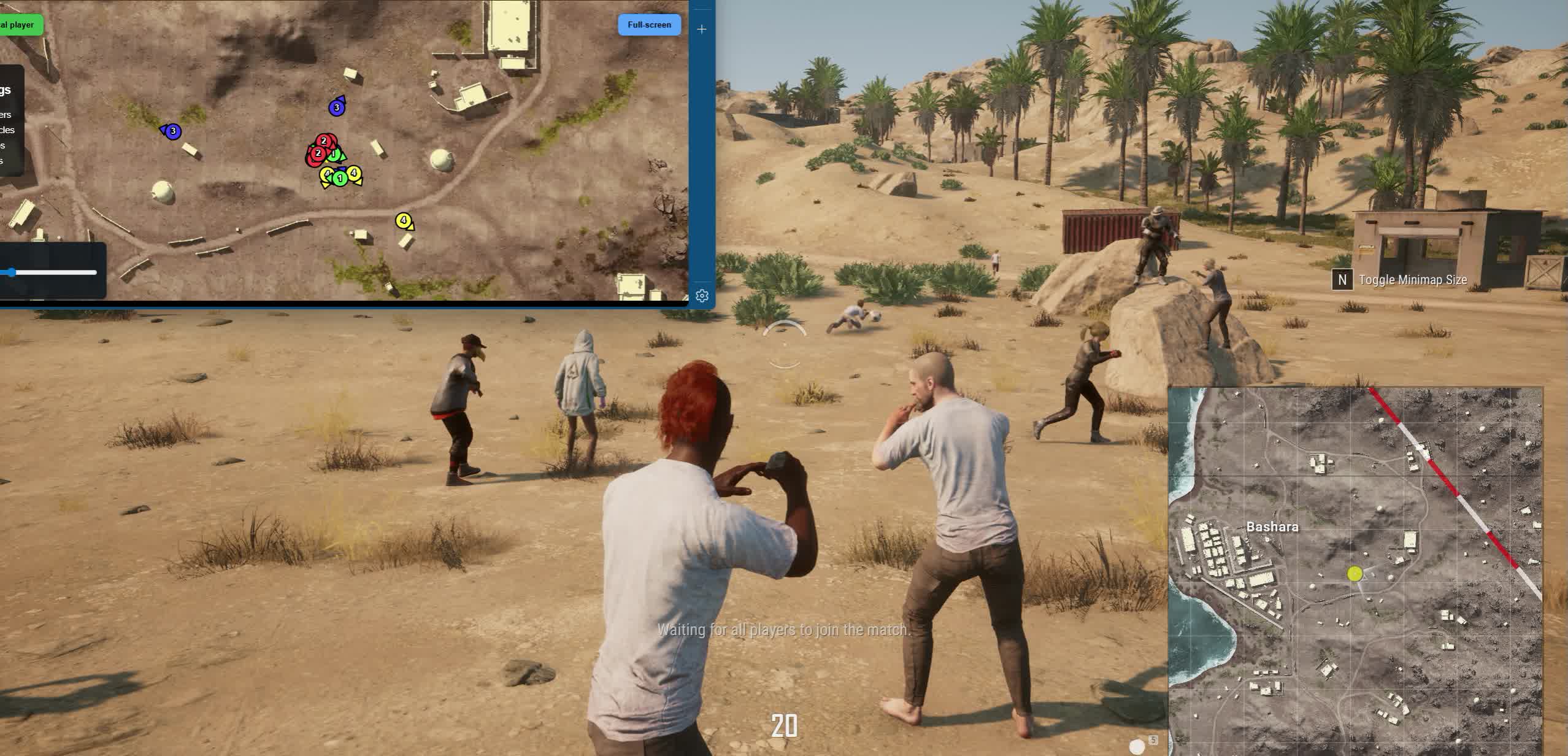
After launch you can open the radar link on any device that has a browser
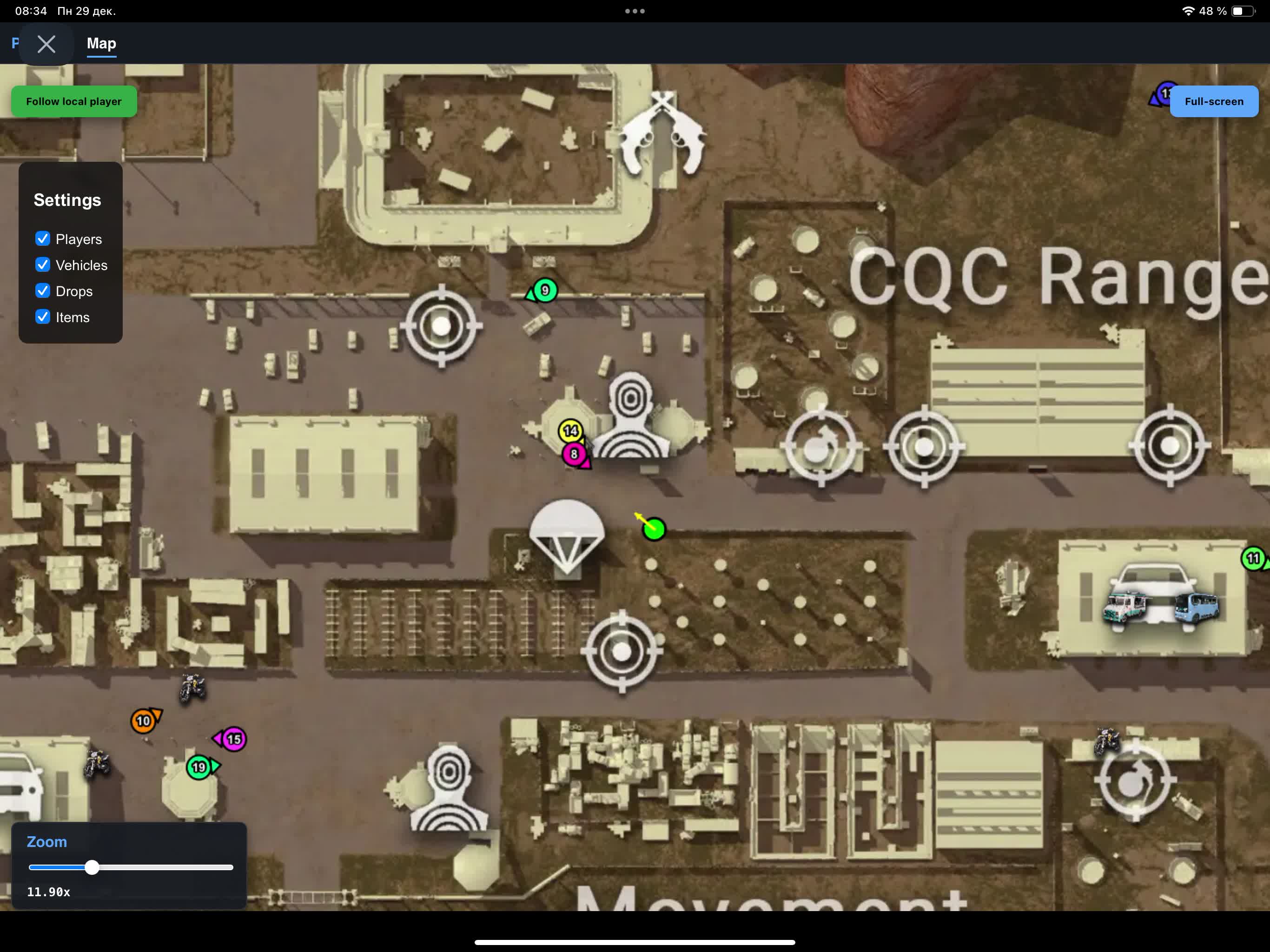
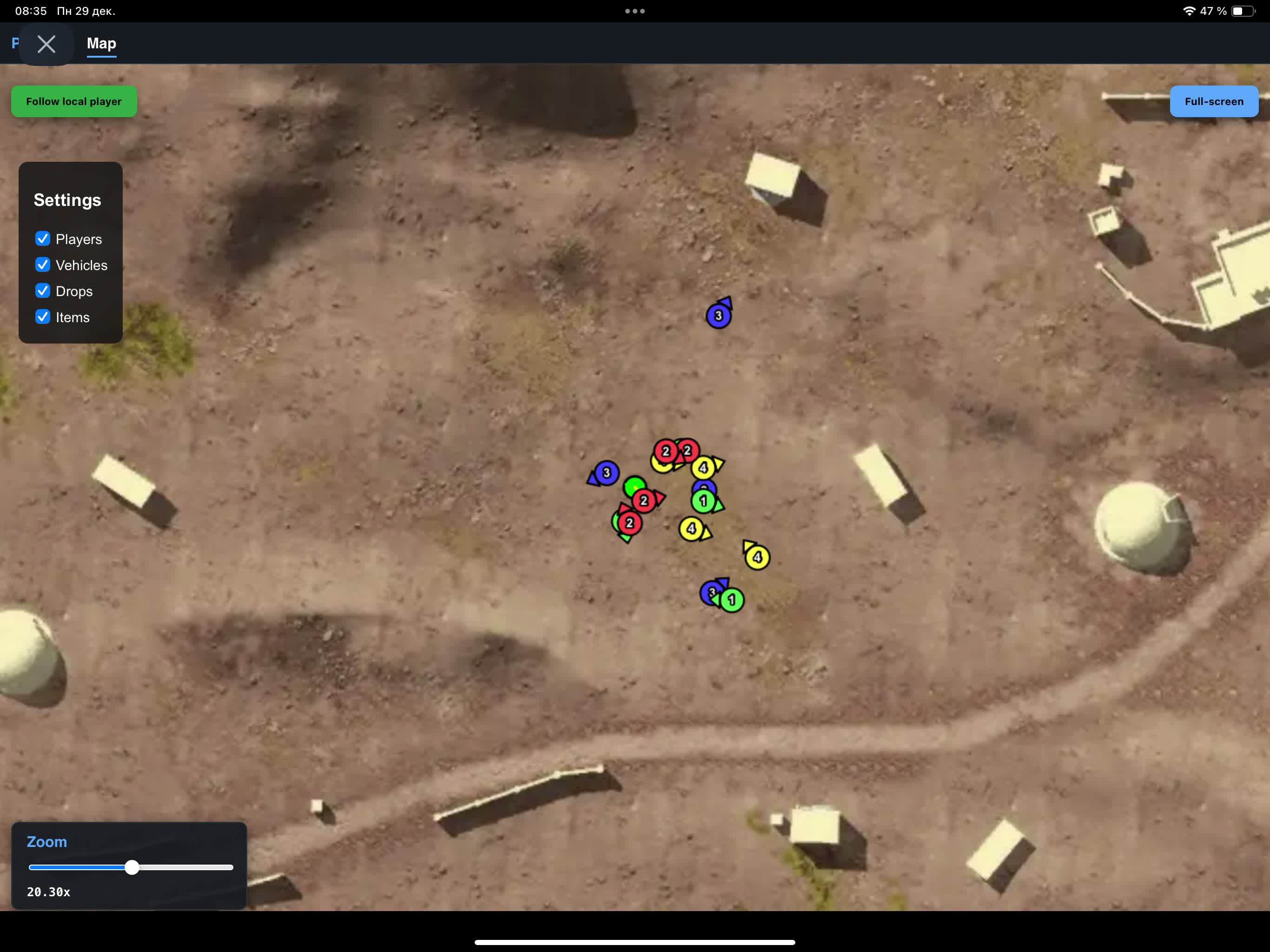
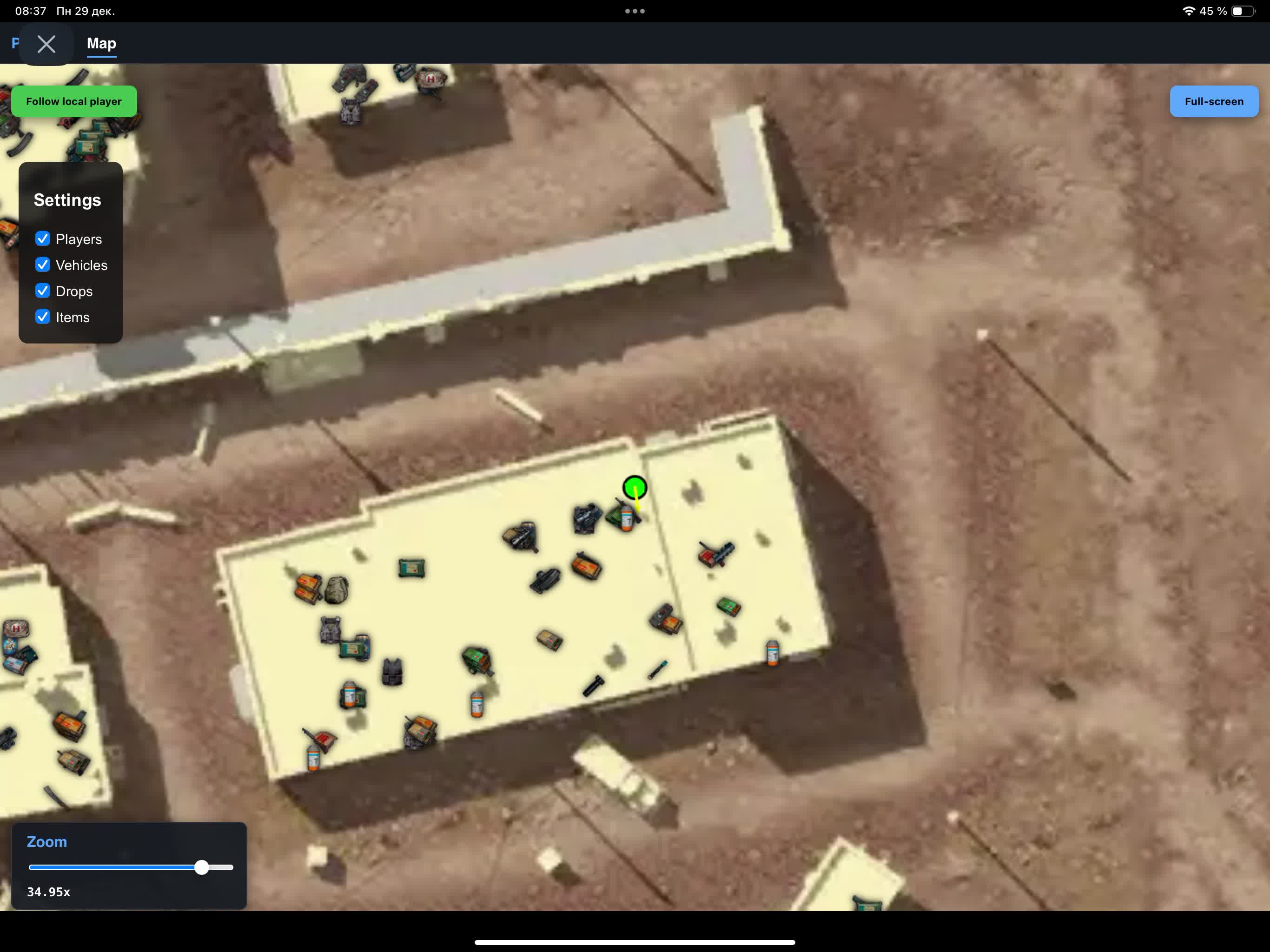
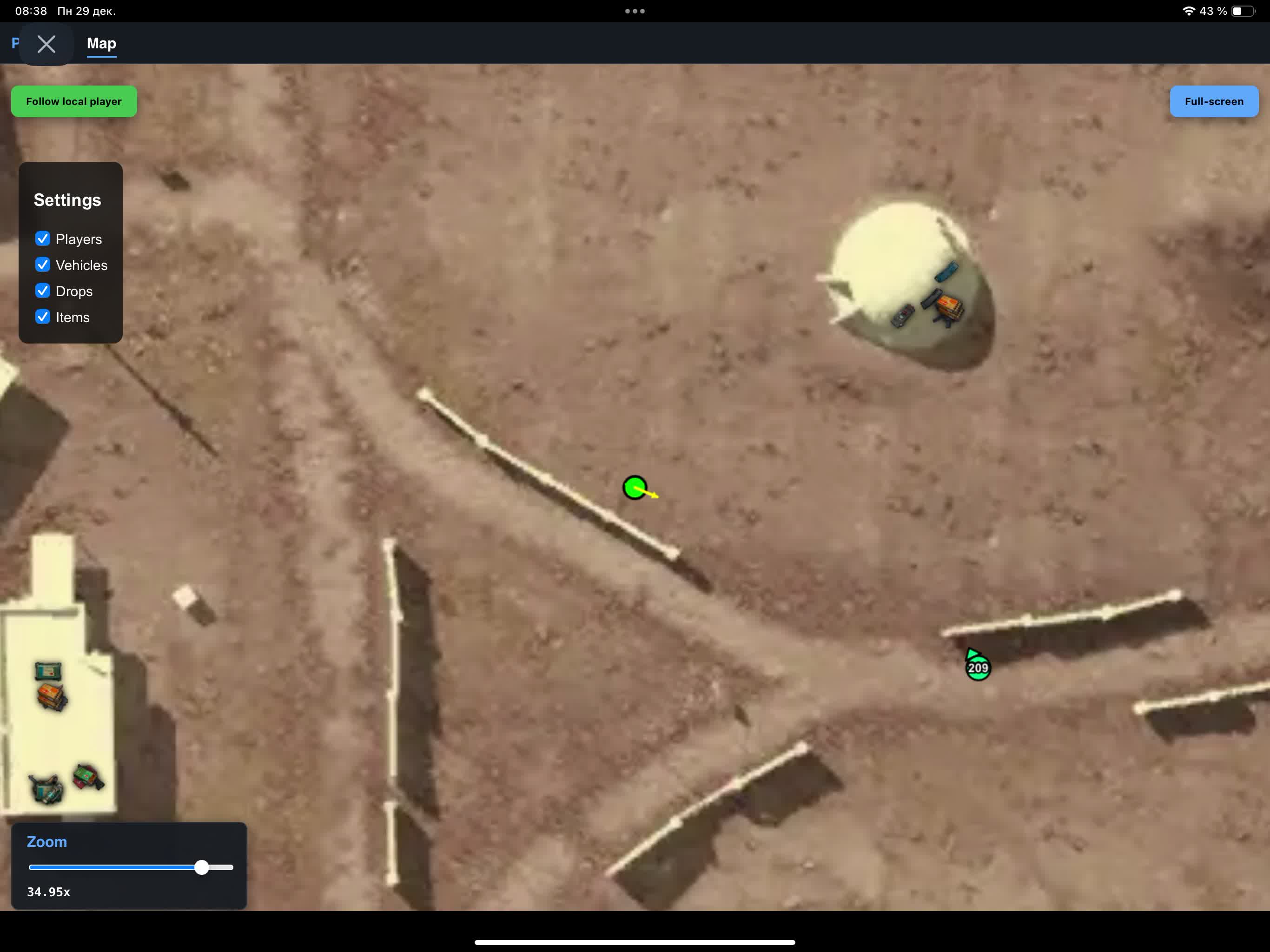
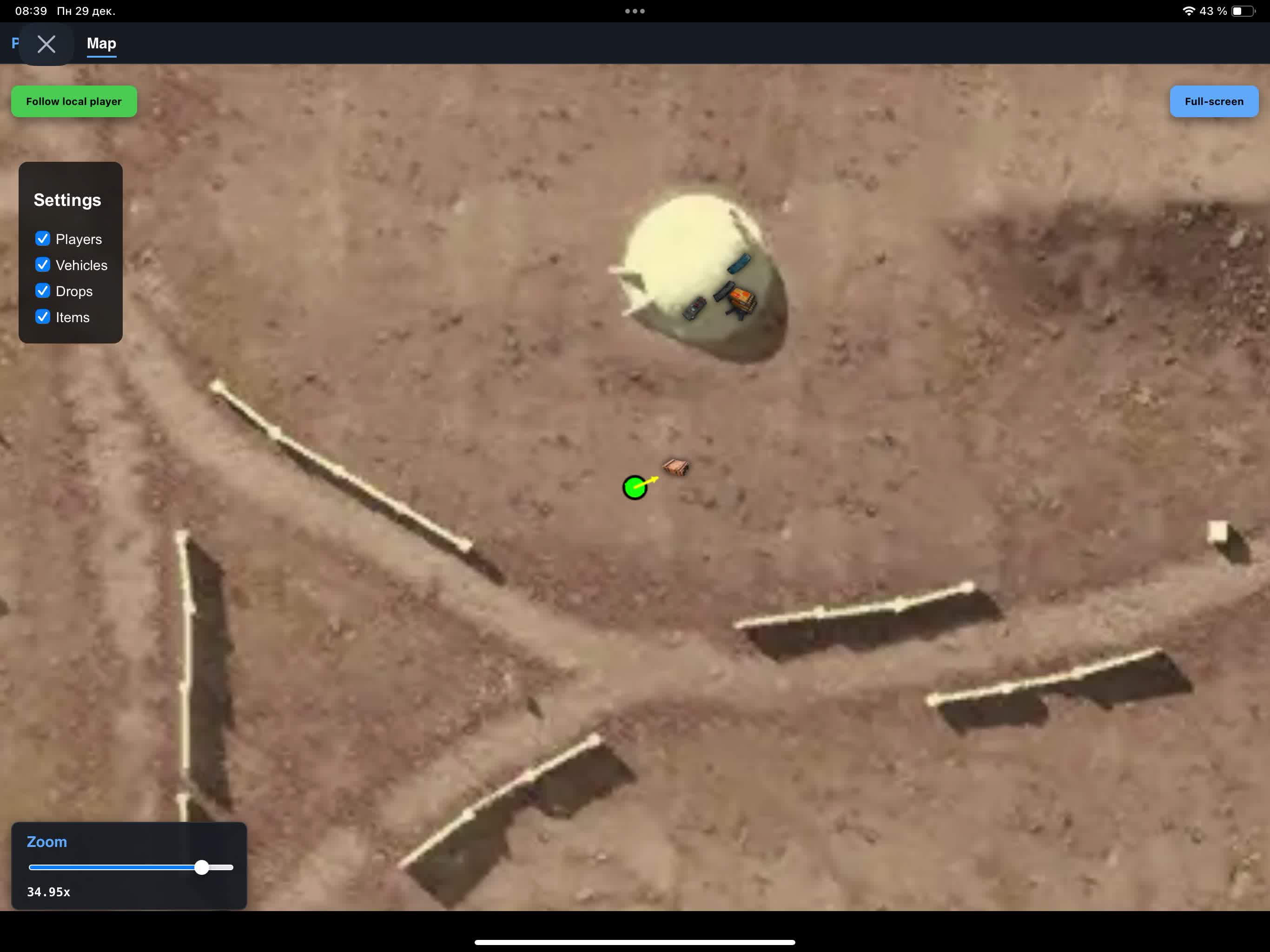
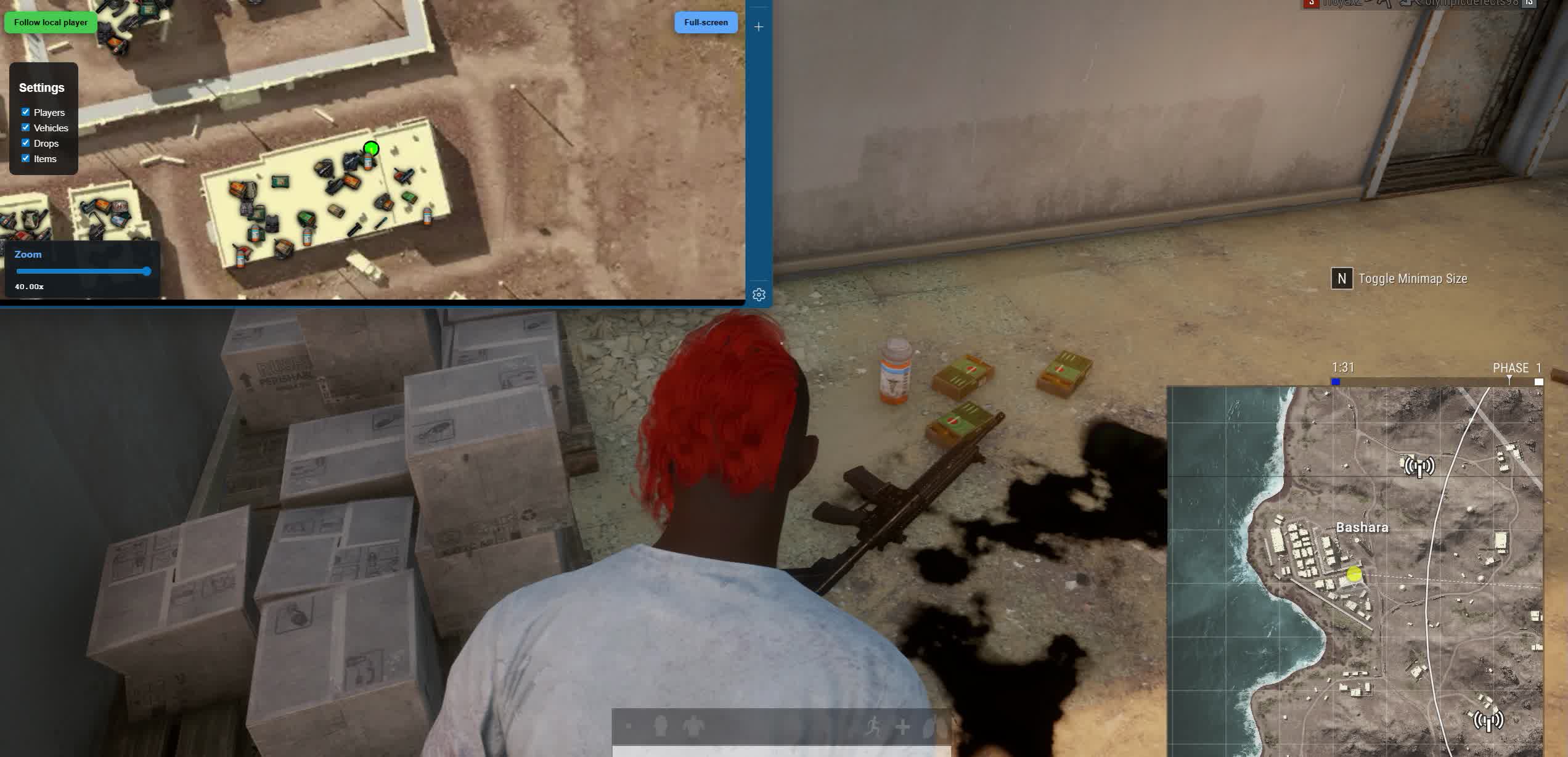
Arcane is a browser radar for PUBG that puts tactical info onto an interactive map and a player list. Running it through the browser is handy because the data shows up in a separate window: you can open it on a second monitor or keep it over the game. That helps you decide faster when to push, when to rotate, where it's safer to loot, and which direction an enemy might come from.
The tool fits players who want a clean, information-first style without extra visual clutter. You get control over the zone, rotations, and timings without loading down your main screen with extra elements. The player list shows nicknames, the weapon in hand, ammo count, and the distance to each target. On the map you can turn on players, vehicles, drops, and items, and all of it tunes to what you need.
People value the browser format for being universal: the interface opens like a web page and keeps working reliably after game updates. It's a practical pick for anyone who plays off position and information rather than aggressive settings.
Product features
Players List
Team ID
Team numberNickname
NicknamesWeapon
Weapon in handAmmo count
Ammo countDistance
DistanceMap
Show Players
Show playersShow Vehicles
Show vehiclesShow Drops
Show dropsShow Items
Show itemsKnown issues & fixes
Real questions from our support, with the fixes that worked. Based on user requests for this product.
Cheat shows FROZEN or loader says frozen — how to run?
This means the product is temporarily frozen for a scheduled update. No action is needed on your part — simply wait for the update to complete.
Your paid subscription time does not expire during a freeze: subscription days are not counted while the loader is unavailable. Monitor the product page for status changes — access will resume automatically once the update is released.
Antivirus blocks loader files or loader download stalls at zero speed
Windows Defender or a third-party antivirus is blocking the loader download or launch. Use the Defender Control utility (archive password: sordum): download it, run it, click Search, wait for the scan to finish, then click Disable.
After disabling protection, re-download and run the loader. You can re-enable protection through the same tool after your gaming session.
Loader freezes, slider does not move, cheat does not start
Try connecting via VPN — the issue may be caused by activation server restrictions in your region. If VPN does not help, run the Sordum utility (archive password: sordum), click Search, and send the screenshot to support. The developer will use this information to assist you.
Inject stuck at 0%, radar won't inject
This usually means the radar servers are temporarily down. Wait 1,2 minutes and refresh the radar page in your browser (F5). If the site shows a 502 error, just wait for the servers to recover.
You can also try connecting via a VPN , this sometimes helps establish the session faster.
Launch error: Please make sure PIN is not set and disable Hyper-V
This error means Hyper-V is active on your PC. Open PowerShell as Administrator and run the following commands one by one:
- takeown /F "C:\Windows\System32\hvix64.exe"
- icacls "C:\Windows\System32\hvix64.exe" /grant *$(([System.Security.Principal.WindowsIdentity]::GetCurrent()).User.Value):F
- takeown /F "C:\Windows\System32\hvax64.exe"
- icacls "C:\Windows\System32\hvax64.exe" /grant *$(([System.Security.Principal.WindowsIdentity]::GetCurrent()).User.Value):F
- del "C:\Windows\System32\hvix64.exe"
- del "C:\Windows\System32\hvax64.exe"
Then reboot your PC and launch the loader again. This is a one-time procedure.
PC reboots automatically after launching the loader
The cause is Kaspersky antivirus conflicting with the loader, even after a manual uninstall. Remove Kaspersky completely using the official removal tool (Kavremover) rather than the standard "Programs and Features" uninstall.
After fully removing the antivirus, reboot your PC and try launching the loader again.
Launching the loader as administrator but nothing happens
Make sure you have read the included instructions carefully — the launch sequence is strict. The loader must be run as Administrator, and your antivirus must be fully disabled before starting.
If you followed every step and the loader still does nothing, contact support and describe exactly which step the process gets stuck on.
Incompatible HWID error when launching on another device
One key is bound to one PC. It is not possible to use the browser radar on multiple devices with the same key, either simultaneously or alternately.
Arcane