
Valorant Cheat, Skeleton
 MEMEZ
MEMEZ

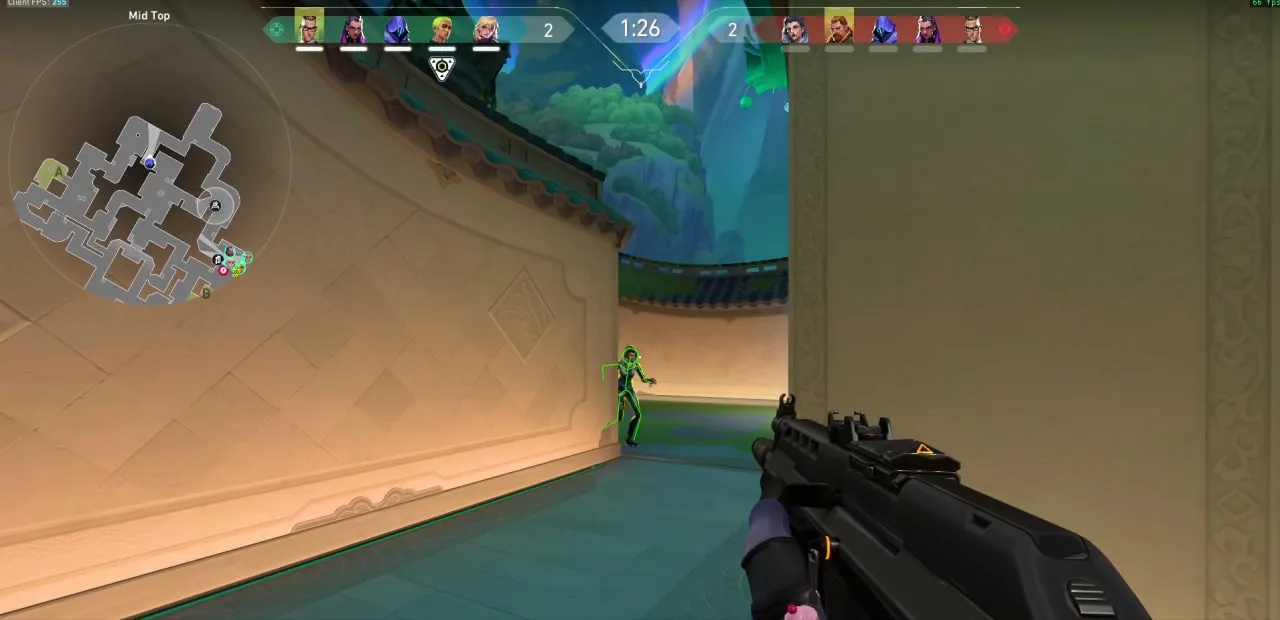
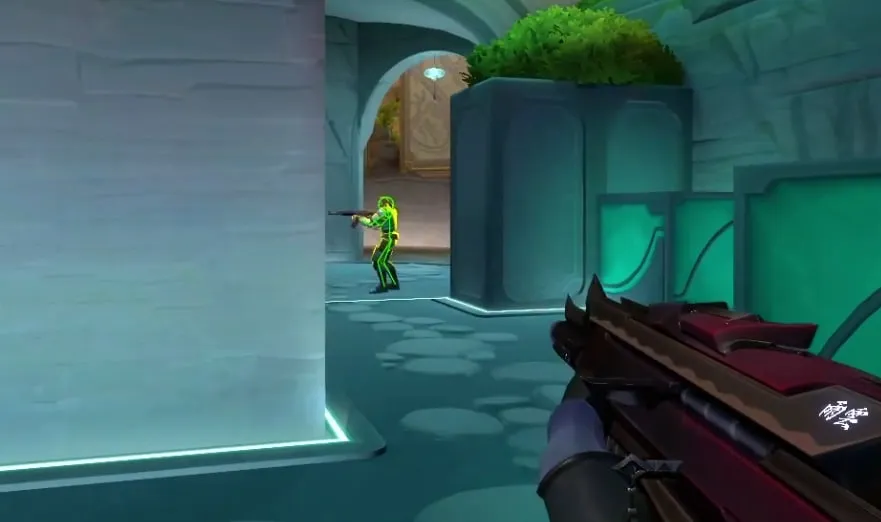
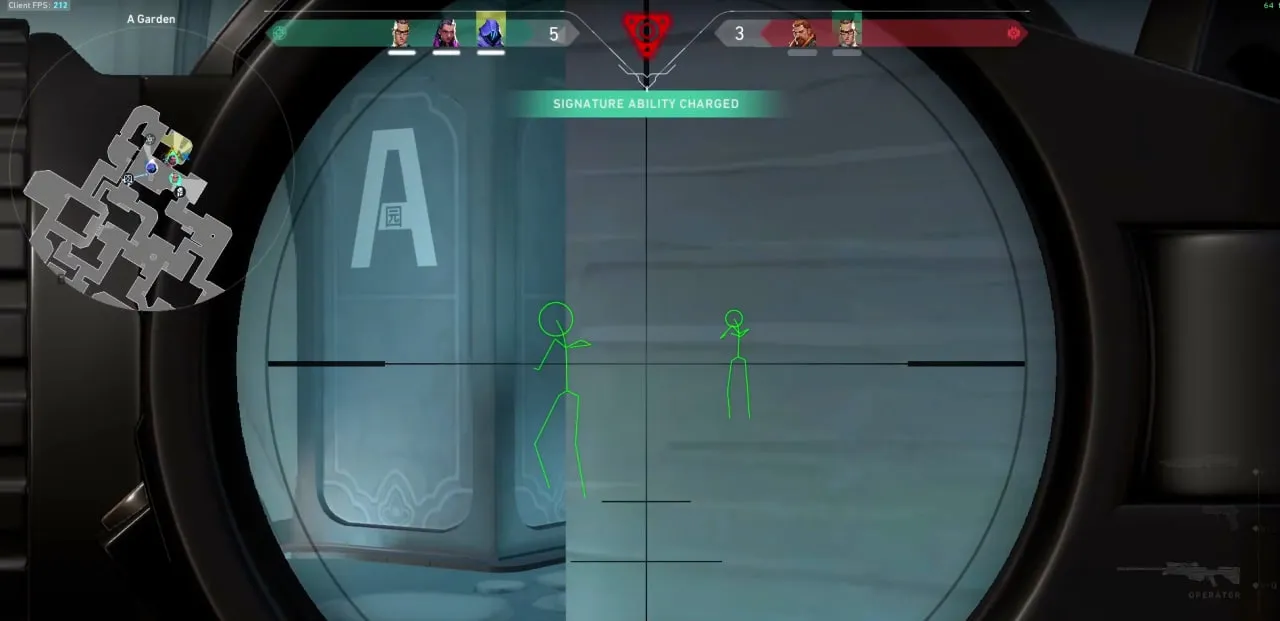
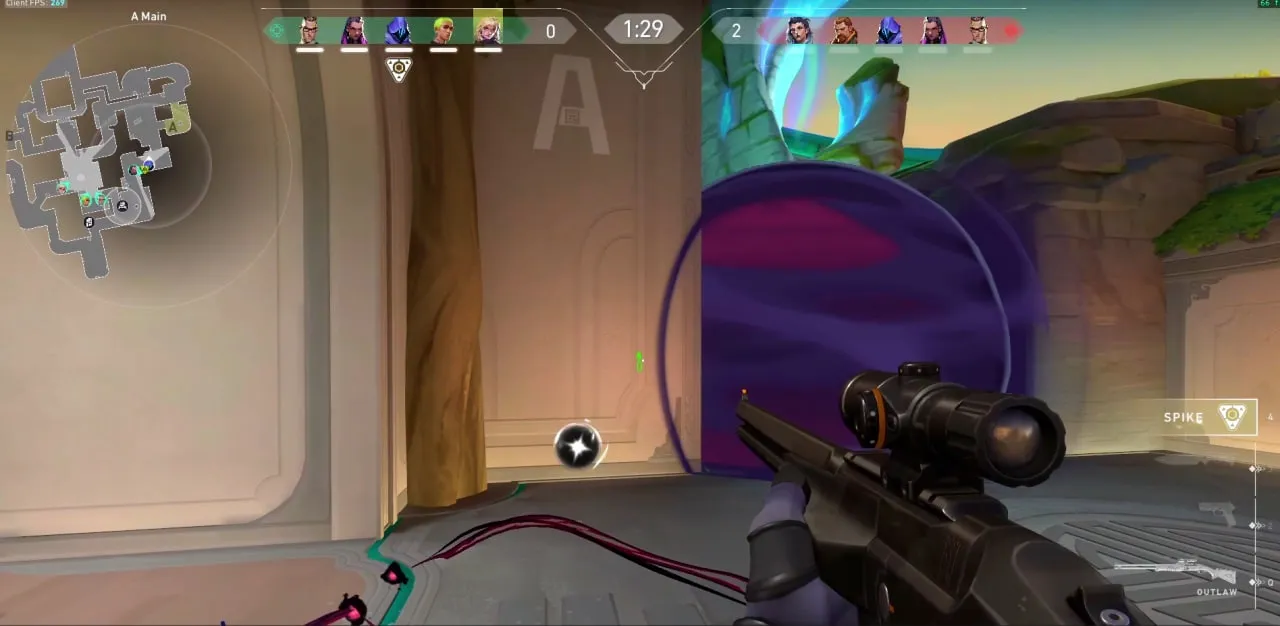
Skeleton by the developer Memez is a minimalist, maximally safe Valorant cheat built for players who value simplicity and reliability. The product focuses on one single function, ESP rendered as skeletons. It lets you see the exact position and pose of enemies through walls and other obstacles, giving you the key tactical information without cluttering your screen with extra detail.
The main strength of this cheat is how invisible it is. Skeleton does not show up on screen recordings, screenshots, or streams, which makes it a perfect pick for content creators and anyone who wants to keep the appearance of fair play. If you do not need an aimbot or other aggressive features and just want a clean information edge, then this Memez cheat is your ideal choice.
Product features
VISUALS (Hidden Assistance)
Skeletons
X-ray vision. See enemy poses through walls. Skeletons give you full information about what the enemy is doing without cluttering your screen with junk.StreamSpoof
For streamers. The cheat is invisible on recordings and broadcasts (OBS/Discord). Stream your "skilled" play and nobody will find out your secret.Known issues & fixes
Real questions from our support, with the fixes that worked. Based on user requests for this product.
What should I do if the cheat won't launch or shows an error on startup?
Contact support and describe the error you're seeing — you'll likely be asked to run a system compatibility checker and send a screenshot of the result so the cause can be identified.
It also helps to:
- launch the loader through a VPN;
- add the loader's folder to your antivirus exclusions;
- temporarily disable third-party overlays (screen recording, chat apps, etc.).
After entering the activation key it says the key is frozen — what does that mean?
This message means the game received an update and the software is temporarily being reworked for the new version — it affects everyone with an active subscription, not just your key.
- The update usually takes anywhere from a couple of hours to a day, often faster.
- The subscription time lost while waiting gets compensated.
- Check with support for status updates — they will let you know once it is working again.
My computer immediately reboots or shows a blue screen right after I start the loader — what should I do?
The most common cause is an outdated motherboard firmware (BIOS) or secure boot settings conflicting with the loader's driver.
- Check your motherboard manufacturer's site for a newer BIOS version (ideally no older than 2022–2023) and update it.
- Before trying again, create a system restore point or back up important files — in rare cases the crash affects Windows boot.
- If the problem continues, contact support with a screenshot of the error so they can guide you further.
- If Windows stops booting entirely, you'll need to repair or reinstall the system; it's best to reach out to support beforehand to avoid this.
After launching the loader, the cheat's menu won't open with its hotkey — what should I do?
This is usually caused by Secure Boot being enabled in the BIOS, which prevents the cheat from working. Disable Secure Boot in your BIOS settings and relaunch the loader.
If your game requires Secure Boot to be on to run at all, contact support — there is sometimes a workaround for this case.
The cheat shows an HWID binding error after a hardware change or reset — what should I do?
This error means your activation no longer matches your current hardware — for example, after reinstalling the OS or changing hardware identifiers.
Contact support with your activation key: they will reset the binding so you can activate the cheat again on the same key.
Launcher won't download
If the launcher fails to download, try two things: enable a VPN and retry, or switch to a different browser (e.g., from Chrome to Firefox or vice versa).
The cheat shows a "Disk is MBR, GPT required" error at launch — what does that mean?
This means the drive with Windows installed uses the older MBR partition style, while the cheat requires a GPT-partitioned drive.
The fix is to reinstall Windows and choose GPT instead of MBR when partitioning the drive during setup.


 Join all games chat





