ХОРОШО
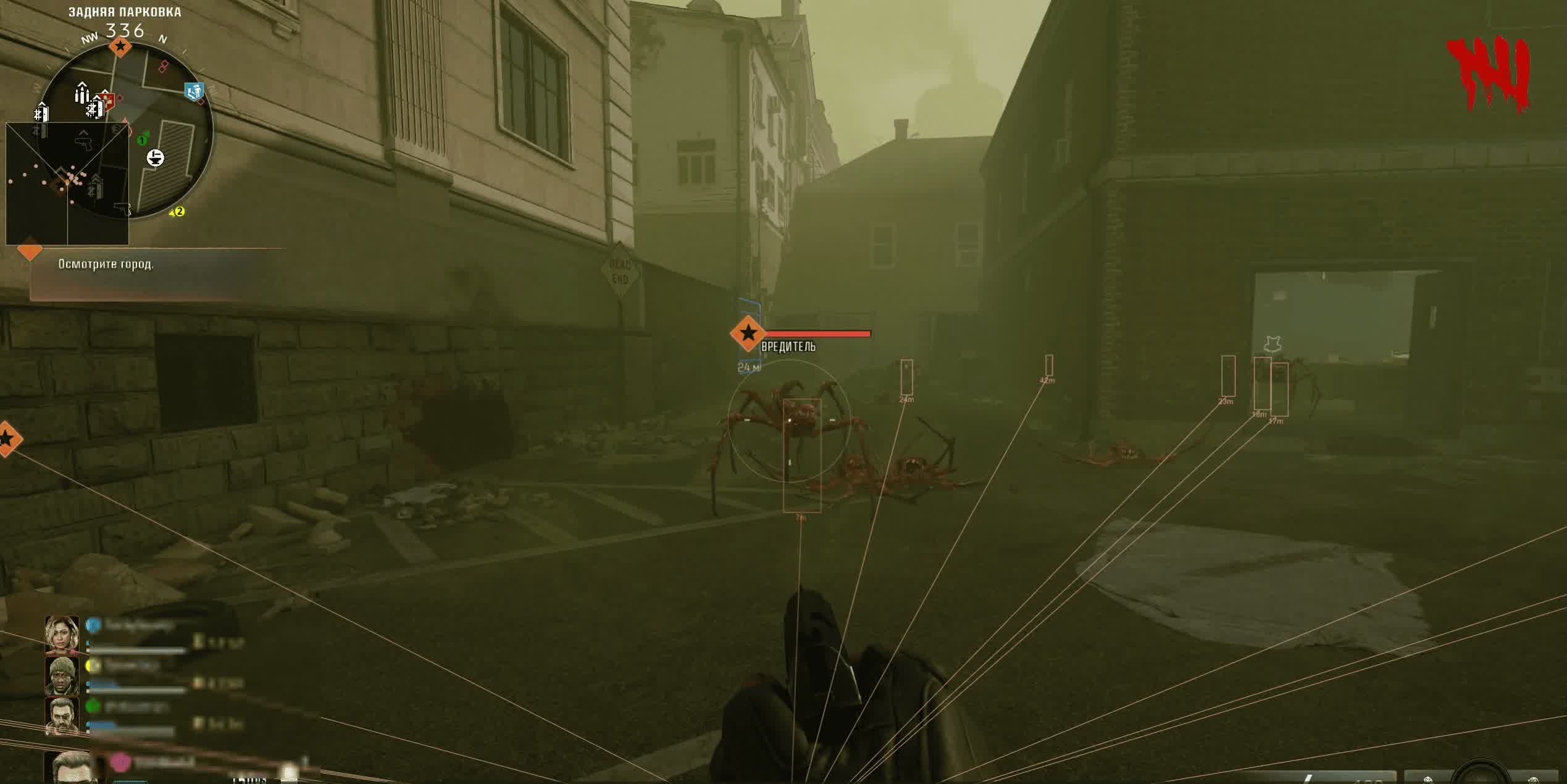
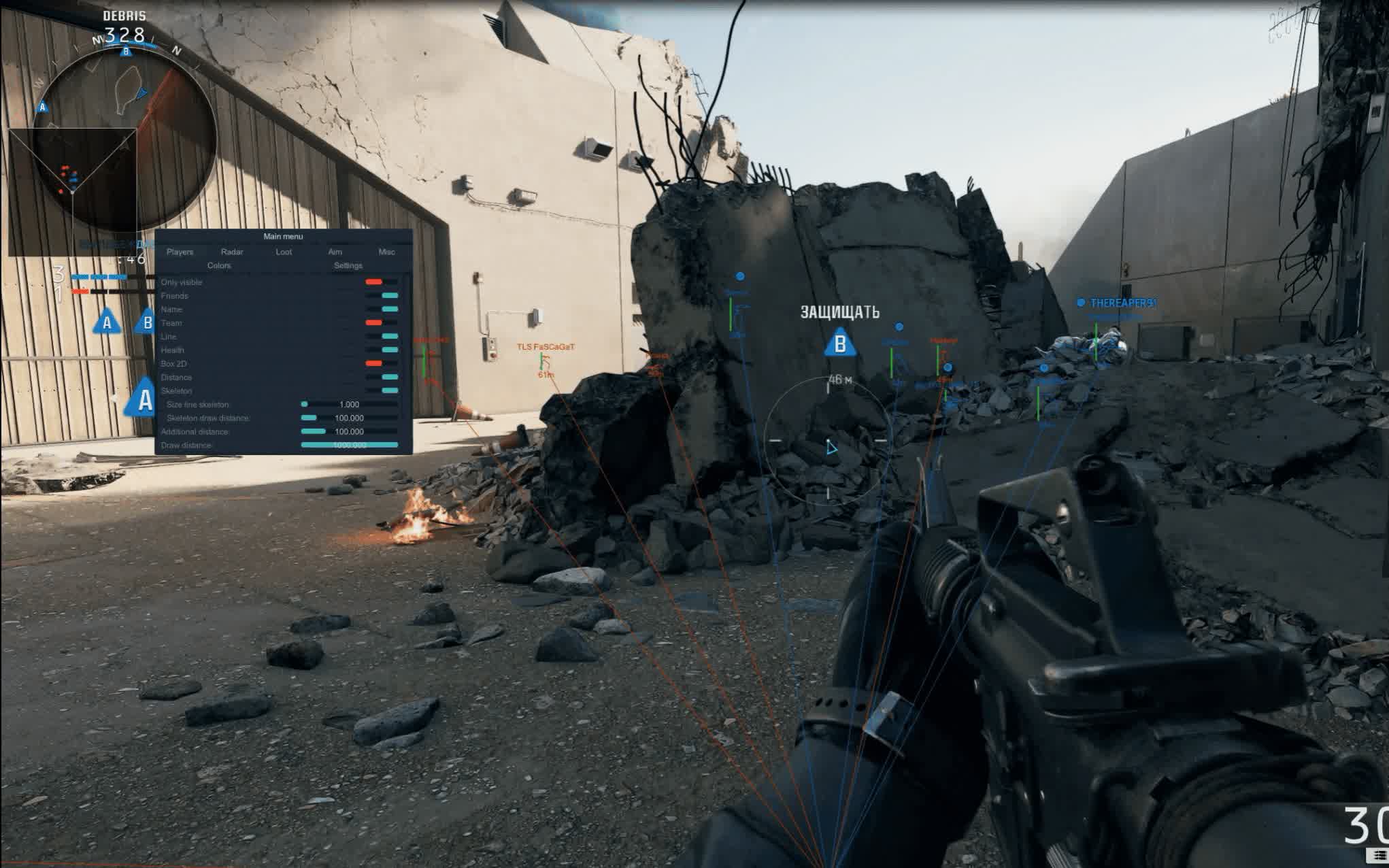
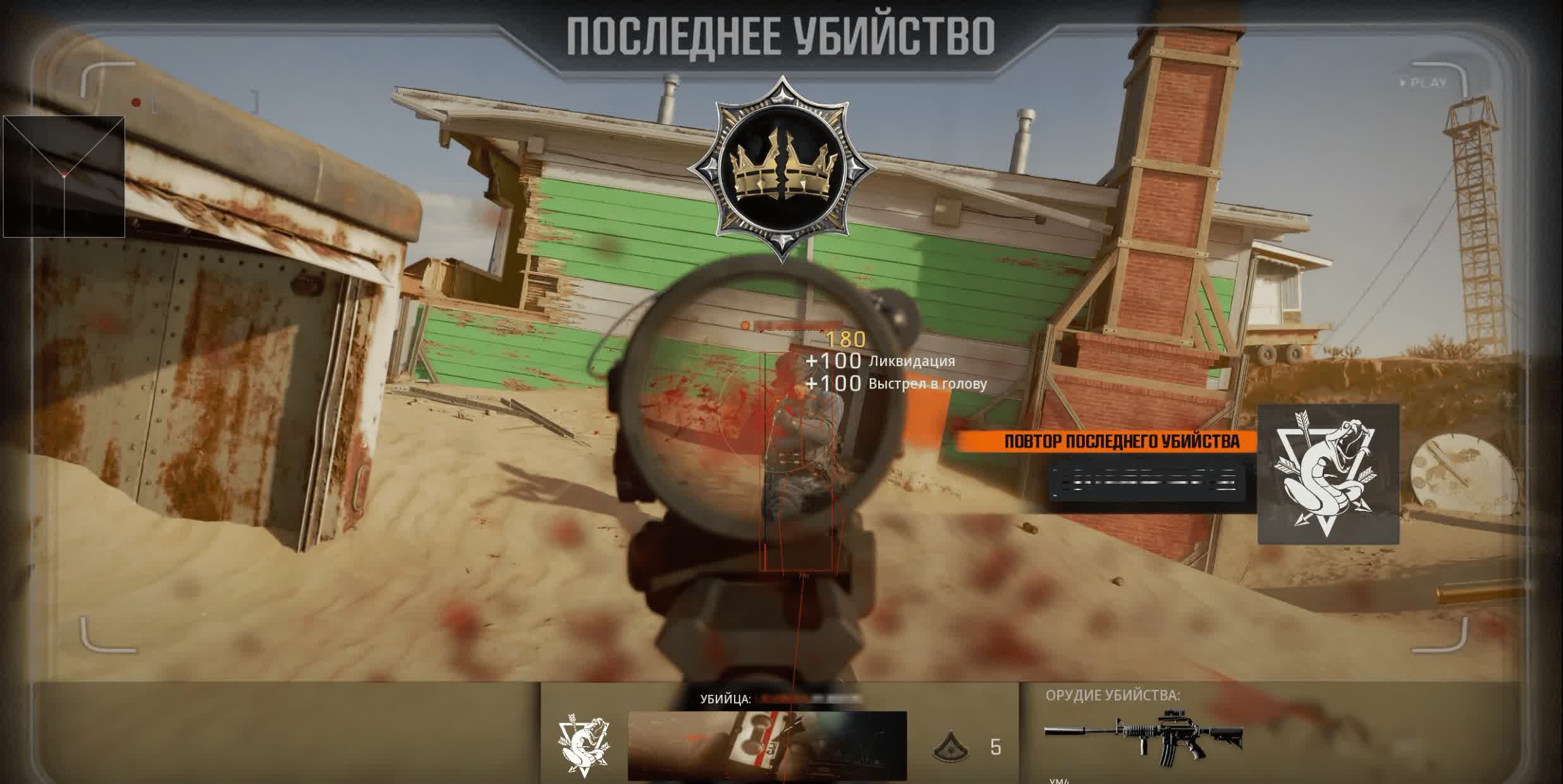
Get the decisive edge in Call of Duty: Black Ops 6 and Warzone with the multifunctional cheat from Crooked Arms . This product is built for players who want total control over the battlefield. You'll see enemies, teammates and every piece of valuable loot, while the advanced Aimbot lets you hit targets with unreal precision, all while mimicking natural player behavior.
With the aimbot's flexible settings, including unique presets, you can adapt it to any playstyle. Crooked Arms gives you a powerful tool for domination that combines a deep feature set with a high level of customization.
Product features
Aimbot (your style)
Ready-Made Presets
Quick start. Pick your mode: Beginner for subtle assistance, Pro for serious play or Rage for total carnage. No need to dig through settings for hours.Humanization (Overshoot & Inertia)
Hyper-realism. Inertia and random-miss (Overshoot) settings make your aim movements indistinguishable from a real human. Even an experienced admin won't suspect the software.Target Lock & Micro Pause
Smart shooting. Target lock and micro-pauses when switching targets. The perfect balance between effectiveness and safety.Visual Effects & Radar (Map 2.0)
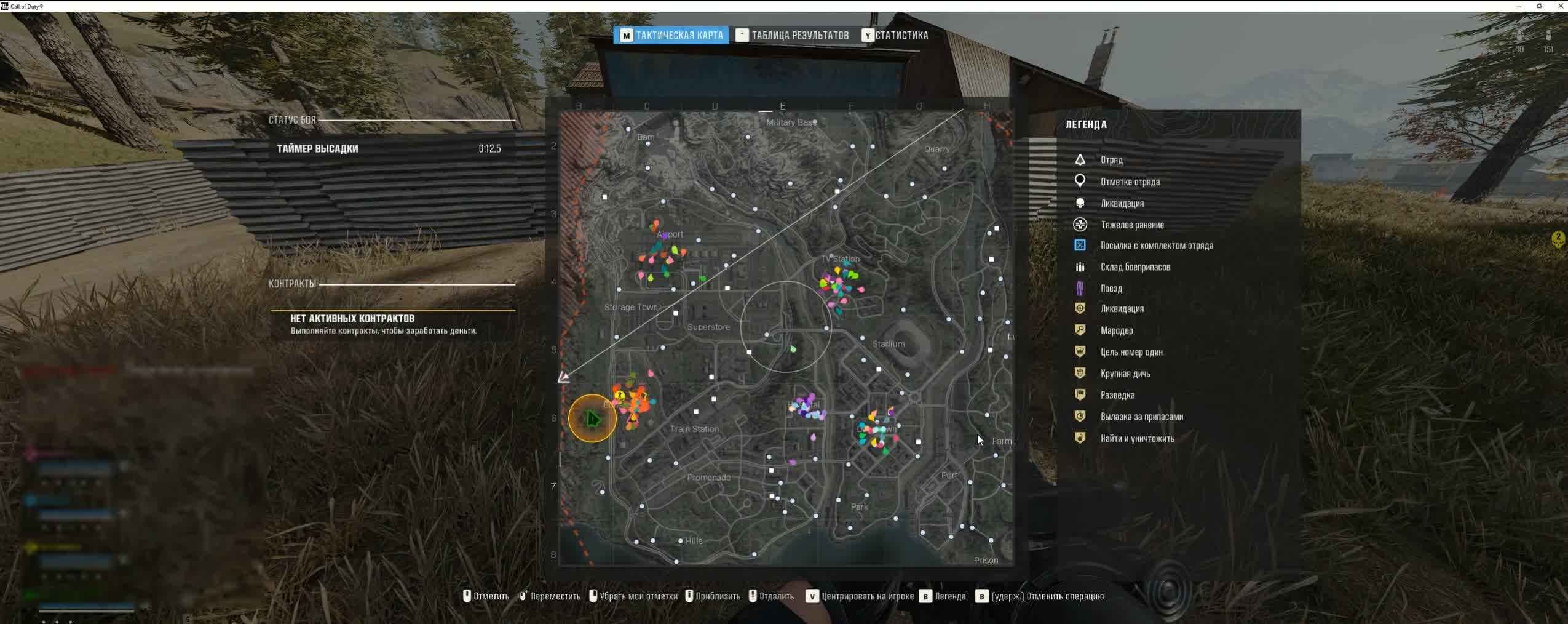
Map Radar
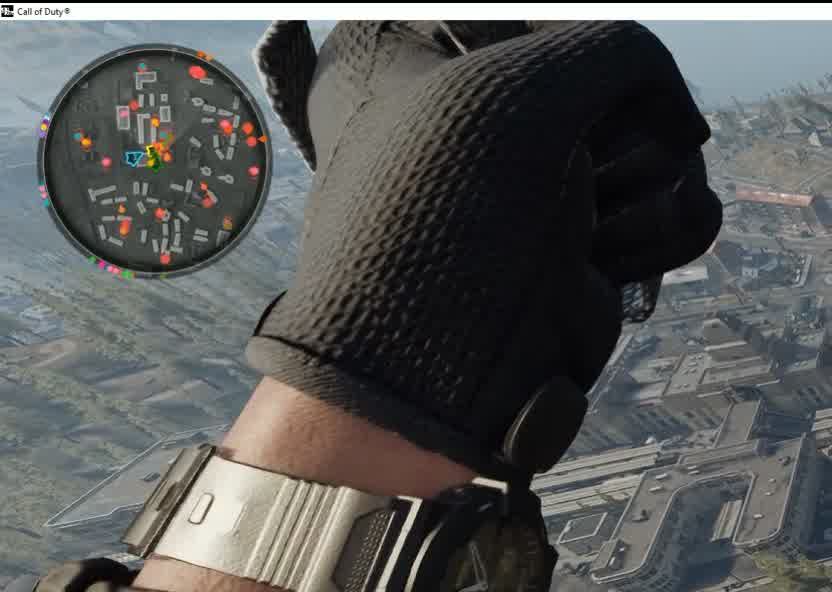
Global control. Shows enemies and bots right on the full map (M) and the in-game minimap. You see every movement in real time.Skeleton & Gaze Direction
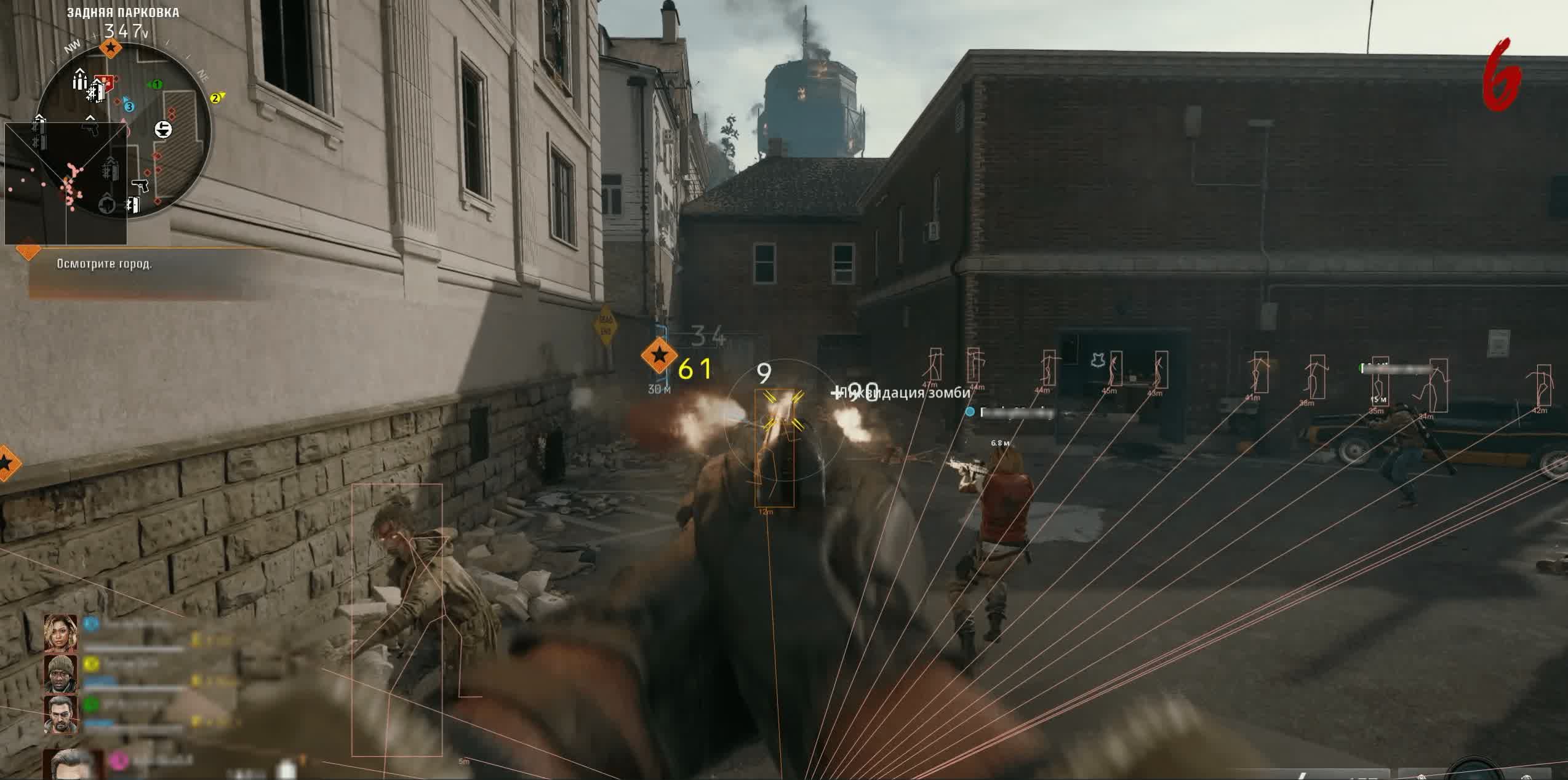
Reading the game. Enemy skeletons and gaze direction. Catch the moment an opponent turns away to attack.Loot & Colors (Aesthetics)
Color by Rarity
Color grading. Loot is highlighted by its rarity (green, blue, legendary). An intuitive interface.Killstreaks & Perks
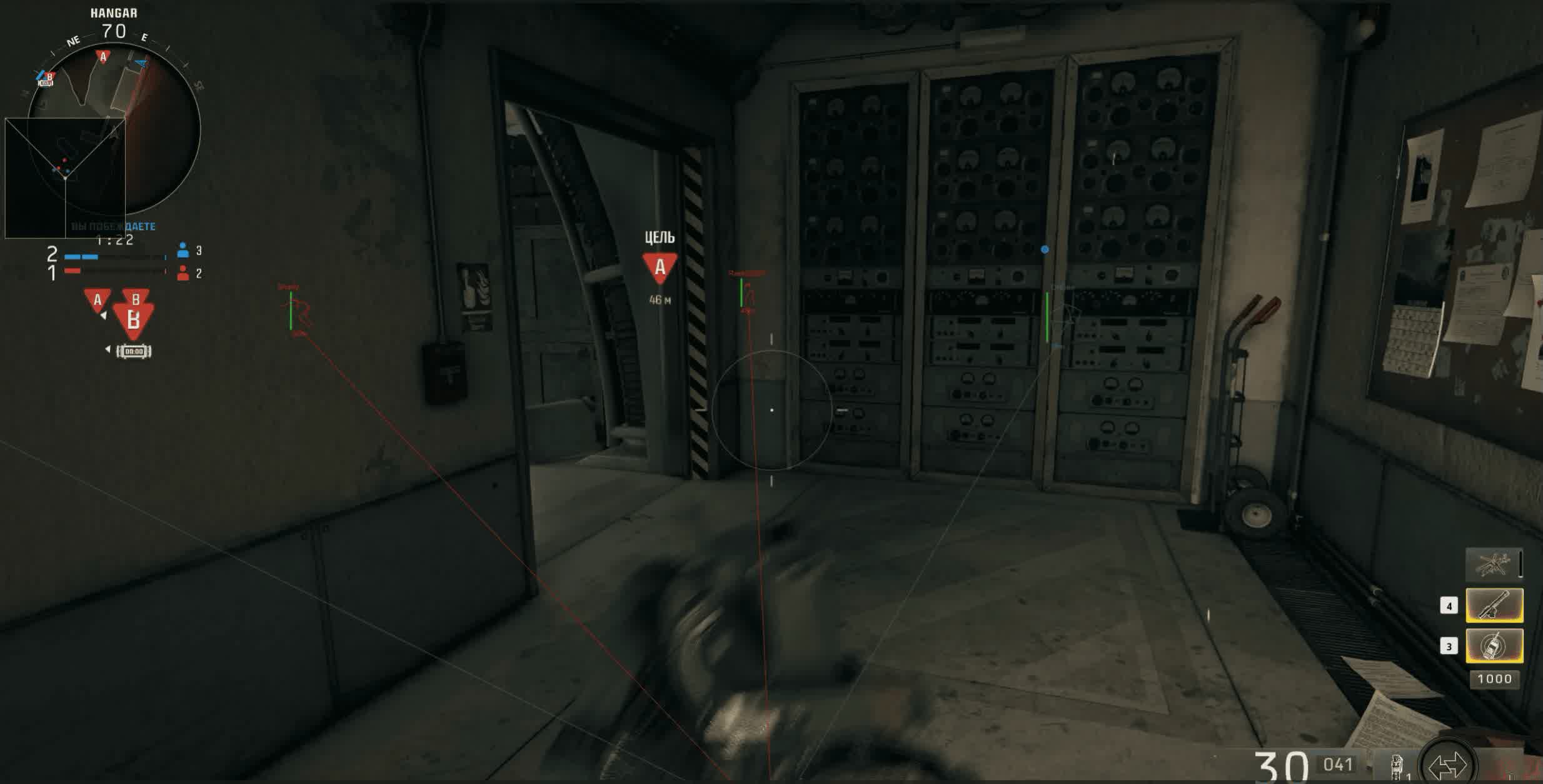
The edge. Highlights for airstrikes, perks and upgrades. Build the perfect loadout ahead of everyone else.Known issues & fixes
Real questions from our support, with the fixes that worked. Based on user requests for this product.
The loader says core isolation is enabled and won't inject the program — what do I do?
This is caused by Windows' Core Isolation (Memory Integrity) security feature combined with antivirus interference.
- Turn off Core Isolation in Windows security settings.
- Separately disable your antivirus's real-time protection — this is a different toggle from fully disabling the antivirus itself.
- Add the loader's folder to your antivirus exclusions.
- Restart your PC — changes may not take effect until you do.
If the program is still blocked after that and you're using third-party antivirus software, remove it completely using the vendor's official removal tool, since a normal uninstall can leave an active driver behind. As a last resort, reinstalling Windows will fix it.
The loader won't open or shows a server connection error — what should I do?
This error is usually caused by your ISP or region blocking the connection.
Try turning on a VPN and launching the loader through it — in most cases this resolves the connection issue.
The listing says the program supports all Windows 11 builds except one specific version — will it work on newer builds released after that?
Yes, as long as your build isn't on the unsupported list, the program will work.
The list of unsupported builds can change with new Windows updates, so check with support at the time of purchase to confirm the current status.
Crooked Arms