Благо хоть этот работает
Wake the ancient wisdom
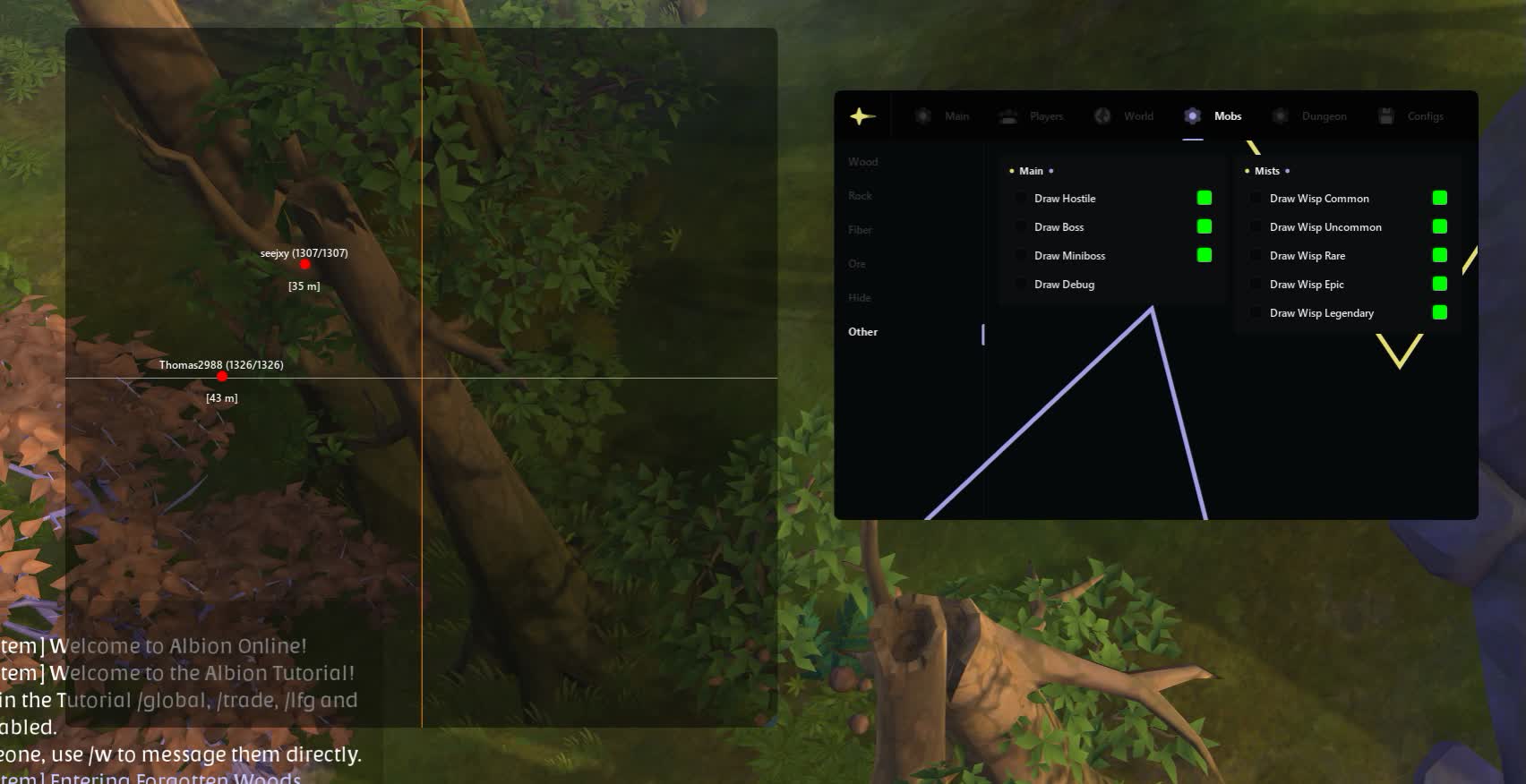
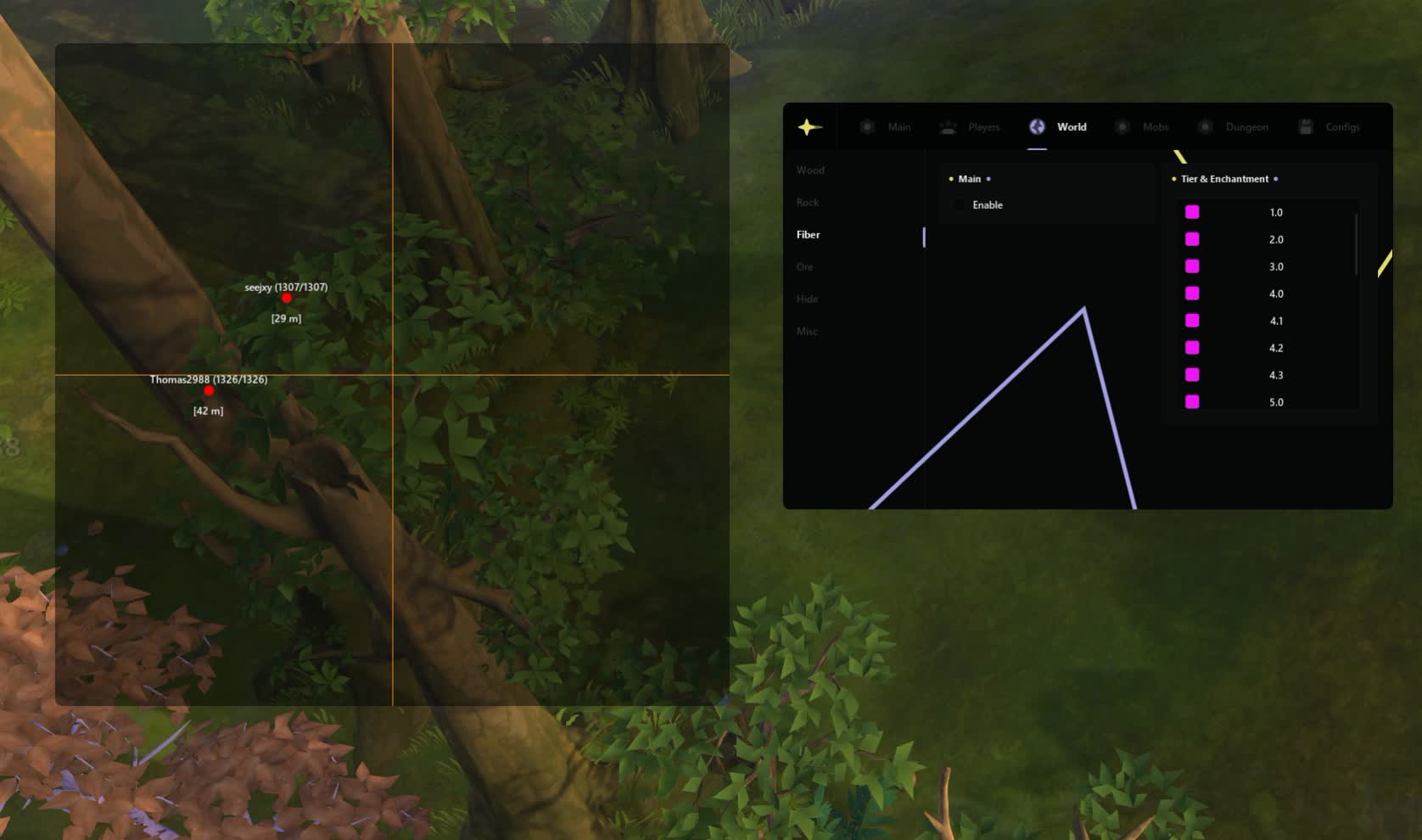
Meet RADAR ANCIENT, the second, equally powerful recon tool in the world of Albion. If RADAR MASON is the choice of the pragmatic gatherer, then ANCIENT is the radar for the true hunter and explorer. Its real strength is the incredibly detailed display of living creatures: from ordinary players and mobs to bosses and mystical spirits.
This radar for the PK version of Albion Online focuses on giving you maximum intel on enemies and dungeons. You will know not just where the enemy is, but what mount he is riding, his health level, and whether you are in the same group. Pick ANCIENT if your goal is the hunt, not just gathering.
Product features
Main & Interface (Tactical Tablet)
Zoom & Transparency
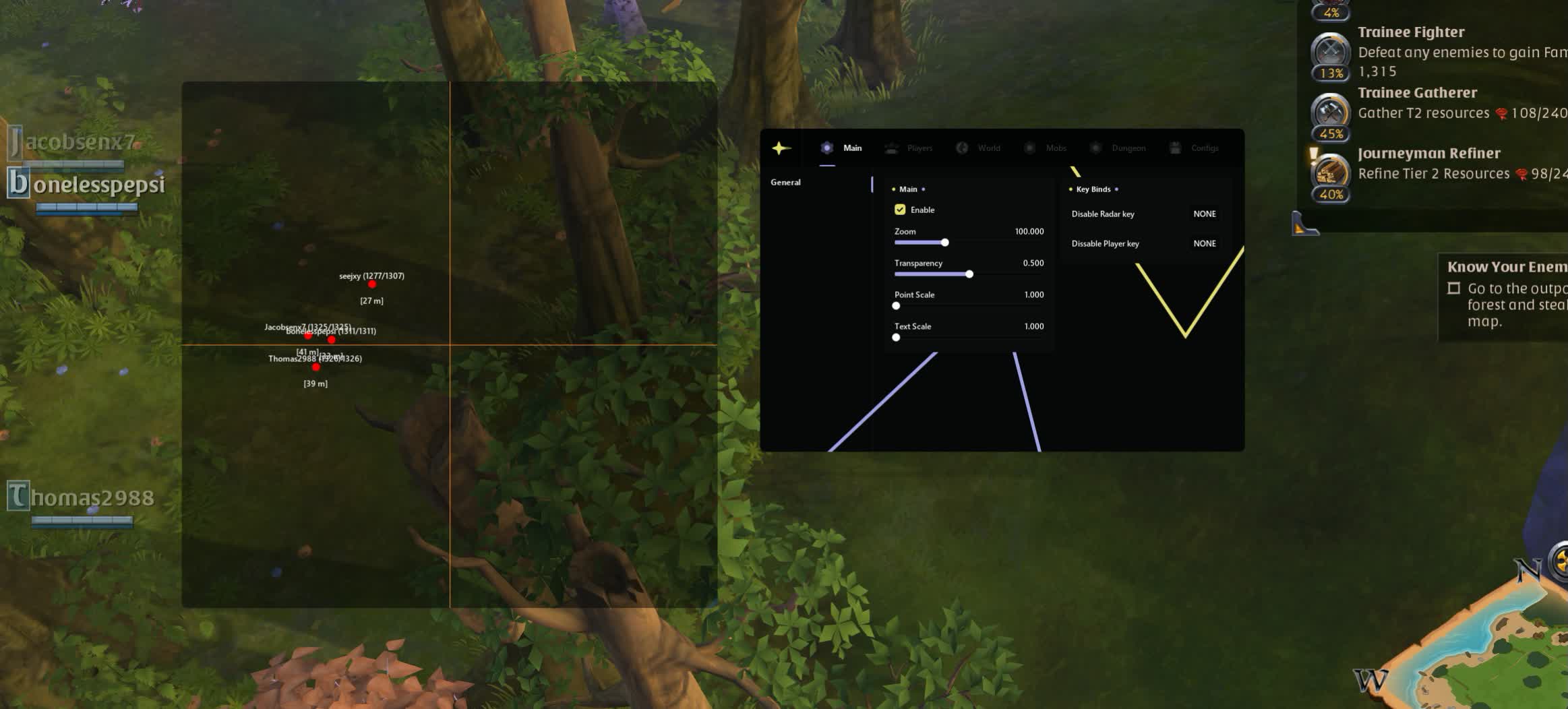
Tune it to your liking. Adjust the transparency and zoom of the radar so it does not block the game but still gives you a full picture of what is happening in the zone.Hotkeys (Panic Mode)
Instant reaction. Hide the radar interface with one key while streaming or during a check. Turn off the extra stuff fast in the heat of a fight.Players (Surviving in PvP)
Mount & Health Info
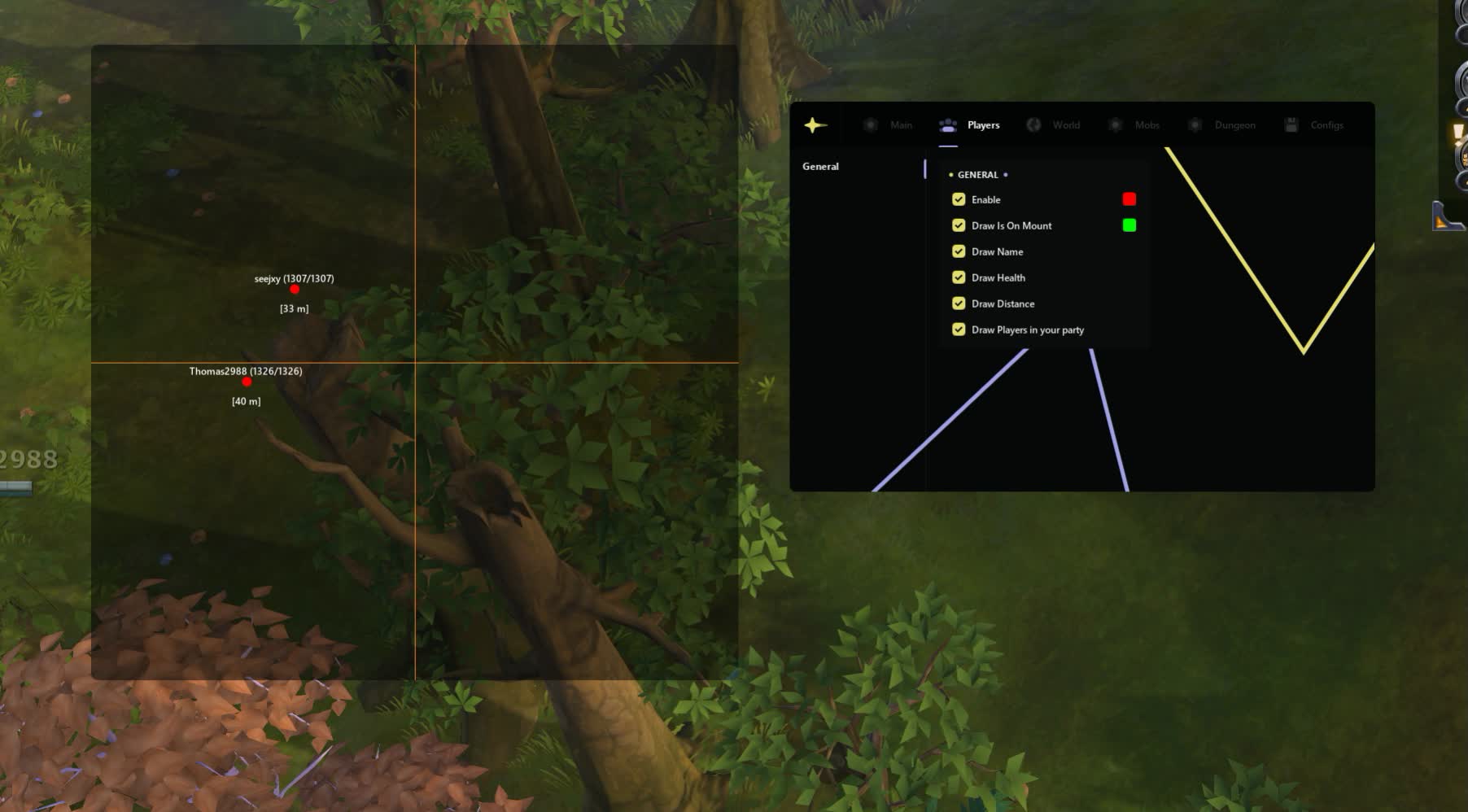
Threat assessment. See whether the enemy has dismounted (getting ready to attack) and how much HP he has. Do not let gankers catch you off guard.Party ESP
Zerg coordination. Highlighting your party members helps you hold formation in ZvZ battles and not lose your own in the chaos of spells.World & Resources (Wealth)
Enchanted Resources
Hunt for .3 and .4. Filter resources by tier and enchantment. See only the glowing 8.3 bushes and ignore the plain ones. Maximum profit for minimum time.Loot Bags & Chests
Nothing gets lost. Highlighting of bags from corpses and hidden treasure. Grab loot off the dead in ZvZ faster than the looter rats.Mobs & Mists (Fame Farm)
Mists Wisps (Legendary)
Path to legend. A unique radar for wisps. Find legendary portals in the Mists before everyone else and farm in elite zones.Bosses & Mini-Bosses
Elite PvE. Separate ordinary mobs from bosses. Farm expensive artifacts off aspect mobs and world bosses from a safe distance.Dungeon (Exploration)
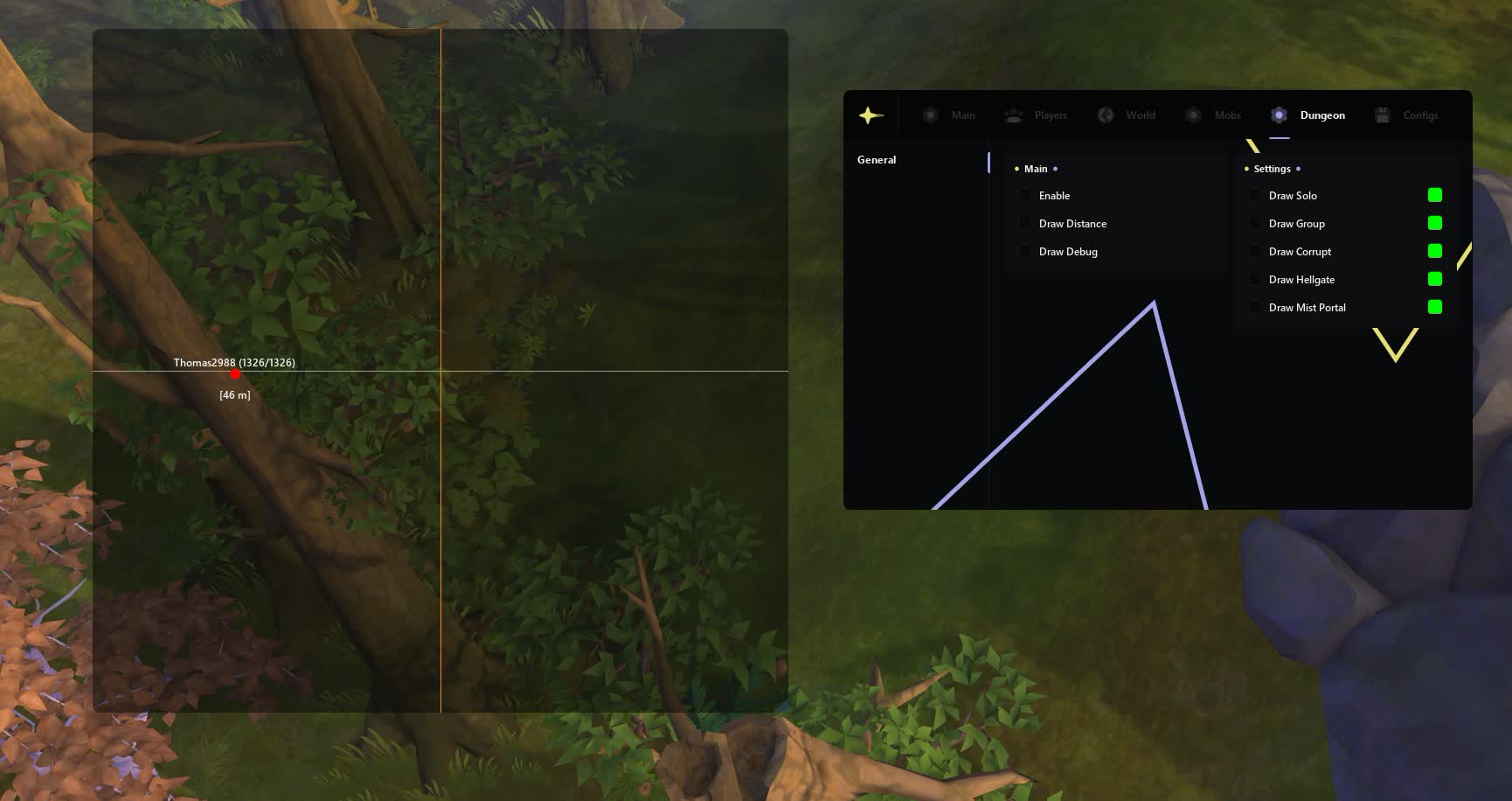
Hellgates & Corrupted
Way into the content. See the entrances to Corrupted, Hellgates and Avalonian dungeons. Do not waste time running around, head straight for the target.Known issues & fixes
Real questions from our support, with the fixes that worked. Based on user requests for this product.
Hyper-V error / 'Please make sure PIN is not set' when launching the loader
Hyper-V must be fully disabled and the Windows PIN sign-in option must be removed (Settings → Accounts → Sign-in options).
If disabling Hyper-V through Windows Features doesn't work, run the following in an Administrator PowerShell session:
- takeown /F "C:\Windows\System32\hvix64.exe"
- icacls "C:\Windows\System32\hvix64.exe" /grant *<SID>:F
- Repeat for hvax64.exe, then delete both files with del.
Reboot and try the loader again.
I launch the loader but the window never appears / loader doesn't open
To diagnose the issue, follow these steps:
- Download the Sordum utility (archive password: sordum).
- Run it, click Search, and wait for the scan to finish.
- Take a screenshot of the result and send it to support , this allows the team to identify the exact cause.
Error «Please make sure PIN is not set and manually disable Hyper-V» on launch
This error means Hyper-V is not fully disabled or a Windows sign-in PIN is still set. Follow these steps:
- Go to Settings → Accounts → Sign-in options and make sure PIN and password sign-in are disabled.
- Open Command Prompt as Administrator and run each command one at a time:
takeown /F "C:\Windows\System32\hvix64.exe"
icacls "C:\Windows\System32\hvix64.exe" /grant *$(([System.Security.Principal.WindowsIdentity]::GetCurrent()).User.Value):F
takeown /F "C:\Windows\System32\hvax64.exe"
icacls "C:\Windows\System32\hvax64.exe" /grant *$(([System.Security.Principal.WindowsIdentity]::GetCurrent()).User.Value):F
del "C:\Windows\System32\hvix64.exe"
del "C:\Windows\System32\hvax64.exe" - Restart your PC and try again.
Administrator rights and a standard (non-restricted) Windows installation are required. On rented or corporate PCs with limited permissions this method may not work.
Loader fails to start when FaceIT anti-cheat is installed
FaceIT Anti-Cheat is incompatible with this software. Completely uninstall FaceIT Anti-Cheat via Windows «Apps & Features», then reboot your PC and launch the loader again.
Antivirus remnants blocking the cheat , how to clean the system?
If the antivirus has been uninstalled but the cheat still fails to start, hidden remnant files (cache, logs, drivers) may remain on the system. Use the Sordum utility (archive password: sordum): download it, run it, click Search, and take a screenshot of the results.
If the found files cannot be removed automatically, navigate to the shown path and delete them manually. As a last resort, a clean Windows reinstall is the only reliable fix.
Reinstalled Windows , how to extend my key?
After reinstalling Windows your key needs to be renewed. Contact support and provide your license key , the team will add the lost time back to your subscription.
Ancient




