
Unnamed Lite APEX: private software for Apex Legends
 Unnamed

User information
There's no menu, read the program's features carefully!
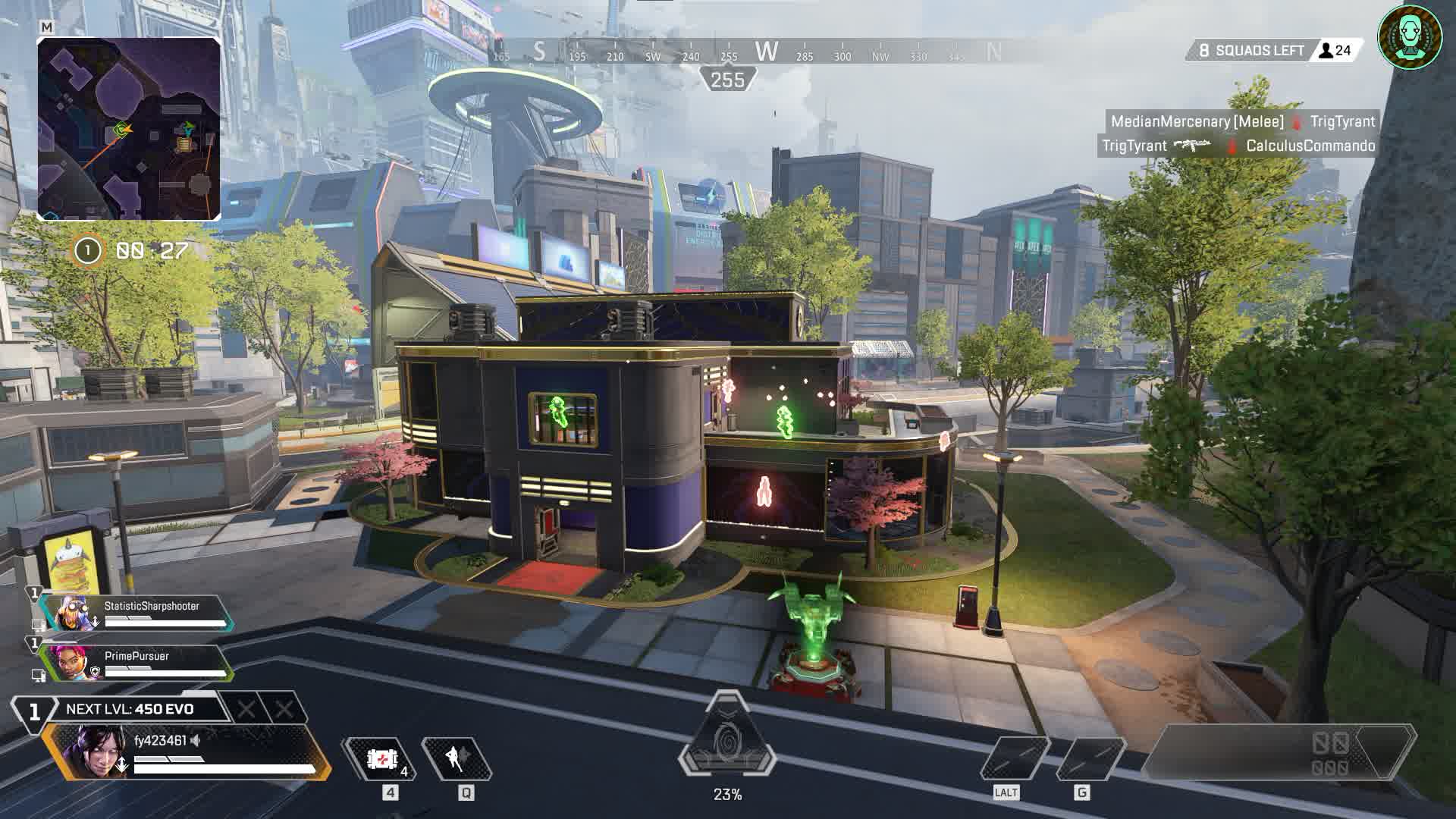
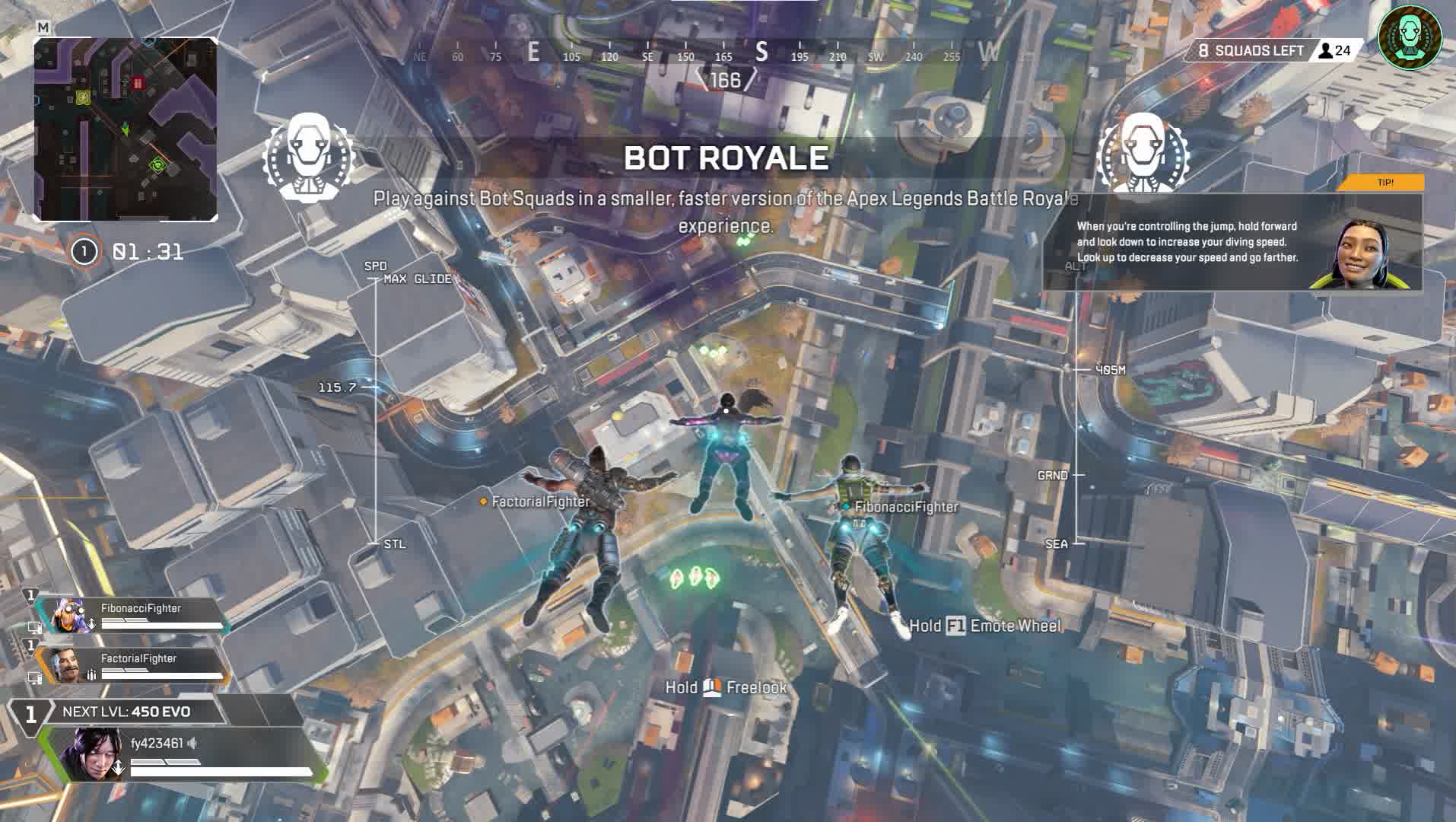
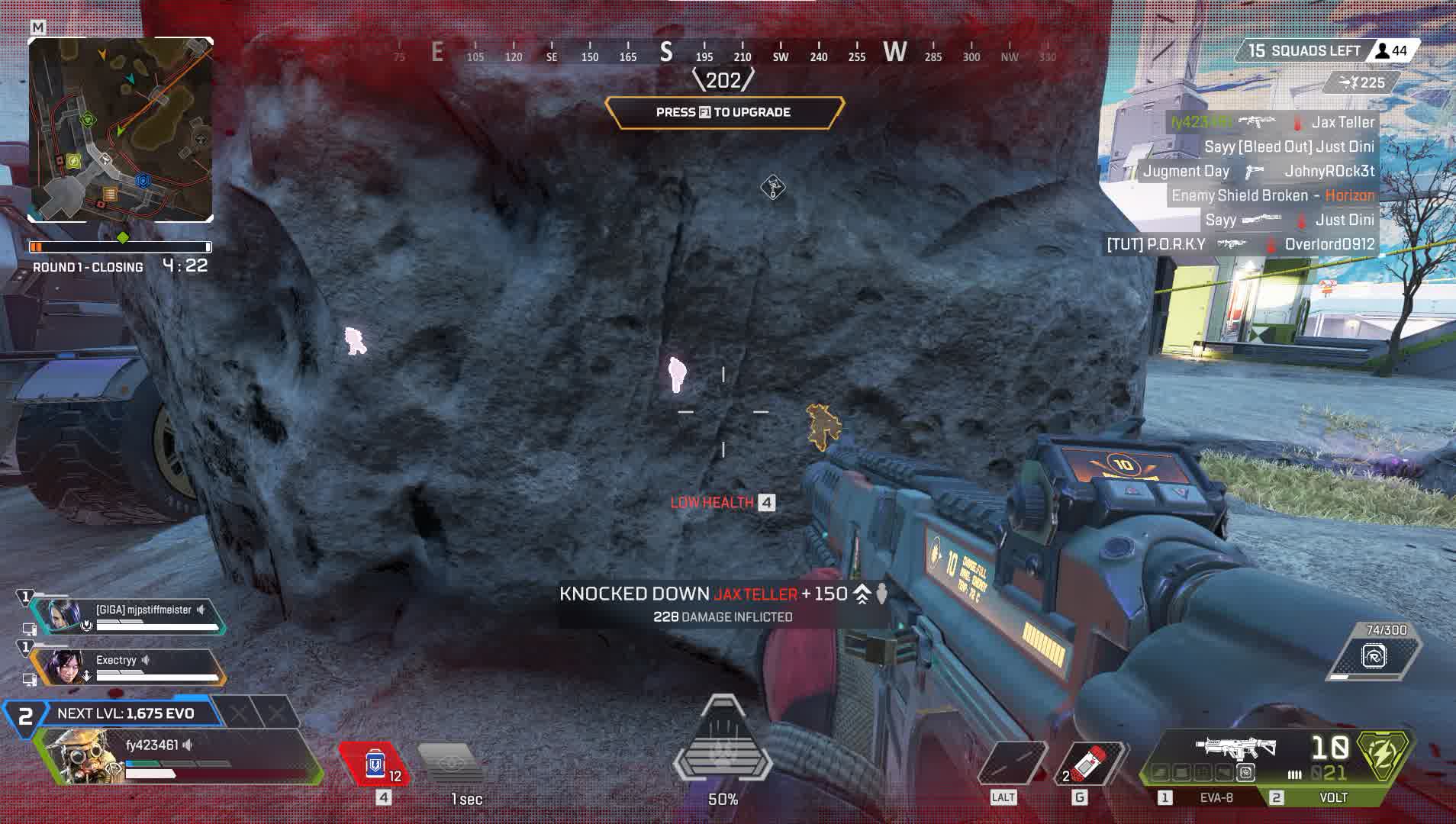
For those who value safety above all else, we present Unnamed Lite, a lightweight, focused solution for Apex Legends. Forget about bulky menus and risky features. This product offers only the essentials for tactical superiority, putting long-term, stable undetection front and center.
Get key intel on enemy positions with clean, easy-to-read Glow ESP, and perfect your movement thanks to automatic scripts for Super Glide and Tap Strafe. It's the ideal pick for players who want a legit edge without putting their account at risk.
Product features
Visuals (Glow ESP)
Player Glow & Brightness
Glow. Adds a bright outline to enemy models. Adjust the intensity (Glow Brightness) to your taste, from subtle to blinding.Visible Check & Only Visible
Color swap. The highlight automatically changes color depending on whether the enemy is visible. Only Visible mode removes the glow on enemies behind walls so it doesn't distract you.Ignore Knocked & Teammates
Filters. Turn off the highlight on knocked enemies and teammates. Focus only on active threats.Weapon Glow
Loot. Enable glow on ground loot with customizable colors. Find a Wingman or R-99 in a flash.Other features (Movement Gods)
Auto Super Glide
Technique. Automatically pulls off the tricky Super Glide (a move for fast momentum). Consistent and error-free.Auto Tap Strafe
Control. The script does the Tap Strafe (a sharp mid-air direction change) for you. Dodge shots at full speed.Custom HotKeys
Convenience. Set up your own hotkeys to toggle any feature on and off.Known issues & fixes
Real questions from our support, with the fixes that worked. Based on user requests for this product.
Loader says Invalid key / key not working
This is a server-side issue, not a mistake on your part. Contact support and provide the key that arrived in your email after payment.
The operator forwards the key to the developer, who then issues a replacement. A new key usually arrives within a few hours depending on the developer's time zone.
No additional steps are required on your end while you wait — the loader and all files are already set up correctly.
Driver Error appears after entering the key in the loader — cheat won't start
A driver error usually indicates a conflict with installed software or a system environment issue. Follow these steps:
- Download the Sordum utility (the archive password will be provided by support).
- Launch it, click Search, and wait for the scan to finish.
- Send a screenshot of the results to the support chat — the developer will analyse the conflict and provide a fix.
After reinstalling Windows the HWID binding is lost — loader shows "HWID not found"
The key binding resets when you reinstall the OS. Contact support and provide your activation key — the operator will forward the request to the developer, who will reset the HWID on the server side. Re-enter the key in the loader after the reset is confirmed.
Note: one key works on one PC only. If your hardware has not changed, the reset is free of charge.
Loader CMD window opens and immediately closes, nothing happens
In most cases, using a VPN fixes the issue: start a VPN connection and then relaunch the loader. If your VPN has TUN mode enabled, disable it in the VPN settings and try again.
Additionally: download the Sordum utility (archive password: sordum), run it, click Search, and send a screenshot of the results to support — this helps diagnose what is blocking the launch.
If neither VPN nor Sordum helps, contact support to escalate to the developer.
Loader shows 'under maintenance' or cheat is unavailable after a game update — how long to wait?
The loader is temporarily unavailable while the developer releases an update. This is a planned process that typically takes a few hours.
- Monitor the status on the website and in the news channel: t.me/procheatsupport
- Subscription time does not count down during a freeze — the timer is paused.
- Once the update is ready, the loader will work automatically. No additional steps are needed on your end.
The site is blocked in my country and I can't download the loader
Use a VPN to access the site and download the loader. Once the loader is downloaded and the cheat has been injected, you may disable the VPN — it does not need to remain connected during gameplay.


 Join all games chat





