Продавец вернул деньги, из-за проблем с софтом. Спасибо!
BlankLabs private software for ARC Raiders
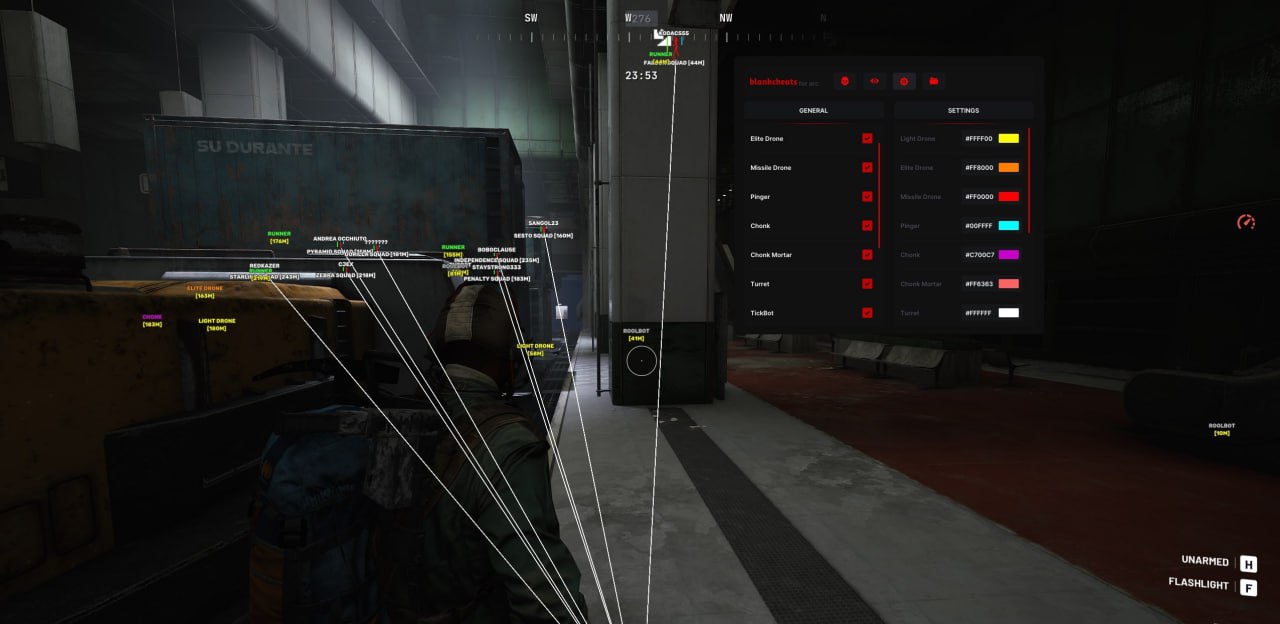
The BlankLabs cheat for ARC Raiders is a balanced solution for players who want to feel confident in both PvE and PvP fights in this new game. The BlankLabs team is known for caring about optimization, so the software has minimal impact on FPS while still giving you a powerful toolkit. The product's main standout feature is its detailed handling of NPCs. The cheat tells enemy types apart, highlighting elite mobs and tickbots, which is critical for surviving tough raids.
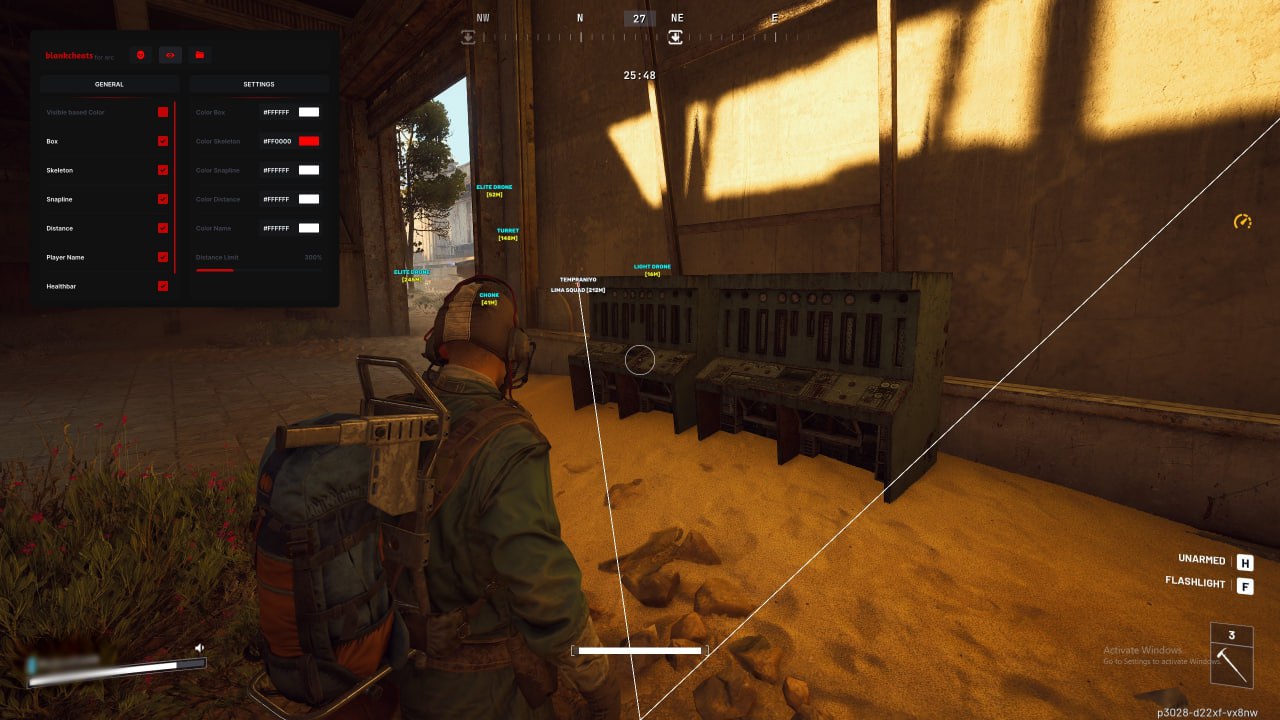
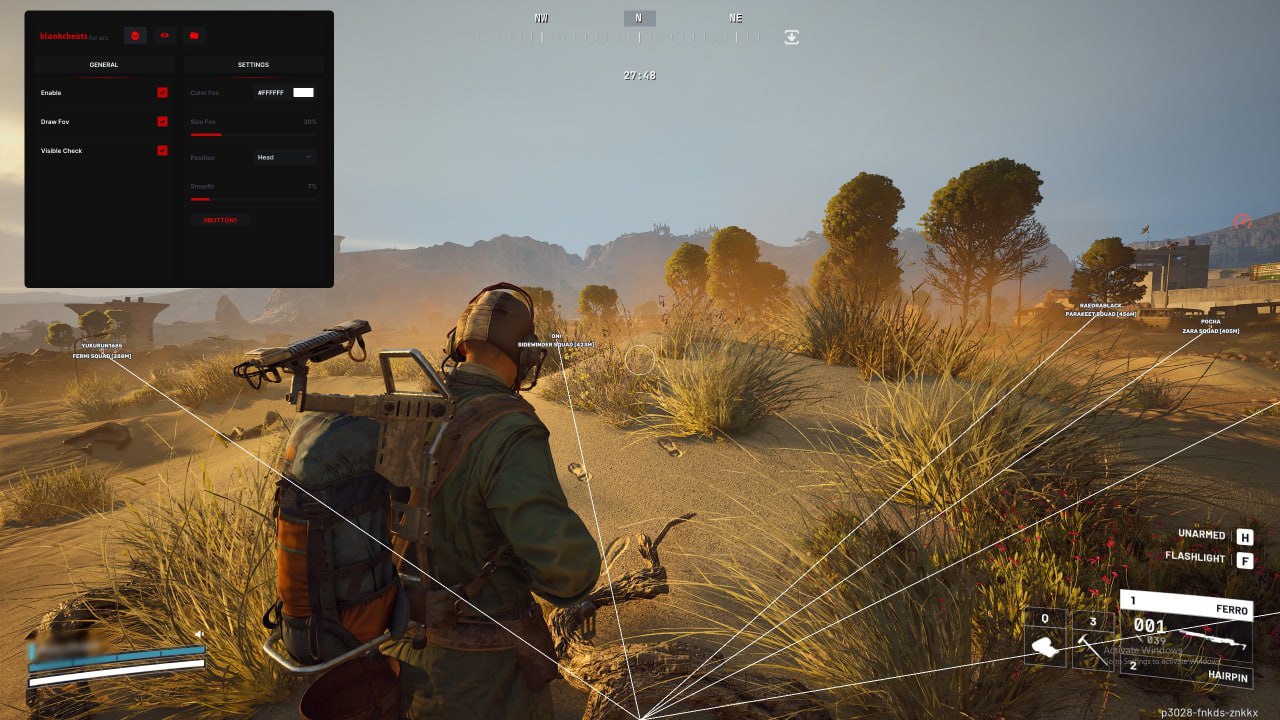
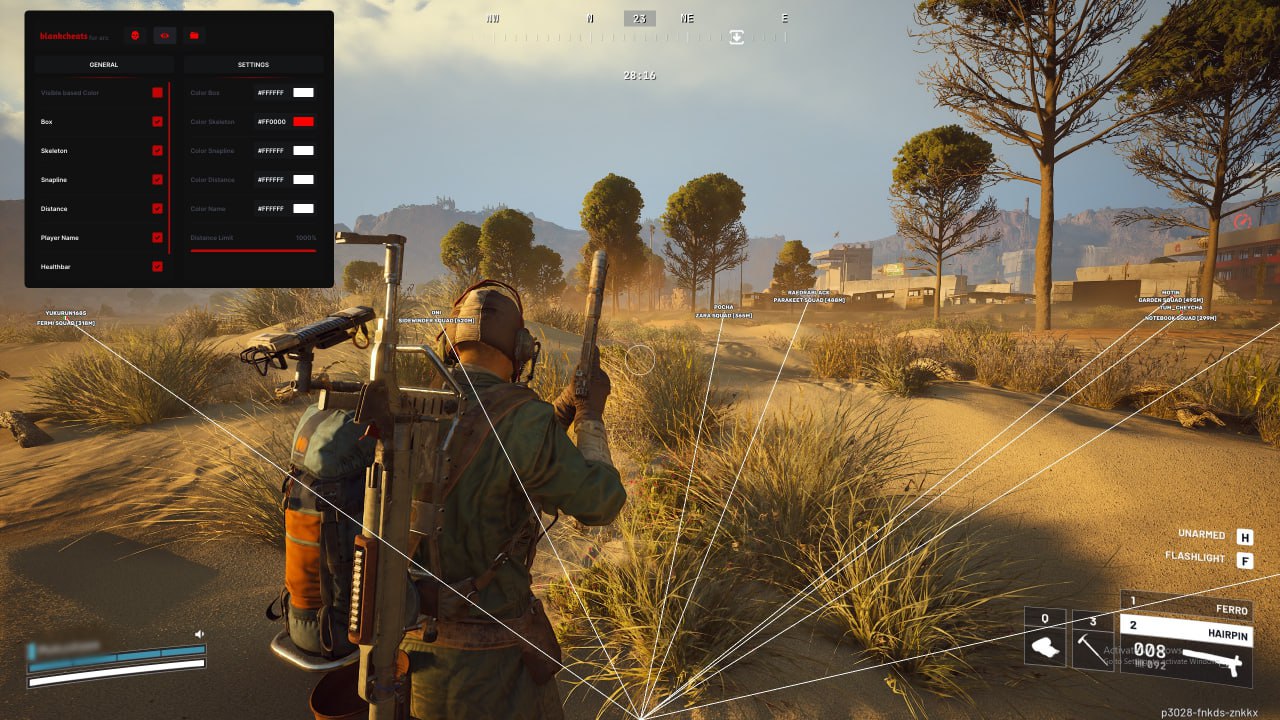
The feature set includes a smart Aimbot with a visibility check (Visible Check) that will not lock onto targets through walls, keeping your shooting natural. The visual side (ESP) gives you full information about the battlefield: you can see enemy health and shields, their skeletons, and distance. Flexible color and range-limit settings let you adapt the interface to your own playstyle and cut out unnecessary visual noise.
Product features
Visuals
Visible Check
changes the highlight color when an enemy is in direct line of sightBox
outlines enemies with rectangular boxes (squares)Skeleton
draws the model's skeleton so you can read the enemy's stanceSnapline
lines running from the center of the screen to the nearest targetsDistance
shows the distance to a target in metersPlayer Name
displays player nicknames above their headsShield Bar
shows the enemy's shield strengthHealthbar
enemy health bar for judging damageBots
separate highlighting for different bot types (Elite, Tickbot, etc.)Aimbot
FOV Control
adjusts the radius of the target capture zone (the FOV circle)Smooth
smoothness setting for legit-looking aimAim Position
pick which body part to shoot (head, neck, body)Visible Check
the Aimbot only triggers on visible enemiesKeybind
bind any key you like to activate the aimExtras
Distance Limit
limits the wallhack working range for better performanceCustomizable Colors
change the colors of any visual elementsKnown issues & fixes
Real questions from our support, with the fixes that worked. Based on user requests for this product.
Why did the visuals (radar, ESP) disappear from my cheat after a game update?
Right after a game update, the cheat may stop working correctly for a while — for example, visual features like ESP or radar can disappear until the developer releases an update matching the new patch.
There's no need to reinstall or reconfigure anything at this point — just wait, the update usually comes out shortly after the game patch.
The loader says an antivirus is active even though I disabled or removed it — what do I do?
Some antivirus programs leave leftover traces in the system after removal, and the loader can flag those traces as an active security program even when the antivirus itself is disabled or uninstalled.
- Fully uninstall the antivirus using its official uninstaller rather than just disabling it.
- If you plan to keep using an antivirus, add the loader folder to its exclusions.
- Contact support for a compatibility-check utility to confirm no traces of security software remain, and share the results.
Why are the player markers (ESP boxes/skeletons) misaligned and showing in the wrong place on screen?
This kind of misalignment is usually caused by display scaling settings. Check the following:
- Set the display scale in Windows settings to 100%.
- Set the in-game resolution to match your monitor's native resolution.
After that the display should line up correctly.
After reinstalling Windows my activation key stopped working even though my subscription is still active — what do I do?
Reinstalling the operating system changes the hardware ID (HWID) the key is bound to, so activation can stop working even if your subscription hasn't expired.
Contact support and provide your key — the binding will be reset manually, after which the key will work again on the new system installation.
BlankLabs




