найс
Cheat Arcane Battlefield 6: private software for Battlefield 6
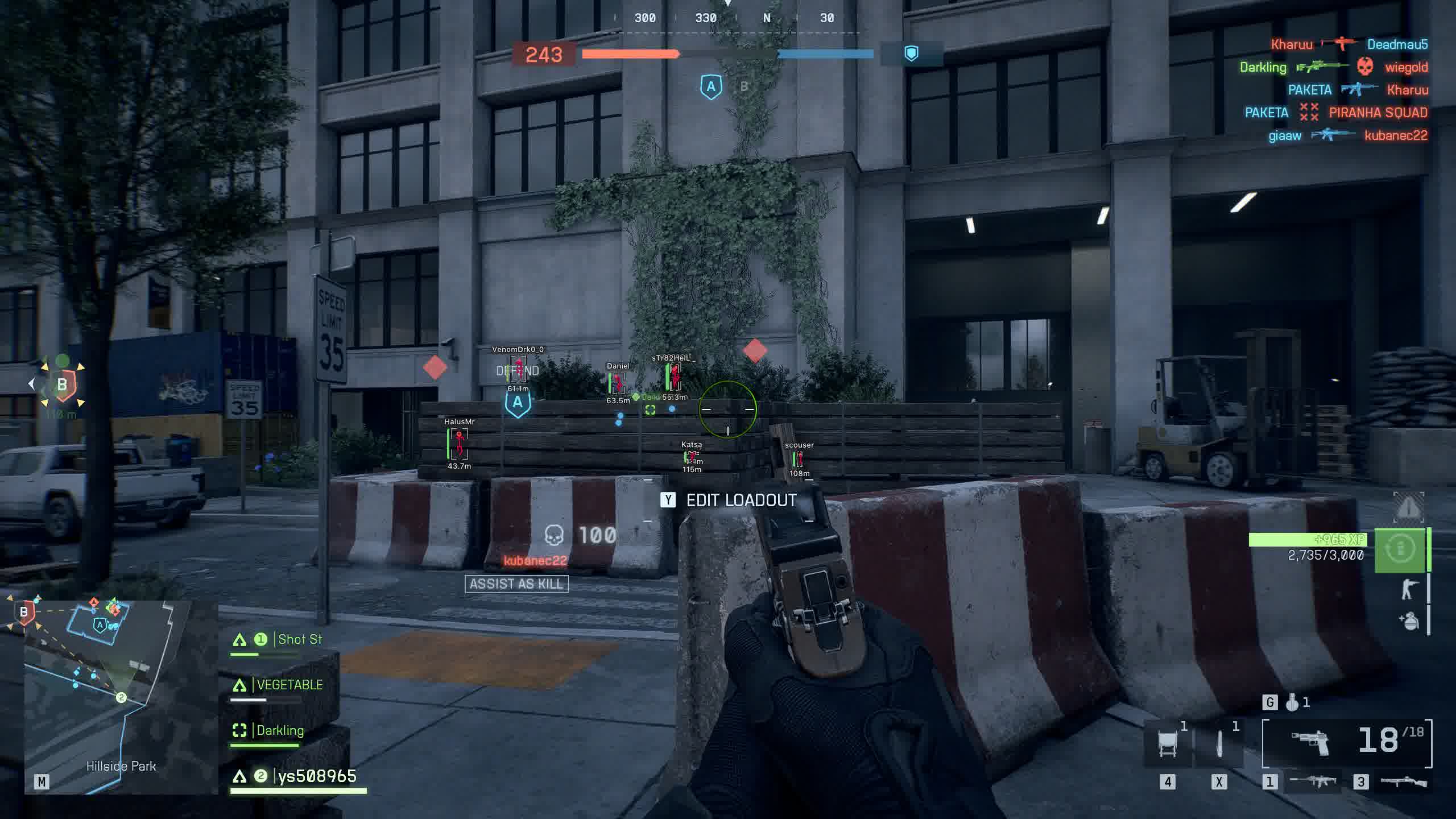
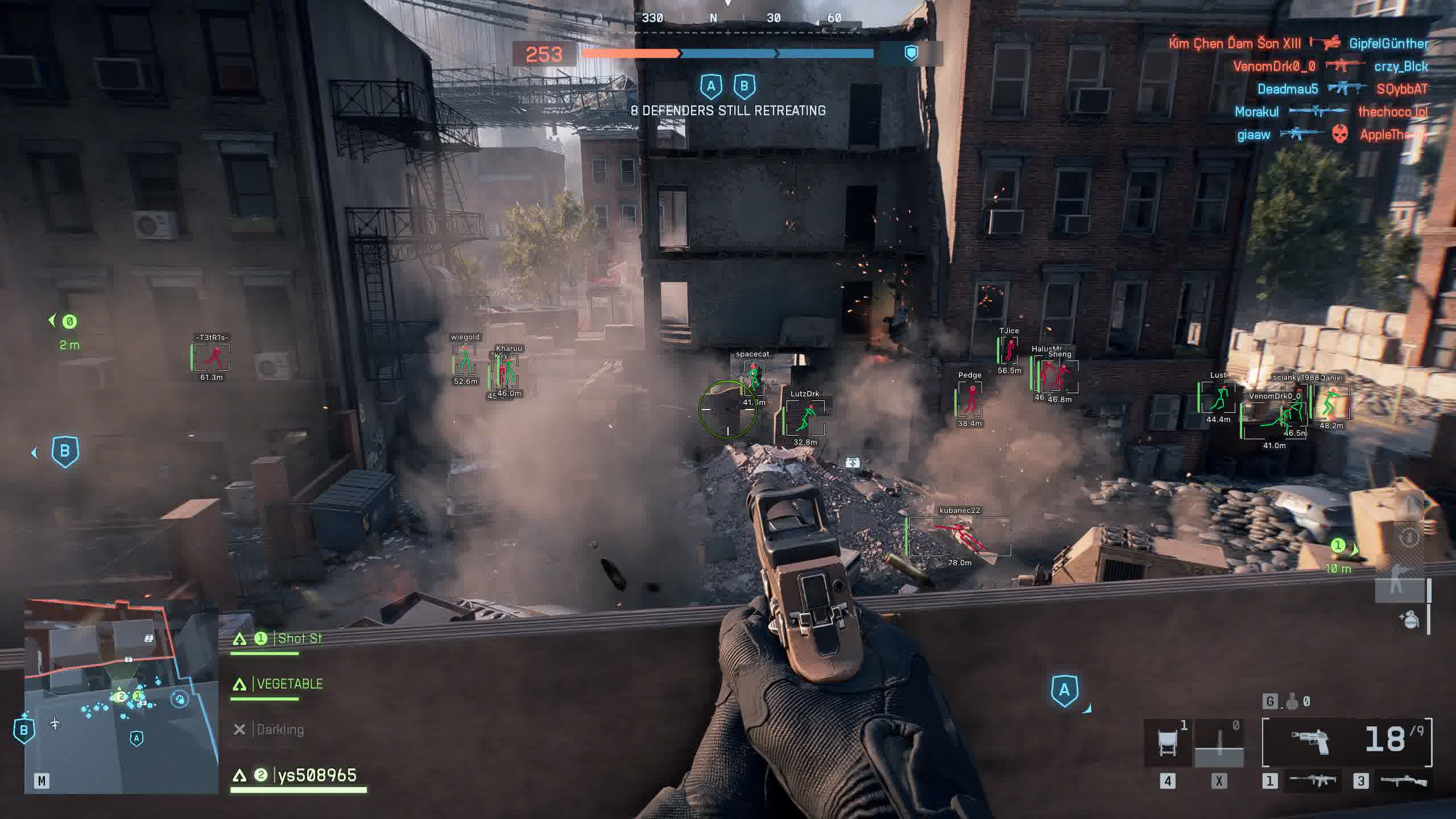
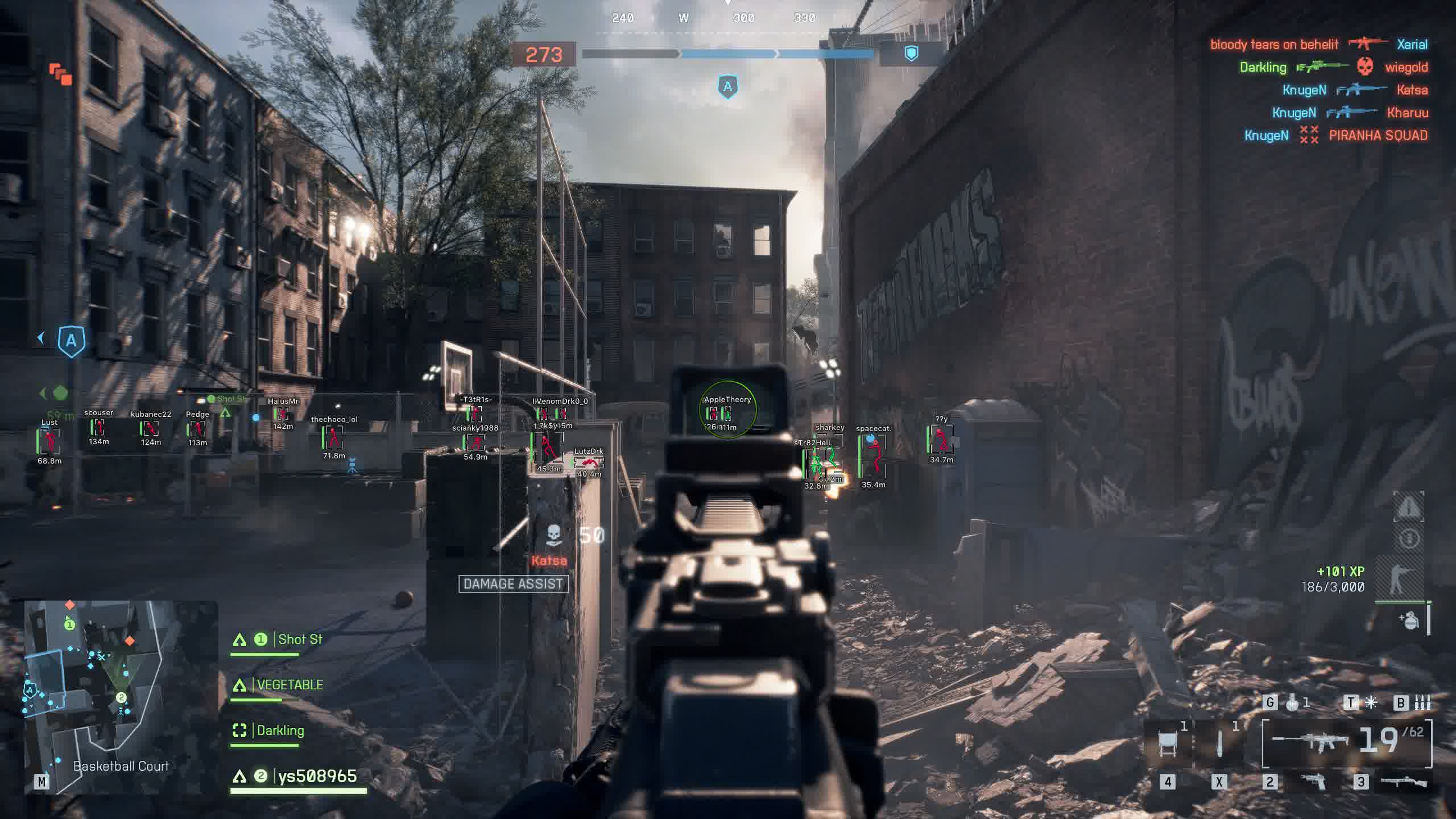
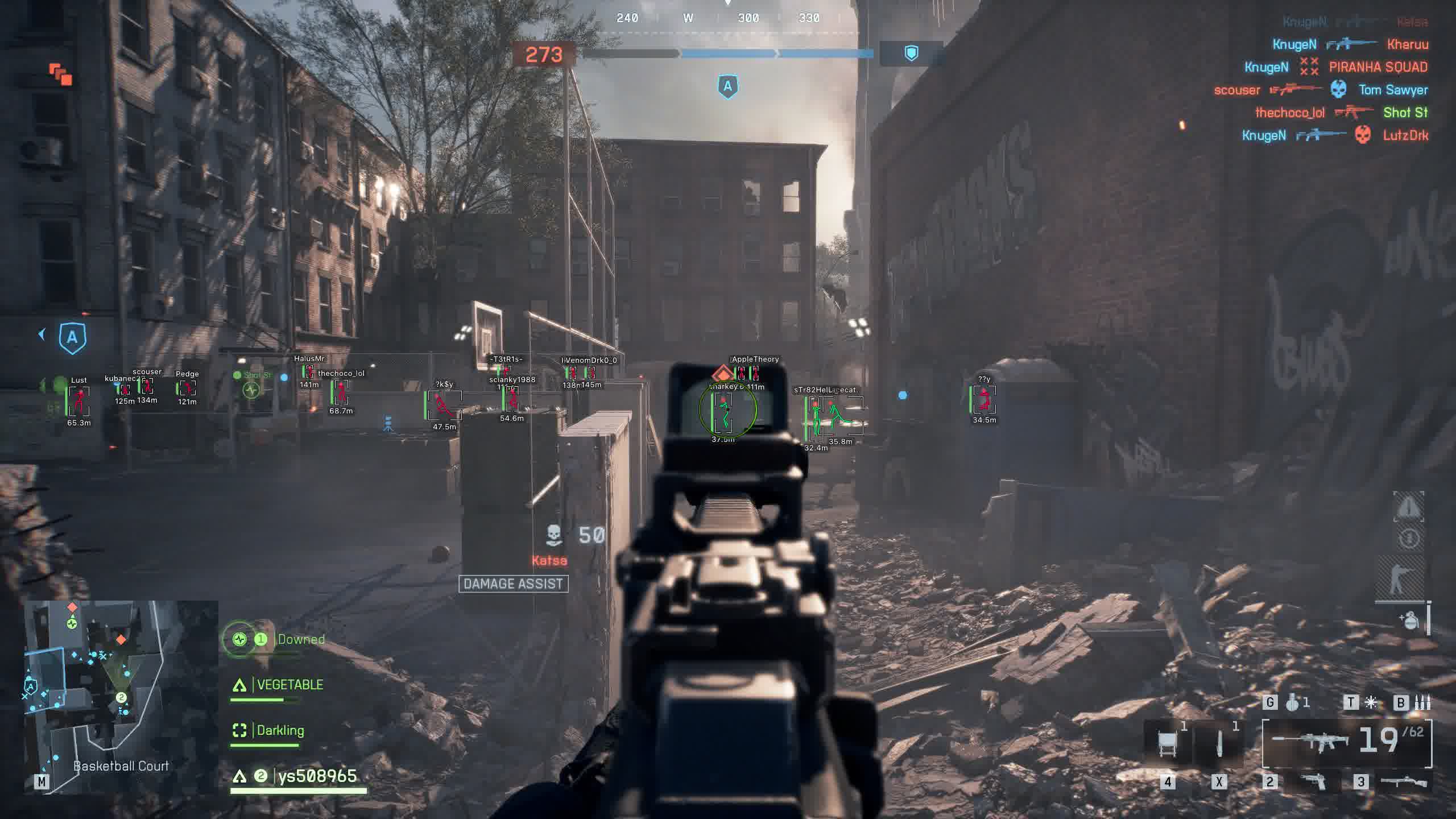
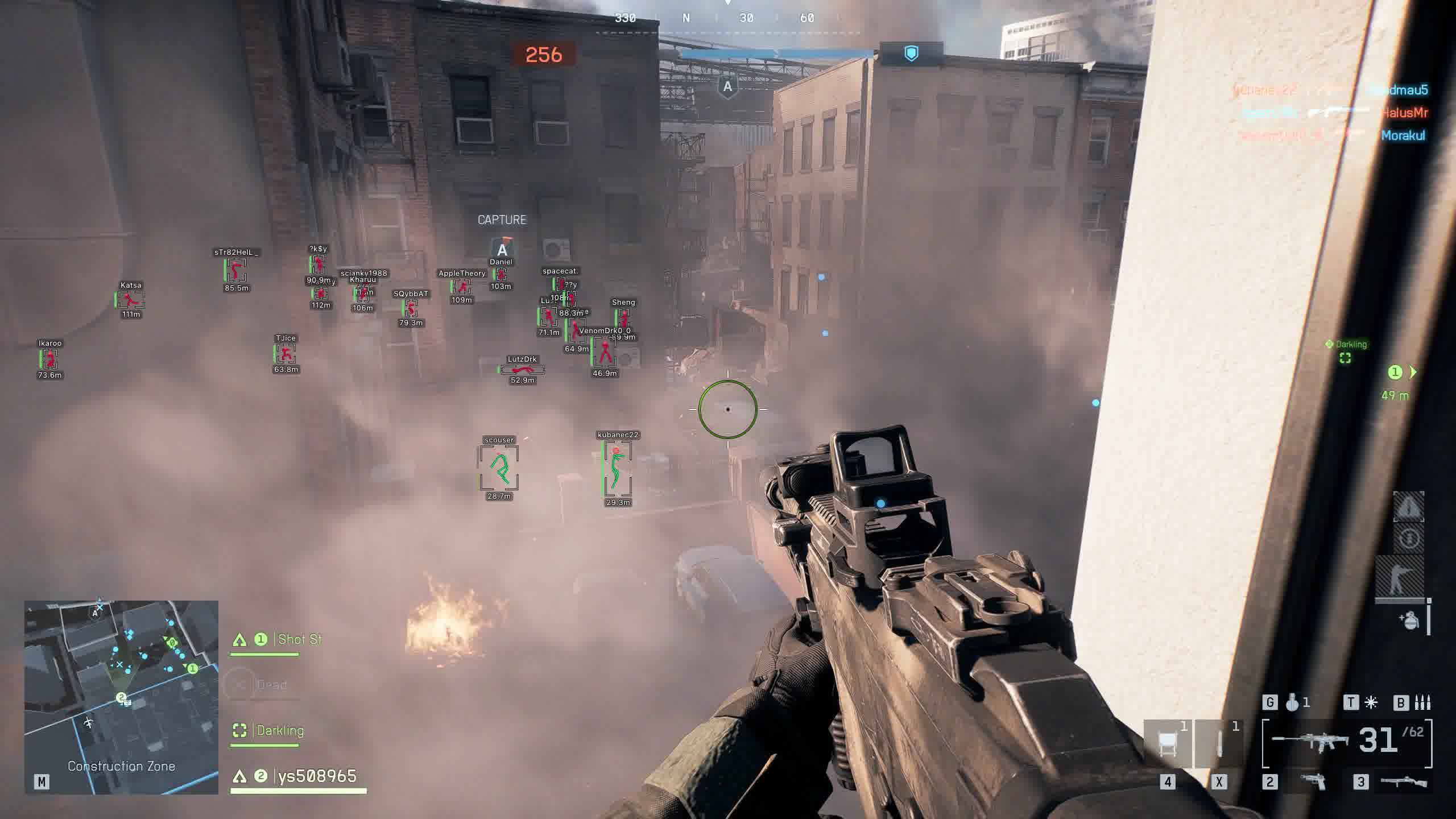
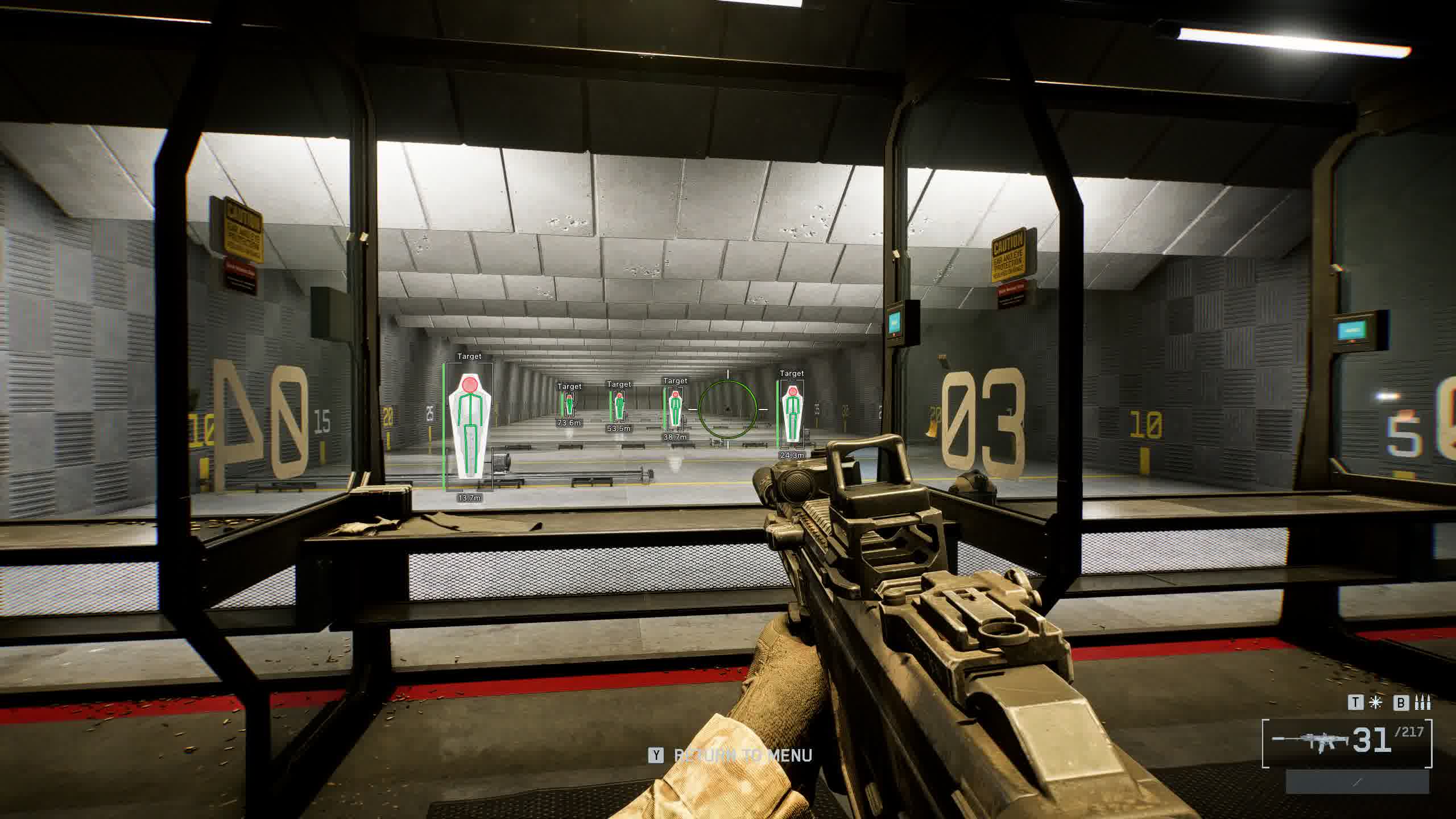
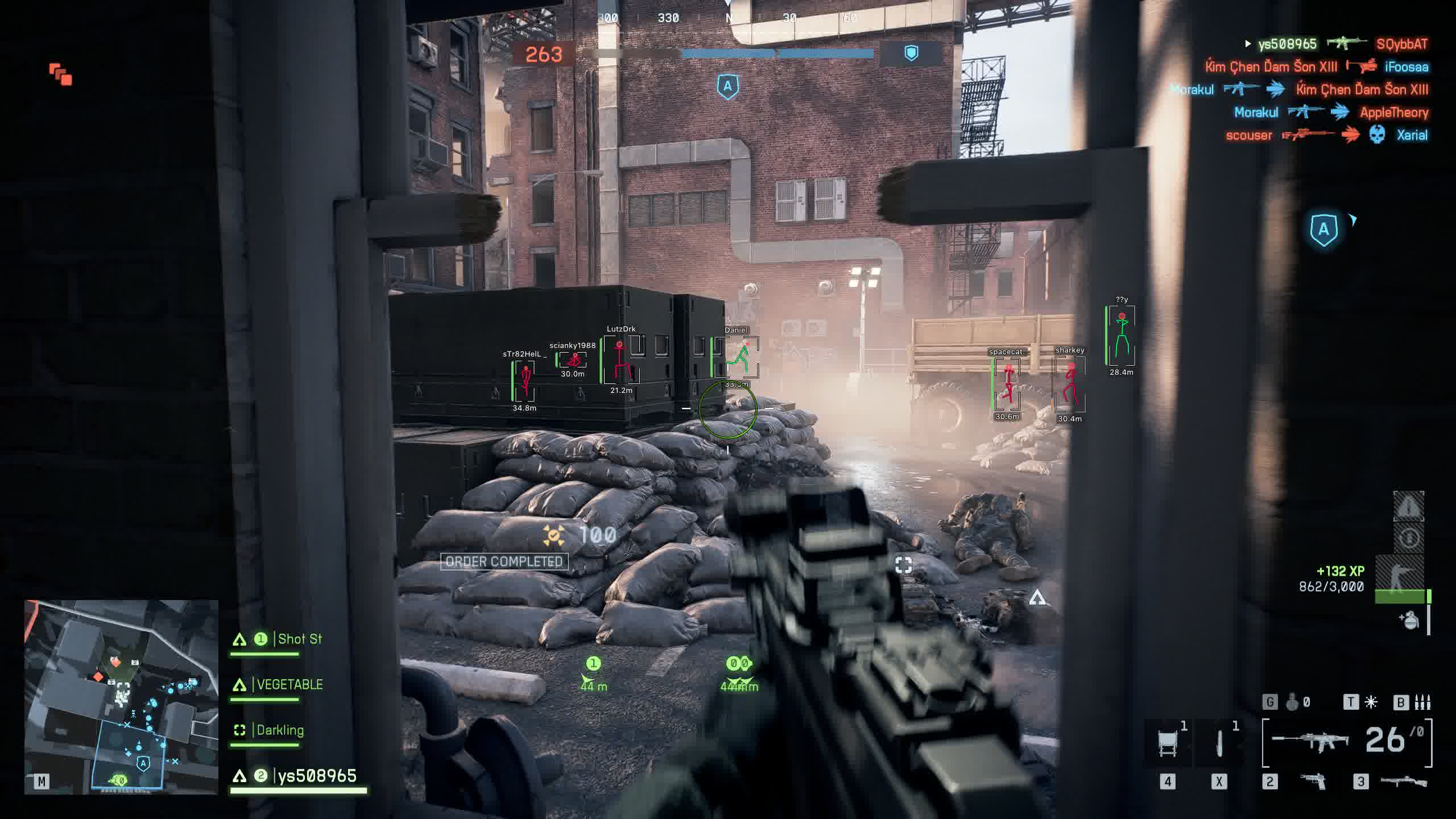
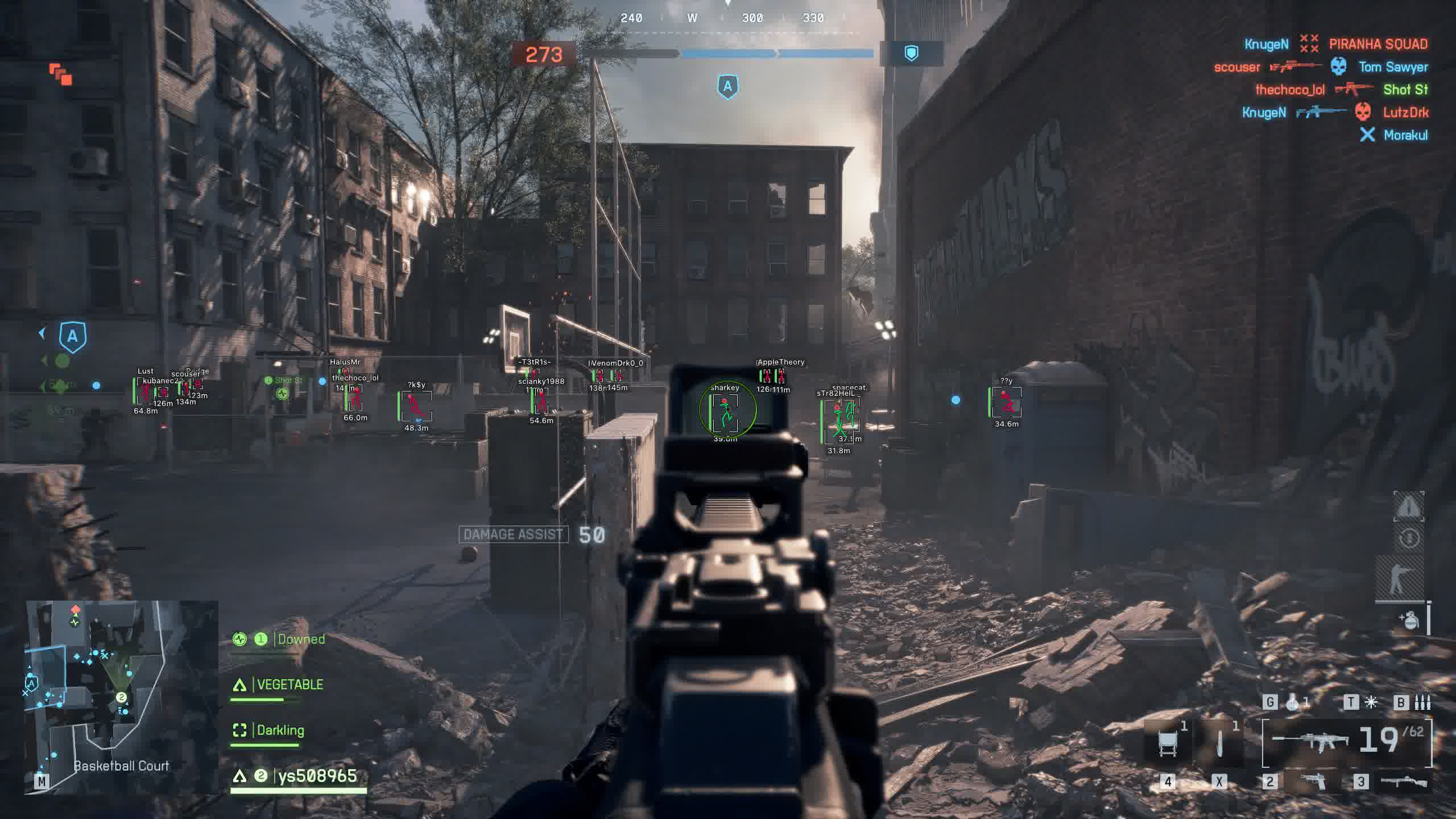
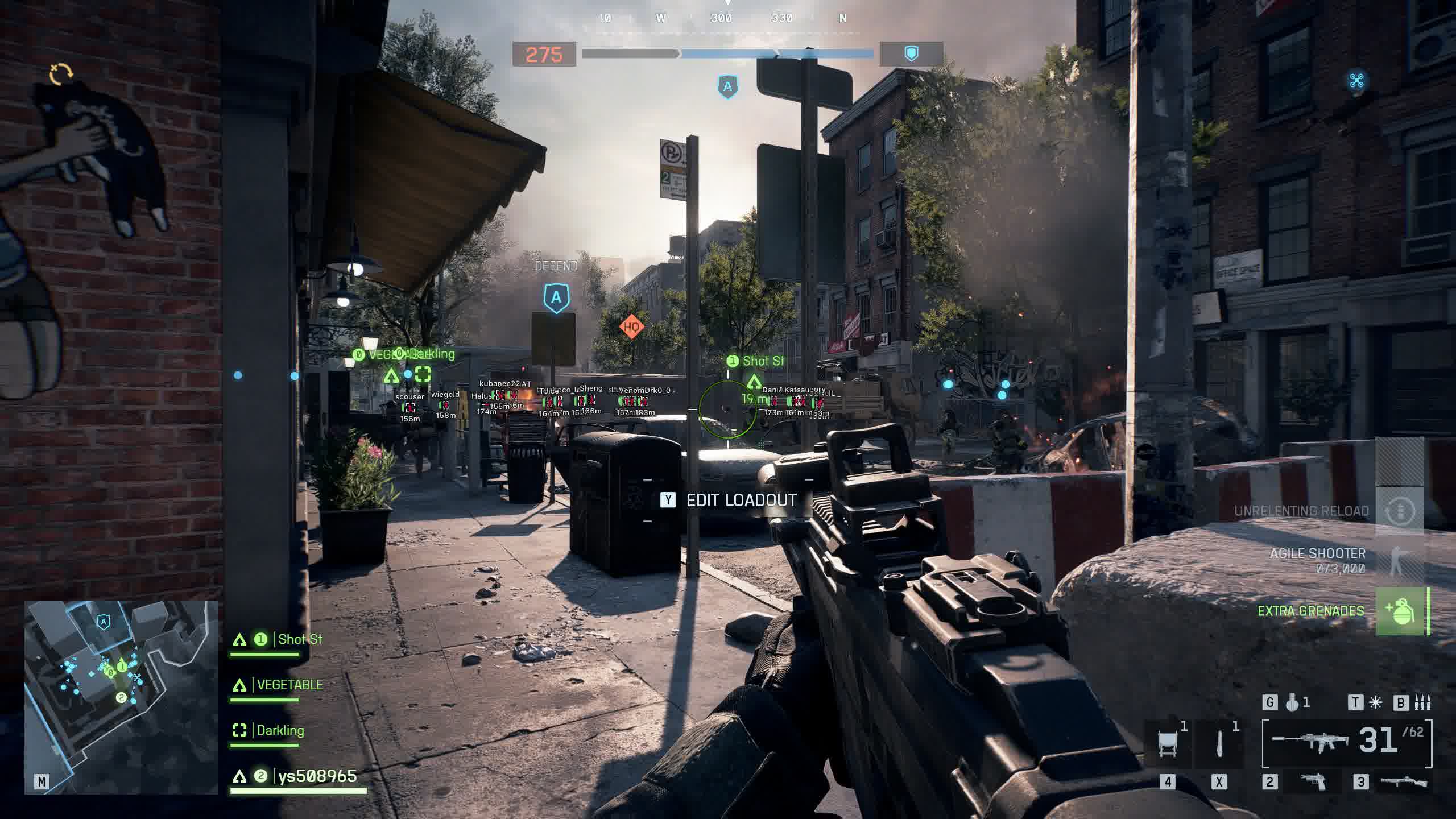
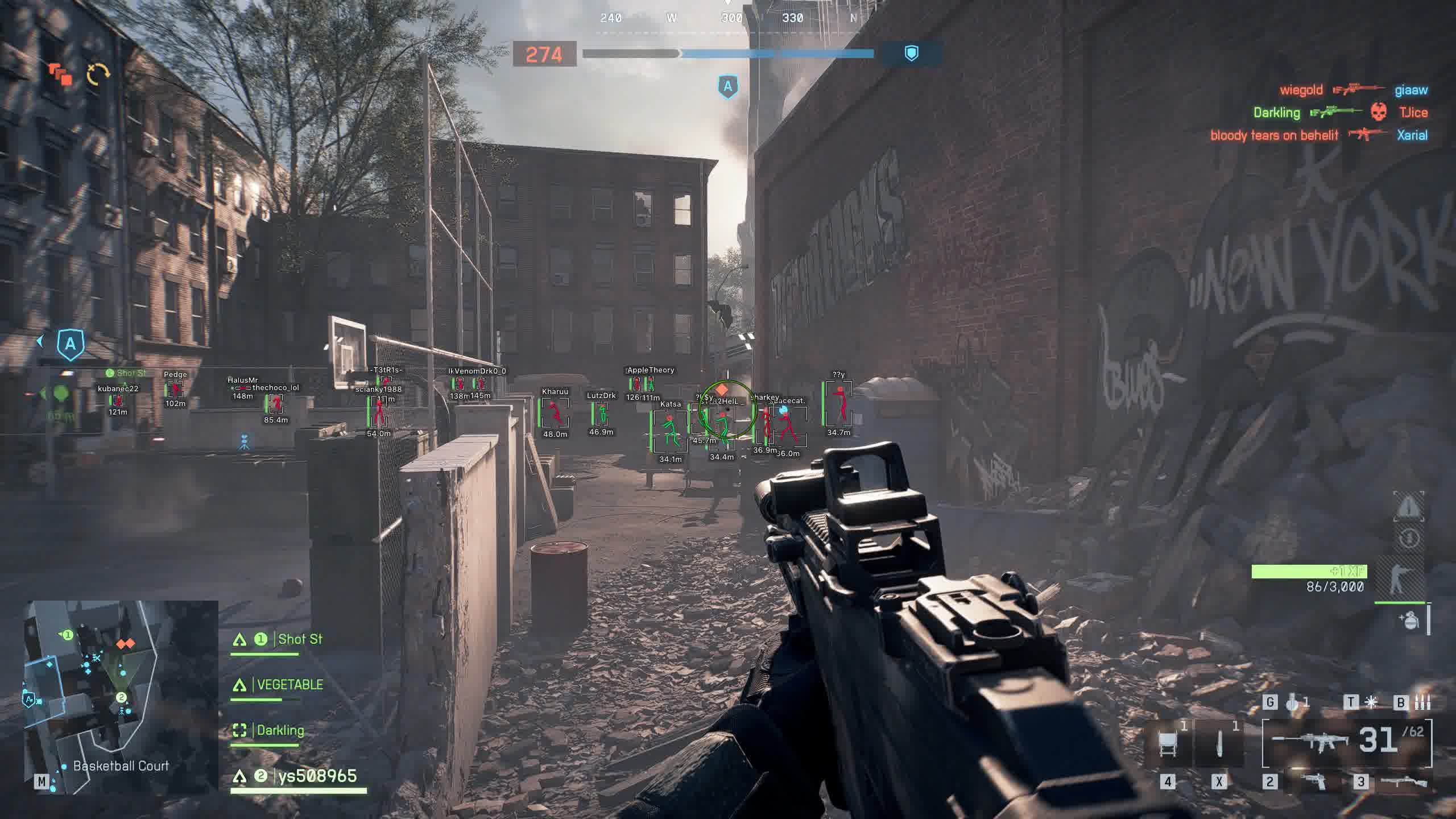
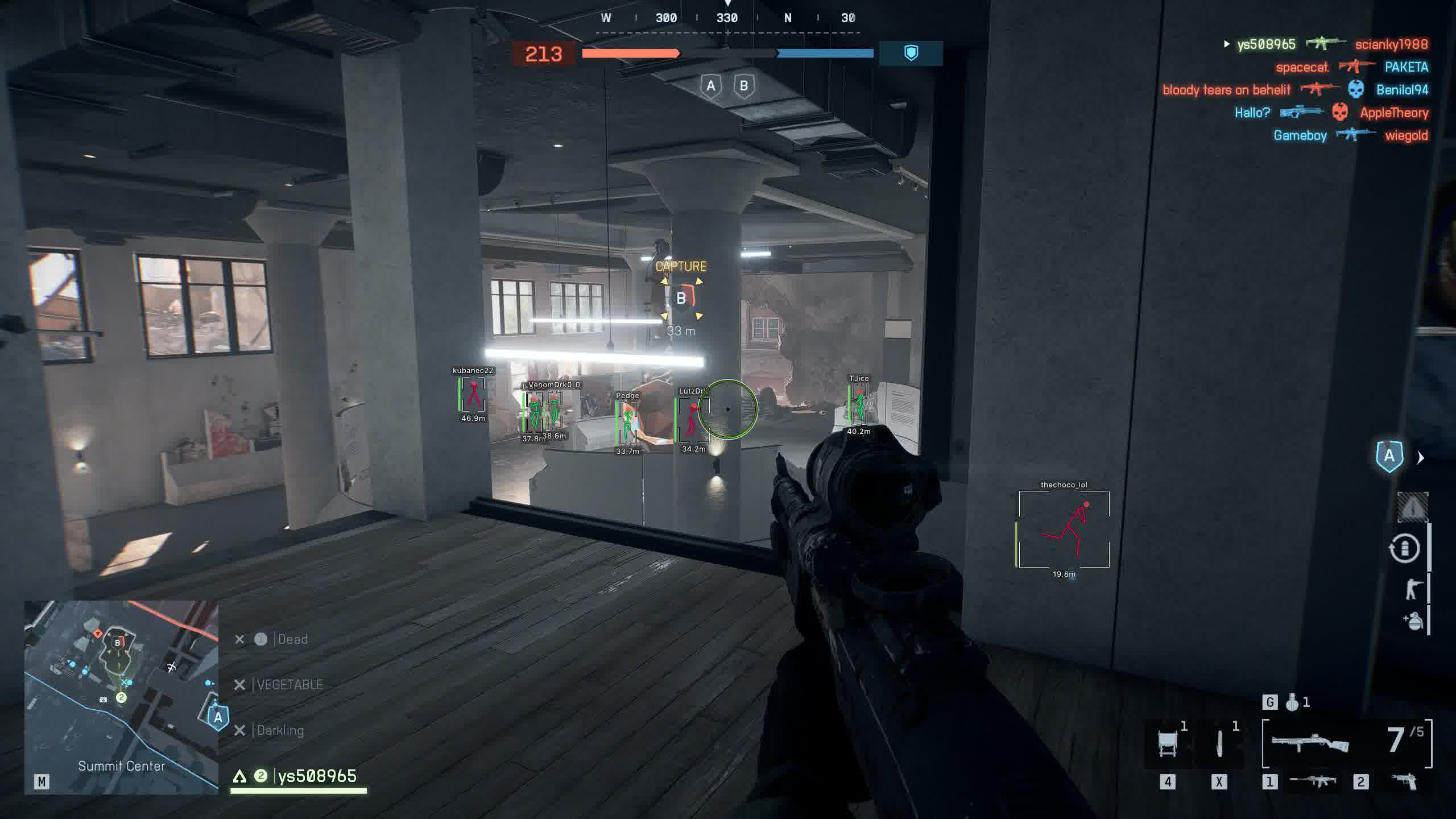
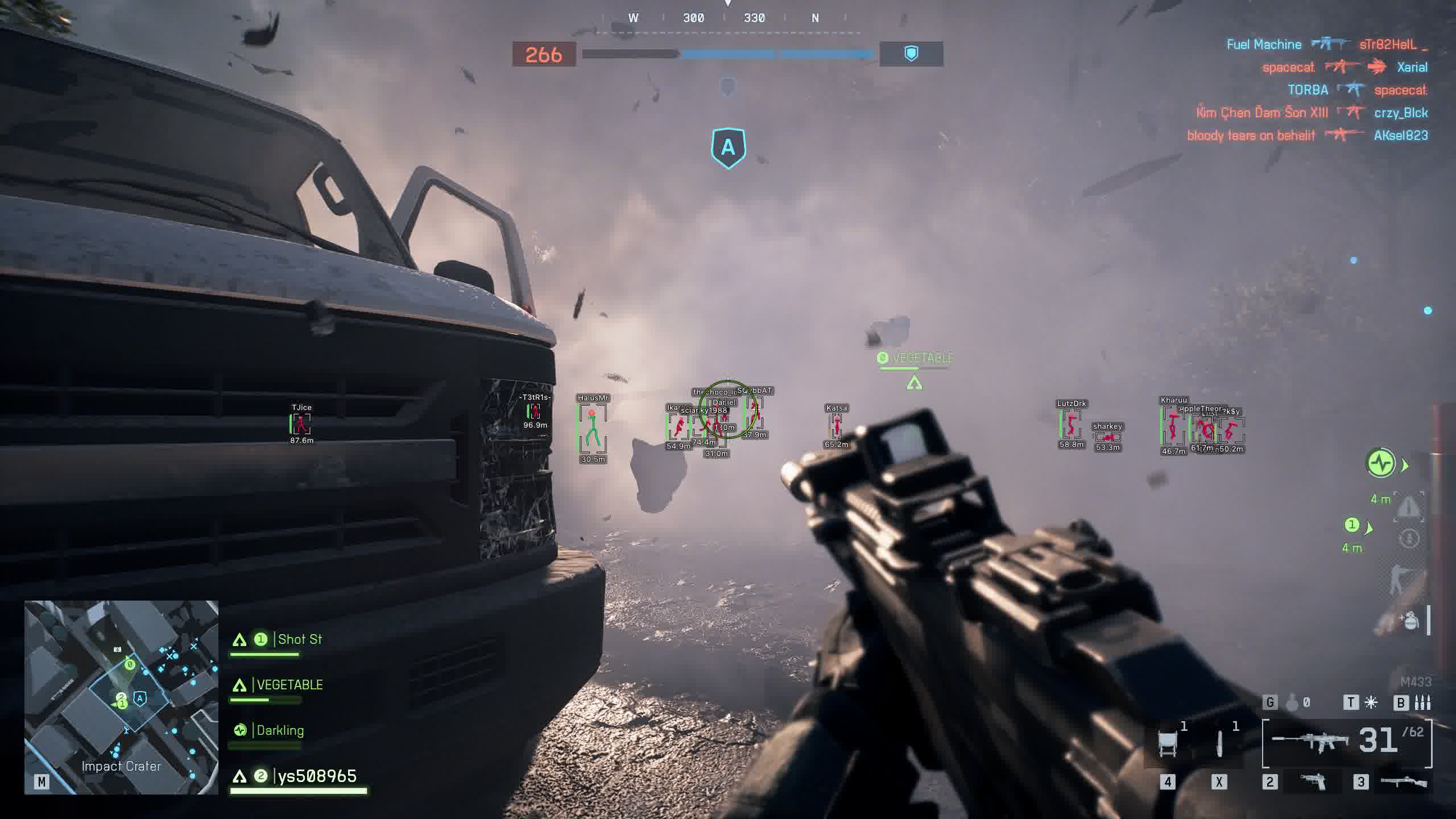
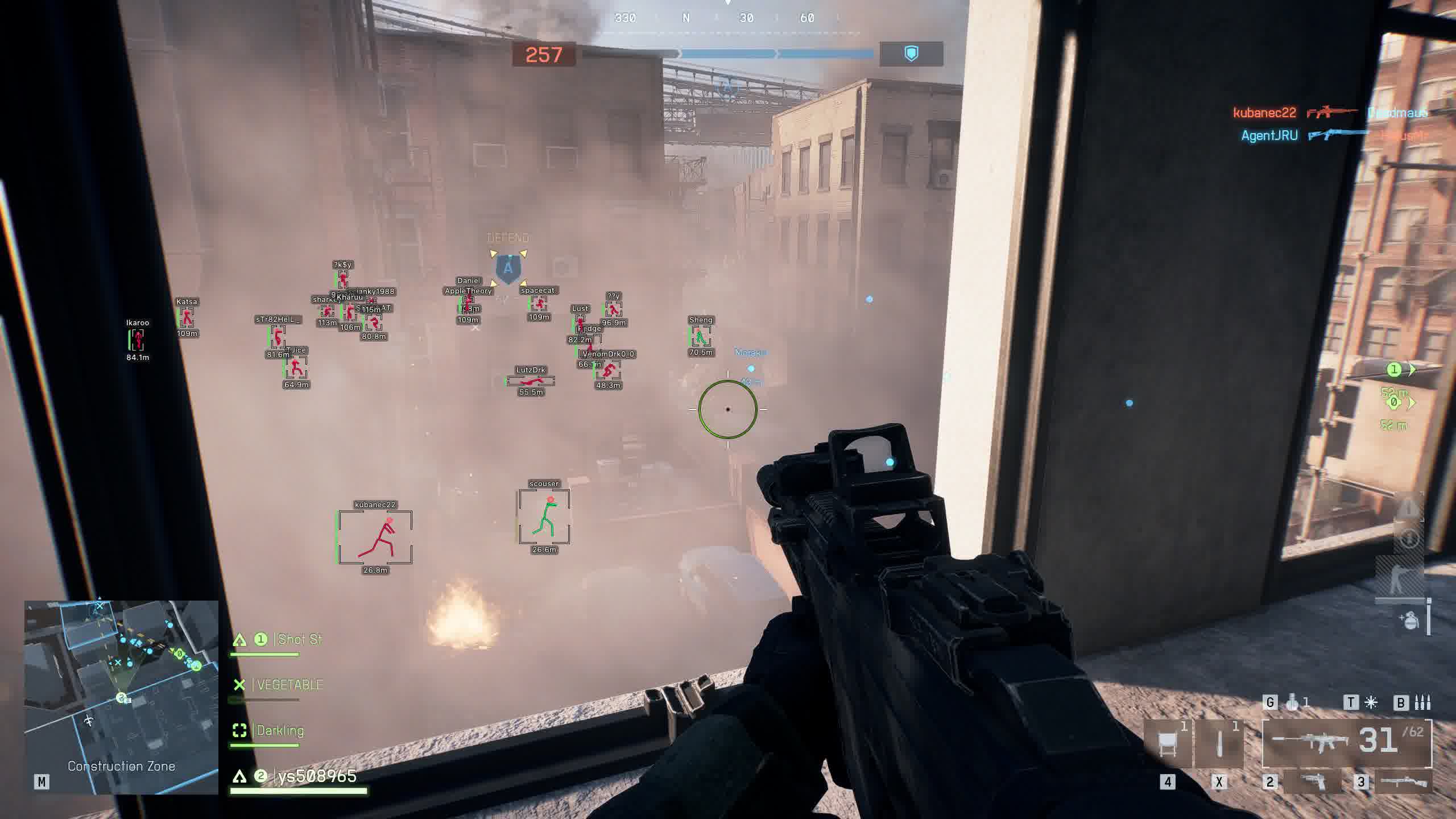
Meet Arcane, a modern, clean private cheat for Battlefield 6 from Arcane. This product is built for players who care about more than just features, they want comfort while they use it. Arcane gives you a fully adjustable Aimbot, a detailed ESP with sharp visual effects, and a unique config sharing system that lets you share your settings with friends in just a few clicks [945].
With support for several languages, two visual themes, and an intuitive menu, Arcane keeps things comfortable. This cheat is a great fit for anyone looking for the balance between power, style, and convenience in the large-scale battles of Battlefield 6 [945, 941].
Product features
AIMBOT (Pro-level control)
Dual Keybinds & Modes
Tactical flexibility. Set up two keys for different shooting styles (for example, taps and holding). Choose between always-on operation or hold-to-activate.Bone Selection Logic
Smart targeting. Shoot the head for one-shots, the closest point for fast reactions, or a random bone (Random bone) for maximum legitimacy.Targets & Visibility
Priorities. Filter your targets: players only, bots, or even teammates. The visibility check makes sure you won't shoot into walls.Visual FOV
Kill zone. Adjust and color the FOV circle. See the boundary the Aimbot starts taking out enemies within.Players ESP (Full awareness)
Box Styles & Gradient
Looks and function. Pick your box style and fill (gradient/static). Make enemies stand out on any background.Health & Skeleton
State analysis. A gradient HP bar and skeleton show how ready an enemy is for a fight. Finish off the wounded without mercy.View Line & Info
Read the game. The View line shows where your opponent is looking. Name and distance help you make the right call.Bots & Teammates
Filters. Make bots semi-transparent so they don't distract you, and turn on highlighting for your own team for better coordination.SETTINGS & CONFIG (Convenience and Sharing)
Share Configs
Teamwork. Generate a key for your config and send it to a friend. Load pro-player settings in one click.Themes & Languages
Comfort. Dark or light theme, Russian language, and interface scaling for any resolution.Unload & VSync
Security and smoothness. A quick unload button for the cheat and vertical sync for a stable picture with no tearing.Known issues & fixes
Real questions from our support, with the fixes that worked. Based on user requests for this product.
Cheat shows FROZEN or loader says frozen — how to run?
This means the product is temporarily frozen for a scheduled update. No action is needed on your part — simply wait for the update to complete.
Your paid subscription time does not expire during a freeze: subscription days are not counted while the loader is unavailable. Monitor the product page for status changes — access will resume automatically once the update is released.
PC reboots automatically after launching the loader / system shuts down
A forced reboot or shutdown on loader start is most often caused by antivirus software or incorrect Windows security settings.
- If Kaspersky is installed, remove it completely using the official removal tool (Kavremover) rather than the standard "Programs and Features" uninstall. Reboot your PC afterwards.
- Make sure the following are disabled: Windows Defender real-time protection, Core Isolation, User Account Control (UAC), and the Vulnerable Driver Blocklist.
- Download the Sordum utility (archive password: sordum), run it, click Search, and send a screenshot of the results to support — this helps identify the conflicting component.
- After making changes, restart your PC and try again.
Antivirus blocks loader files or loader download stalls at zero speed
Windows Defender or a third-party antivirus is blocking the loader download or launch. Use the Defender Control utility (archive password: sordum): download it, run it, click Search, wait for the scan to finish, then click Disable.
After disabling protection, re-download and run the loader. You can re-enable protection through the same tool after your gaming session.
Loader freezes, slider does not move, cheat does not start
Try connecting via VPN — the issue may be caused by activation server restrictions in your region. If VPN does not help, run the Sordum utility (archive password: sordum), click Search, and send the screenshot to support. The developer will use this information to assist you.
Launching the loader as administrator but nothing happens
Make sure you have read the included instructions carefully — the launch sequence is strict. The loader must be run as Administrator, and your antivirus must be fully disabled before starting.
If you followed every step and the loader still does nothing, contact support and describe exactly which step the process gets stuck on.
Where do I find the cheat installation guide?
The installation guide is included in the email you receive after payment. Check the inbox of the email address used for your order , it contains step-by-step instructions for setting up and launching the cheat.
Arcane




