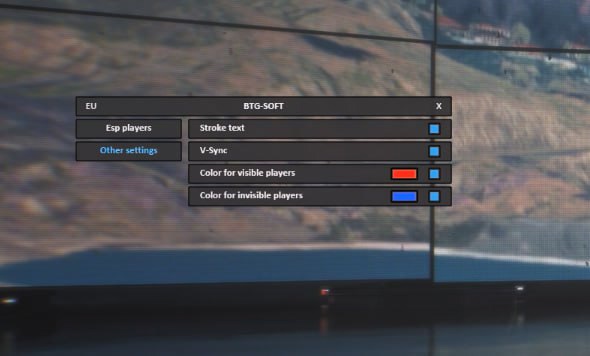
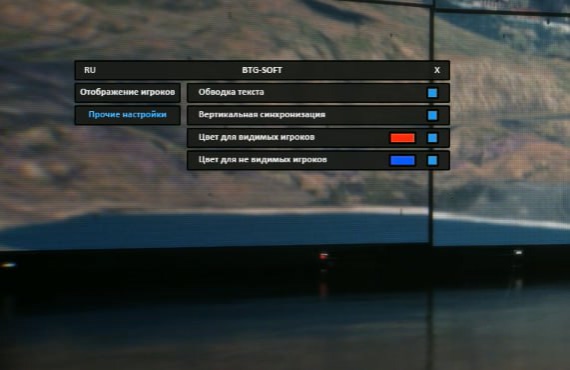
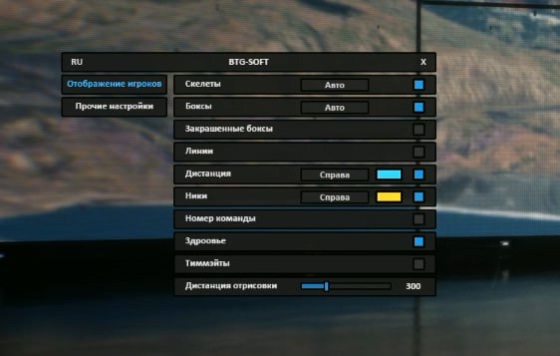
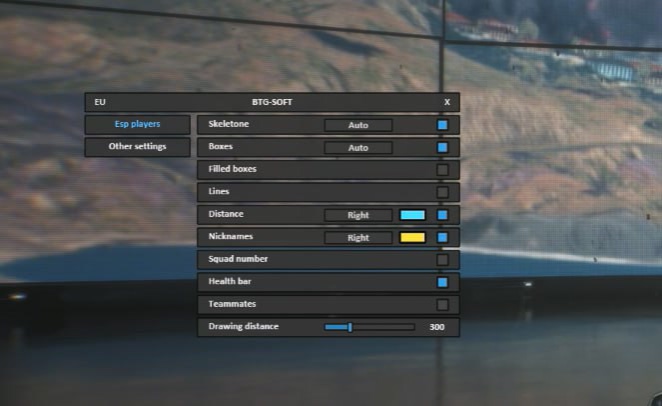
Если бы ещё отдельно технику можно было подсвечивать, было бы вообще шикарно. А так хороший чит, пользуюсь по легиту, без аима.
Battlefield 6 Cheat with BTG Wallhack
User information
Disk format: GPT only.
BIOS: You need to enable Virtualization Technology and disable Secure Boot.
OS: Works on all versions of Windows that support Hyper-V.
BTG Wallhack is a specialized, safe private cheat for Battlefield 6 from the BTG developer, focused entirely on Wallhack (ESP) functions. This product is built for players who want a tactical edge and complete information on enemy positions, without using an aimbot or other aggressive features. It runs through Hyper-V, which gives the software an extra layer of safety and stability.
This Wallhack is a perfect fit for anyone who wants to play better by knowing where the enemies are. You will always know where the enemy is, you can avoid ambushes, and you can plan your attacks effectively. BTG Wallhack is your key to information dominance on the battlefield.
Product features
AIMBOT (Precision Strike)
Headshot Aim
Pinpoint shot. The aimbot locks onto the enemy's head for maximum damage. One shot, one frag.ESP (Visual Control)
Skeleton and Boxes
X-ray of the battlefield. The skeleton shows the enemy's pose behind cover, and filled boxes keep you from losing the target in the heat of the fight.Team Number
Squad tactics. See the enemy's team ID. Know who is grouped with whom and wipe out squads one by one.Health and Distance
Threat assessment. An HP indicator and exact distance help you pick the moment to attack or fall back.Lines (Snaplines)
Attack vector. Lines to enemies instantly point you toward the nearest threat, even when it is behind your back.Known issues & fixes
Real questions from our support, with the fixes that worked. Based on user requests for this product.
The loader still shows a module loading error even after I disabled my antivirus — what should I do?
Simply disabling your antivirus is not always enough — some security software leaves active components running that keep blocking the loader even while it is turned off.
- Fully uninstall the conflicting antivirus instead of just disabling it.
- Contact support — they can provide a utility to check for and remove leftover antivirus files.
- Run the check, wait for it to finish, and send a screenshot of the result to support.
- Before launching again, add the program's folder to the exclusions of the antivirus you use.
BTG




