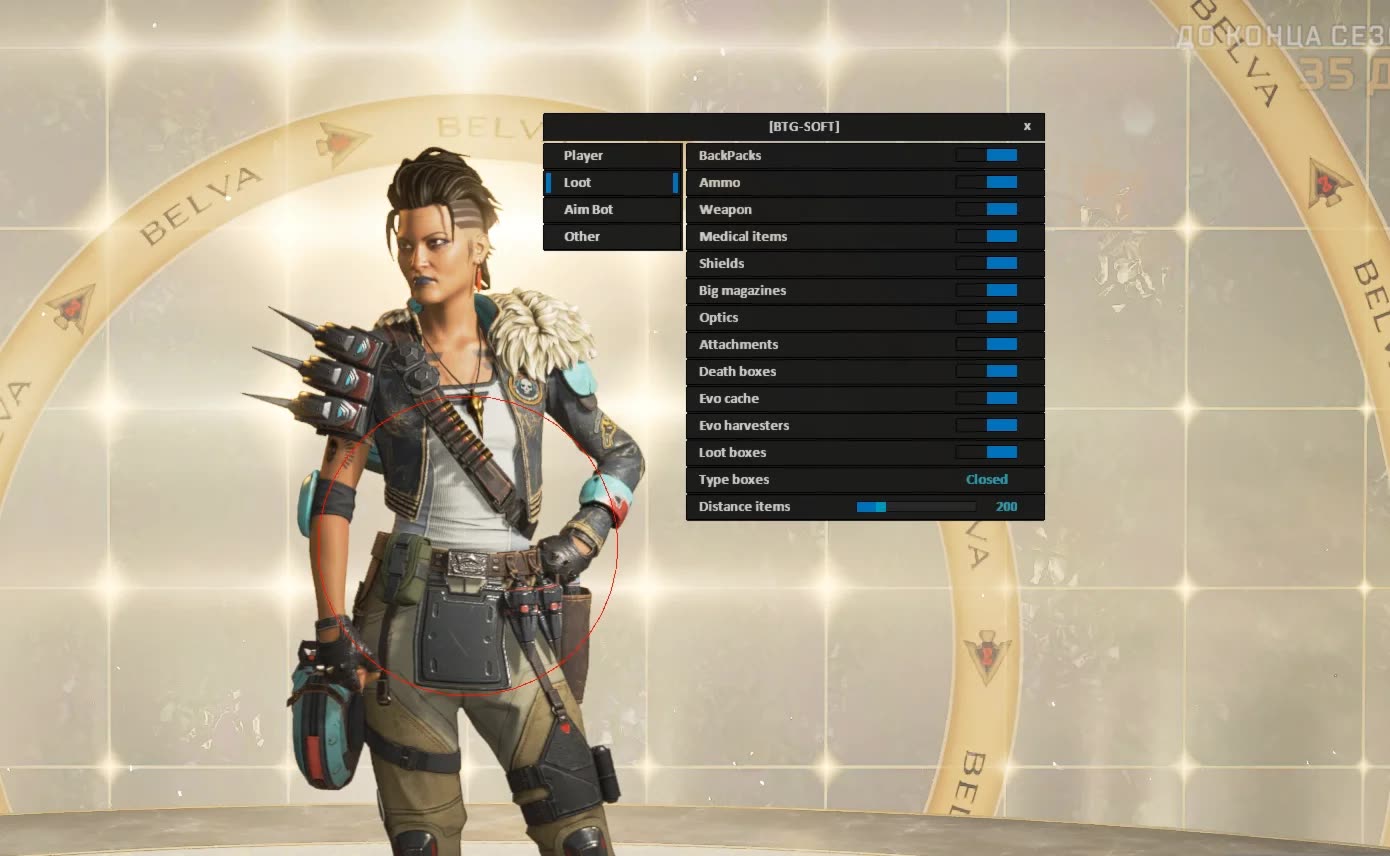
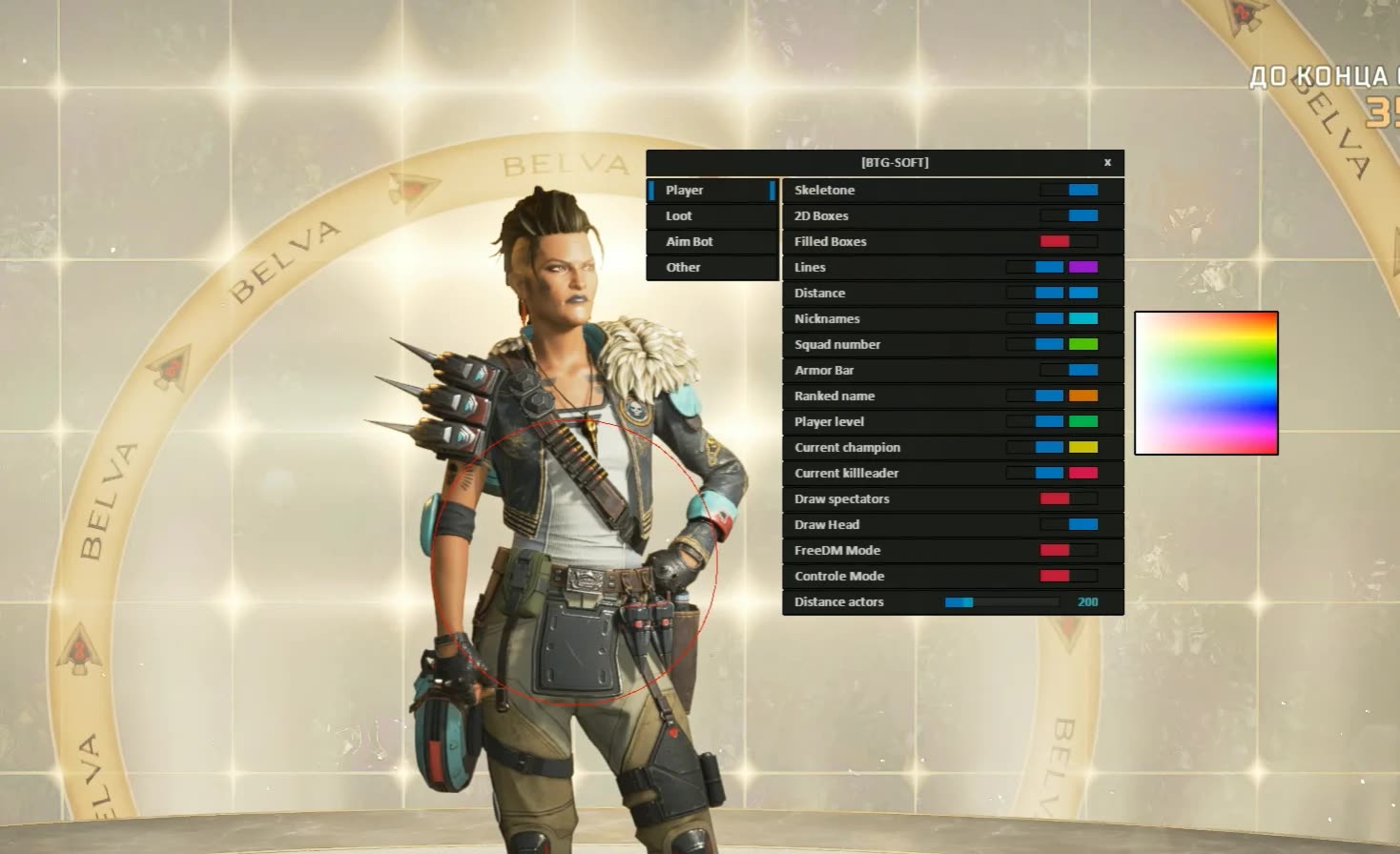
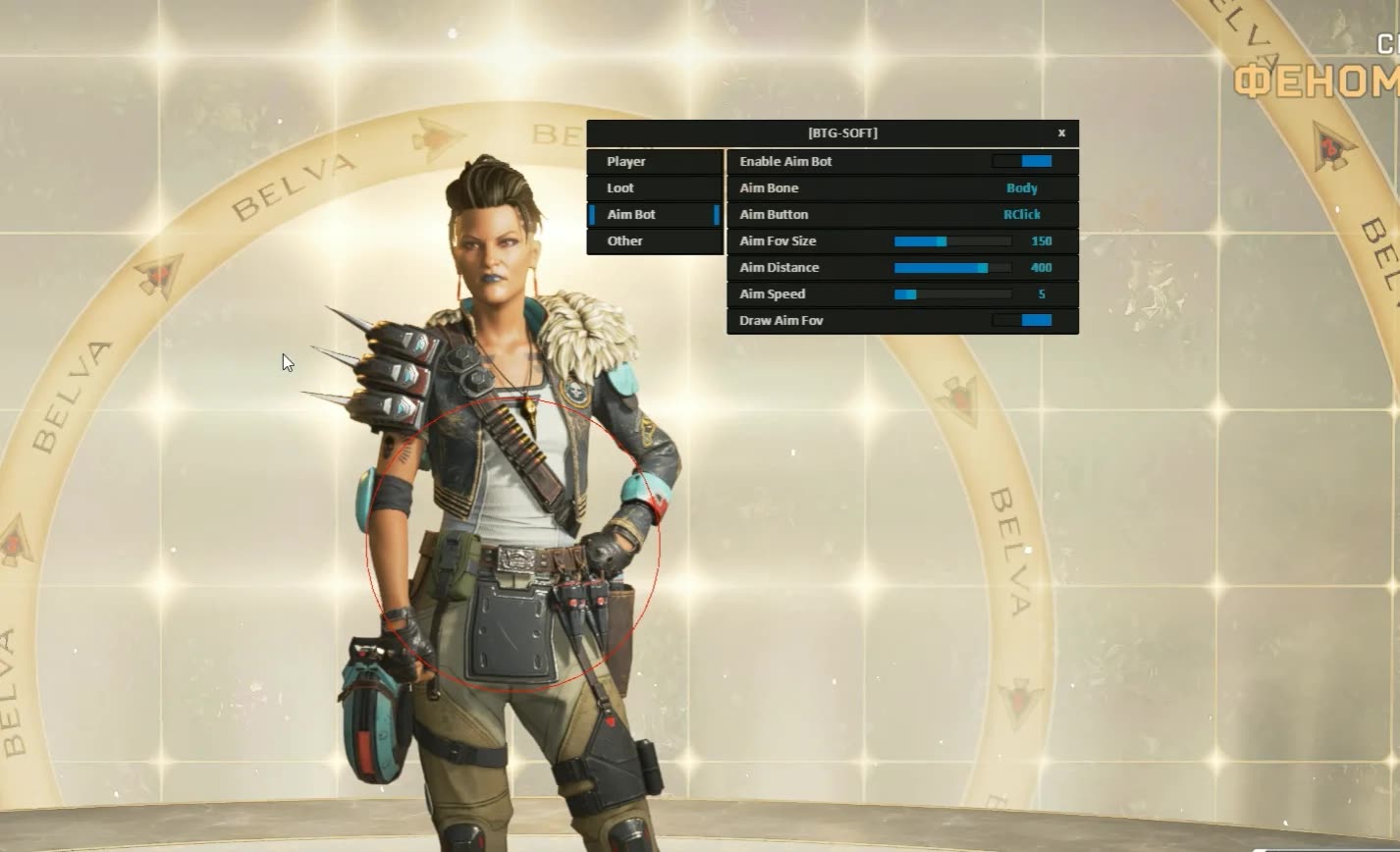
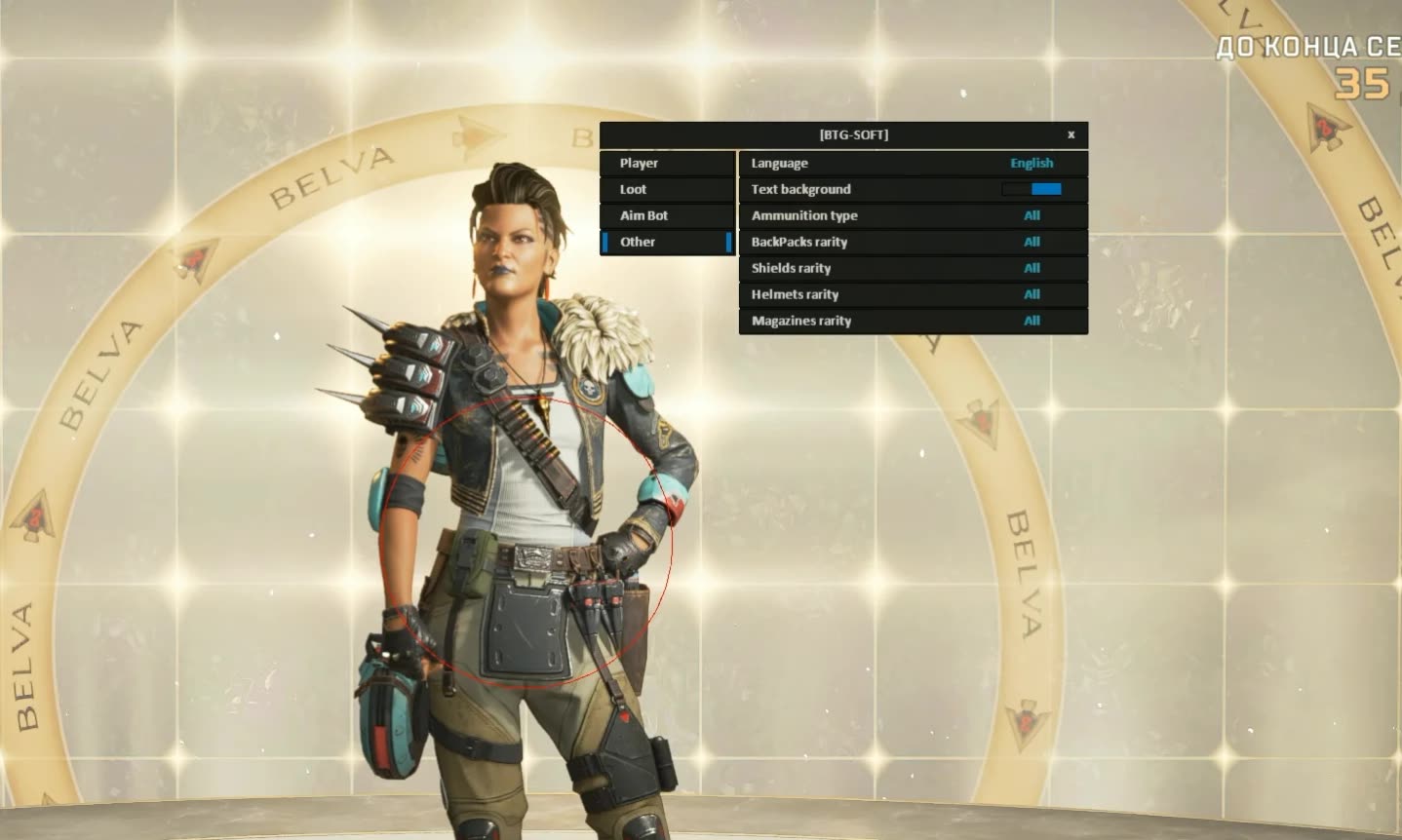
niceeee
User information
⚠️ System Requirements ⚠️
- Platform: Steam version of the game only.
- Disk format: The system disk must use GPT format.
- BIOS settings: You must enable Virtualization and disable Secure Boot.
- Game mode: Only "Borderless Windowed" is supported.
- System: Works on all Windows versions that support Hyper-V.
- Privacy: Invisible on screen recordings and streams.
Become a true arena legend in Apex Legends with this advanced cheat from developer BTG. This product gives you all the info you need to fully dominate the match: from detailed enemy ESP showing their rank and armor to a precise, fully customizable aimbot. You'll always know who's watching you thanks to the spectator display.
A standout perk, the cheat is invisible on streams and video recordings, so you can share your best plays without any worries. Built on Hyper-V virtualization technology, this product offers enhanced protection and stability for your game.
Product features
Aimbot (Precise Mechanics)
Full Control & FOV
Tune it to your style. Bind a key, adjust aim speed and distance. A visual FOV circle shows the active zone, and bone selection guarantees accurate hits.Visuals (Tactical Analysis)
Rank, Armor & Status
Threat assessment. See an enemy's level, rank and armor. Find out where the match Champion or Kill Leader is. The Squad ID tells you who's teaming with who.Spectators & Modes
Safety. A spectator counter shows when someone is watching you. The cheat fully supports FreeDM and Control modes.Skeletons & Boxes
Visuals. Skeletons, lines and 2D boxes (filled or outlined) give you the full picture of the fight.Visuals (Loot & Resources)
Evo Cache & Deathboxes
Power up. Highlights Evo caches, Evo harvesters and deathboxes. Quickly find resources to level up your armor.Rarity Filter
Sorting. Filter by rarity for shields, helmets, backpacks and mags. Hide gray loot, keep only purple and gold.Weapons & Meds
Supply. Display of weapons, attachments and consumables with adjustable distance.Misc (Protection)
Customization & Security
Comfort. Customize the language and text background. The product includes Enhanced Security with the latest safety updates.Known issues & fixes
Real questions from our support, with the fixes that worked. Based on user requests for this product.
The loader still shows a module loading error even after I disabled my antivirus — what should I do?
Simply disabling your antivirus is not always enough — some security software leaves active components running that keep blocking the loader even while it is turned off.
- Fully uninstall the conflicting antivirus instead of just disabling it.
- Contact support — they can provide a utility to check for and remove leftover antivirus files.
- Run the check, wait for it to finish, and send a screenshot of the result to support.
- Before launching again, add the program's folder to the exclusions of the antivirus you use.
BTG




