С любовью, с уважением и почтением от UP-GAME!
User information
⚠️ System Requirements ⚠️
- Platform: Steam version of the game only.
- Disk format: The system disk must use GPT format.
- BIOS settings: You must enable Virtualization and disable Secure Boot.
- Game mode: Only "Borderless Windowed" is supported.
- System: Works on all versions of Windows that support Hyper-V technology.
- Privacy: Invisible on screen recordings and streams.
Gain a decisive edge on the battlefields of Delta Force with a reliable cheat from the experienced developer BTG. This product is built for players who need full control over the situation. Thanks to detailed ESP, you'll see all the key info on your enemies, while a precise, customizable Aimbot lets you come out on top of any firefight.
A major advantage is that the cheat's activity stays invisible on streams and video recordings, letting you share your best moments without worry. BTG delivers a stable, proven solution for dominating every match.
Product features
Visuals (Tactical)
Skeletons & Boxes
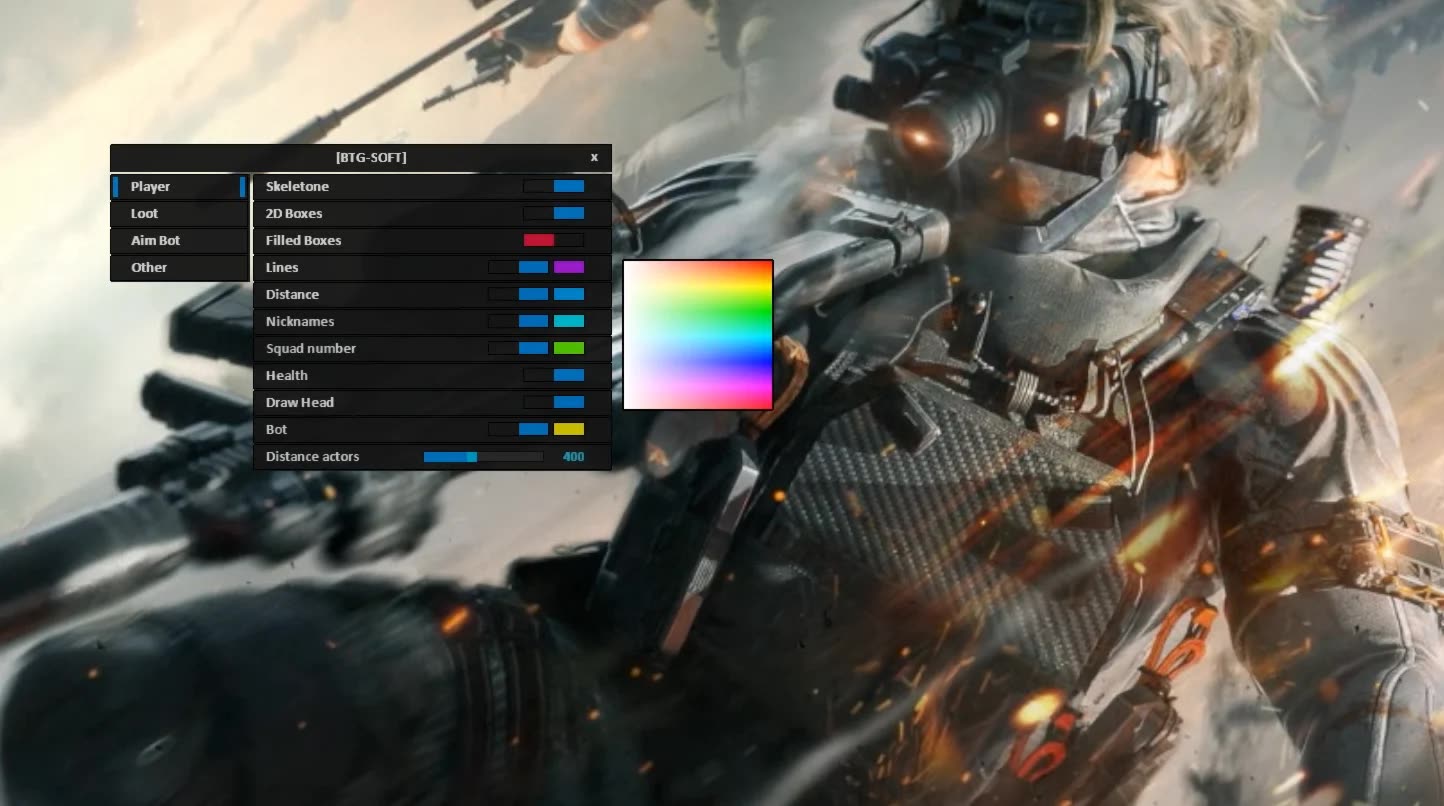
Clear view. See enemy poses through walls with skeletons. Filled boxes keep you from losing your target in the heat of a firefight.Squad Info
Squad awareness. The squad number shows how many players are in the enemy group. Know when you've downed the last one in the party.Bot Filter
Farm without distractions. A separate option for bots. Turn it on to farm XP, or off to see only real players (PMC).Visuals (Loot)
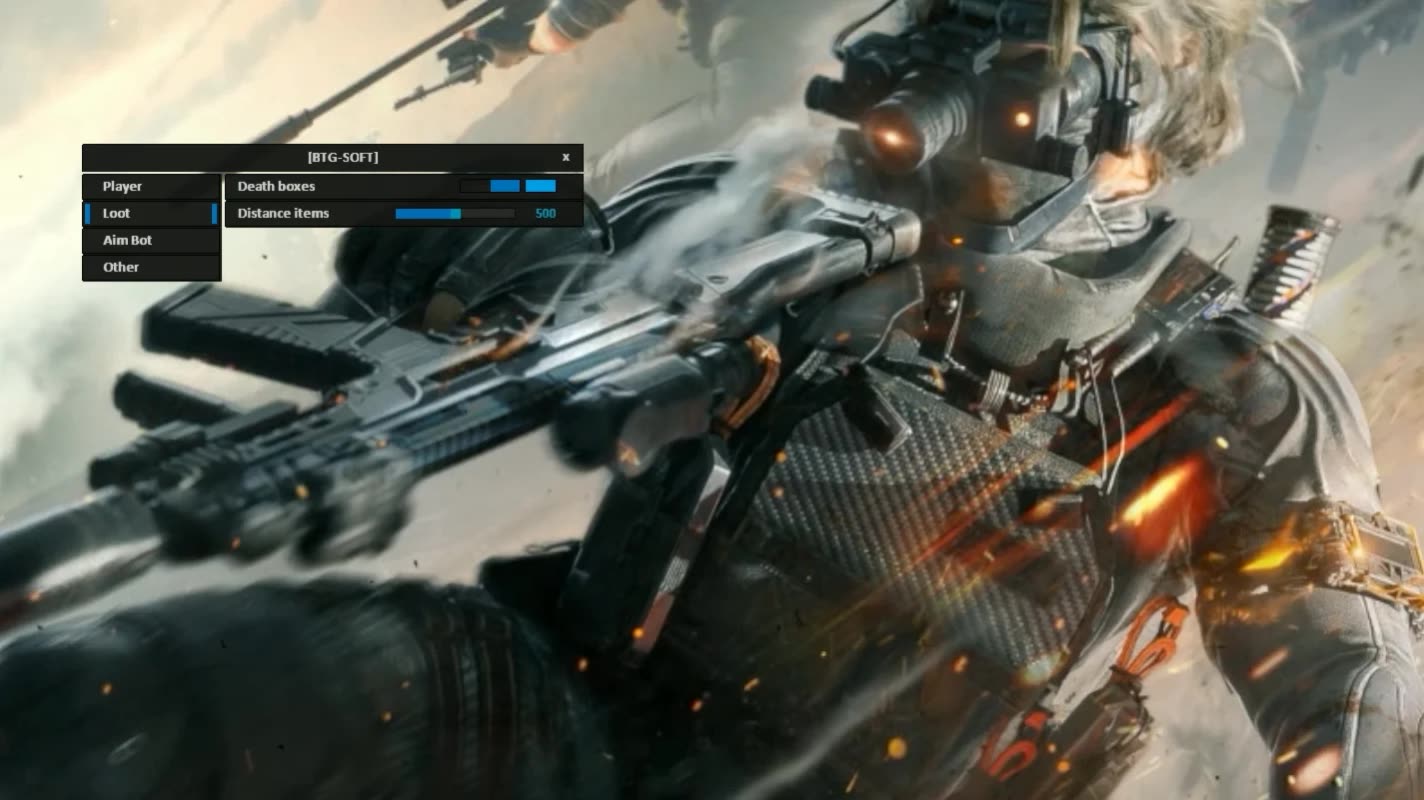
Death Crates
Looting. Highlights the death crates of killed players. Grab the loot after other players' firefights without risking your life.Distance Tuning
Clean screen. Limit the loot render range so you only see the nearest, reachable items.Aimbot (Controlled Power)
Speed & Distance
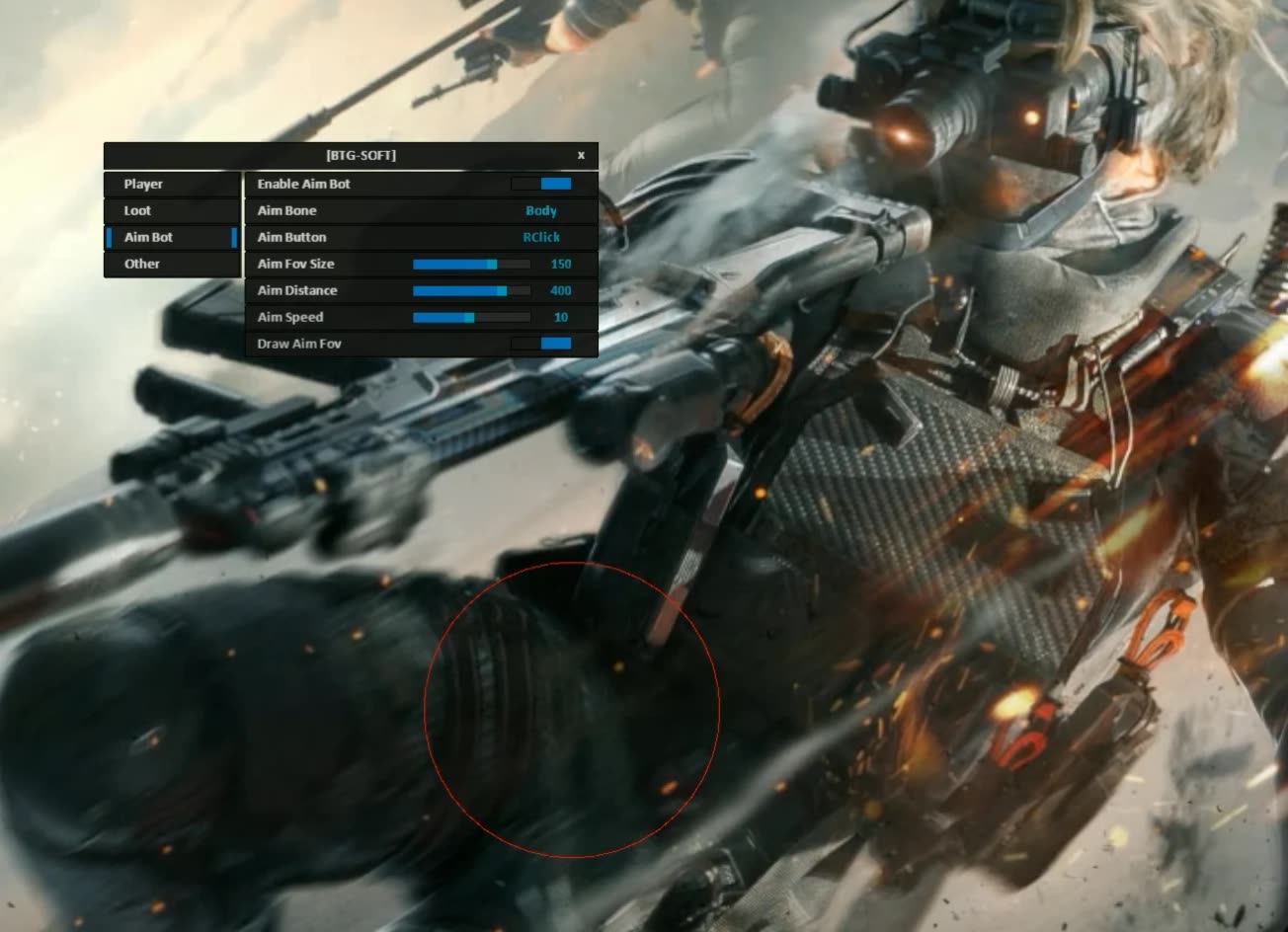
Legit play. Tune the aim smoothing speed so you don't get flagged, and limit the working distance for close-quarters combat.FOV & Bones
Surgeon's precision. Pick the head or body and set the lock-on radius. The on-screen FOV circle shows your kill zone.Known issues & fixes
Real questions from our support, with the fixes that worked. Based on user requests for this product.
The loader still shows a module loading error even after I disabled my antivirus — what should I do?
Simply disabling your antivirus is not always enough — some security software leaves active components running that keep blocking the loader even while it is turned off.
- Fully uninstall the conflicting antivirus instead of just disabling it.
- Contact support — they can provide a utility to check for and remove leftover antivirus files.
- Run the check, wait for it to finish, and send a screenshot of the result to support.
- Before launching again, add the program's folder to the exclusions of the antivirus you use.
BTG




