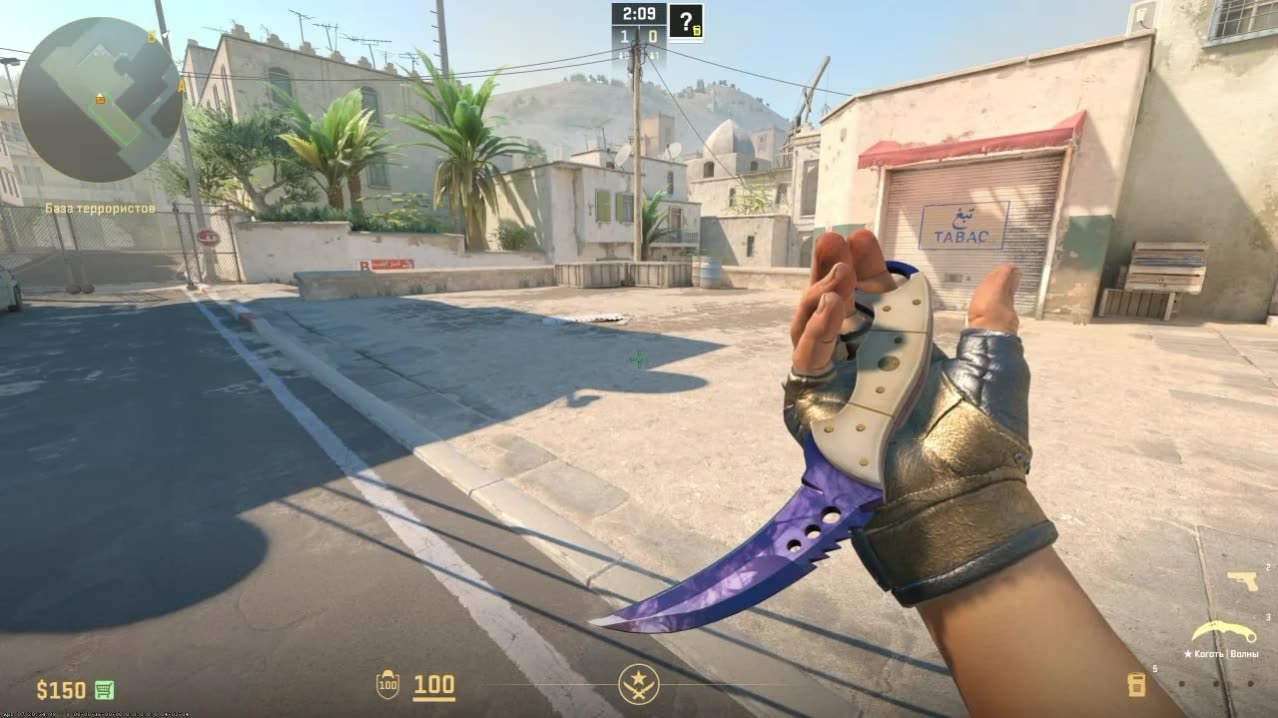
Skinchanger CS 2: private software for Counter Strike 2
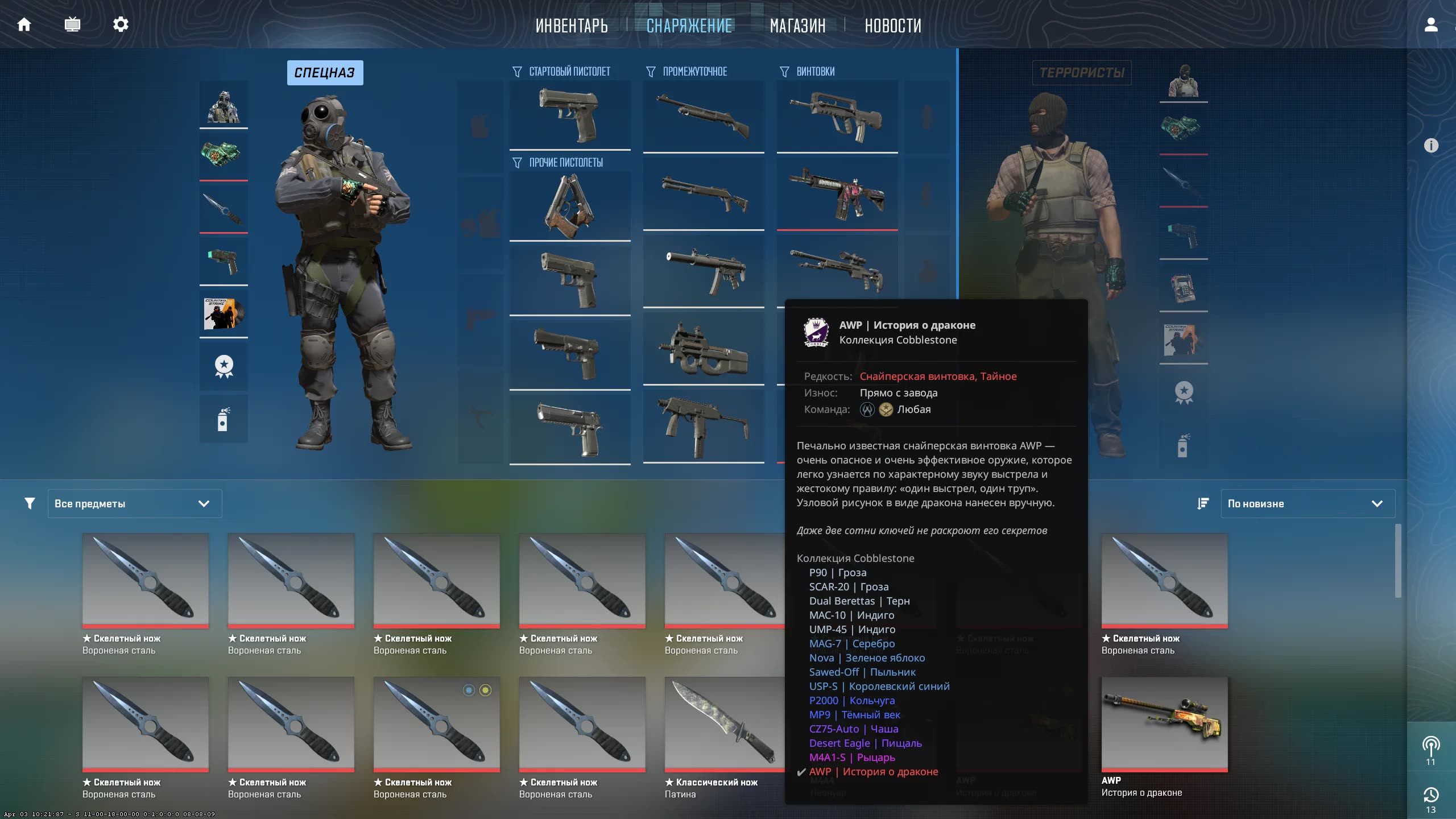
Want to stand out on the battlefield without touching the standard gameplay? The CS 2 Skinchanger from Phoenix is your personal tool for a complete visual overhaul of the game. This product is built for players who care about aesthetics and want access to the entire skin arsenal, including weapons, knives, gloves, and even agent models!
This isn't just a Skinchanger for CS2, it's a full-blown customization machine. Adjust wear, pattern, and StatTrak, recolor the game world, and fine-tune your hand placement and field of view. With Phoenix Changer, your game will look exactly the way you want it.
Product features
Inventory Changer (Skins)
Full Changer
The full package. Change everything: Weapons (Weapon), Knives (Knife), Gloves (Gloves). A unique feature is the Agent Changer for swapping your character model (for example, to Ava or Darryl) on both sides.All Skins
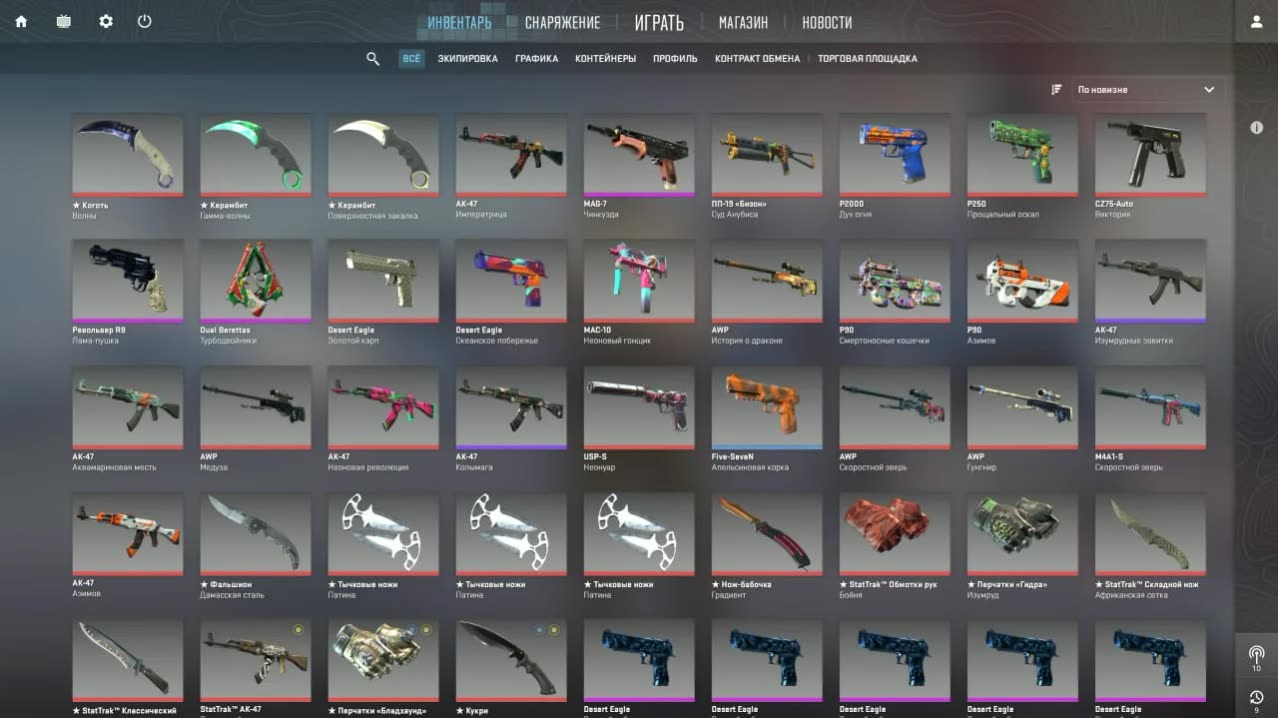
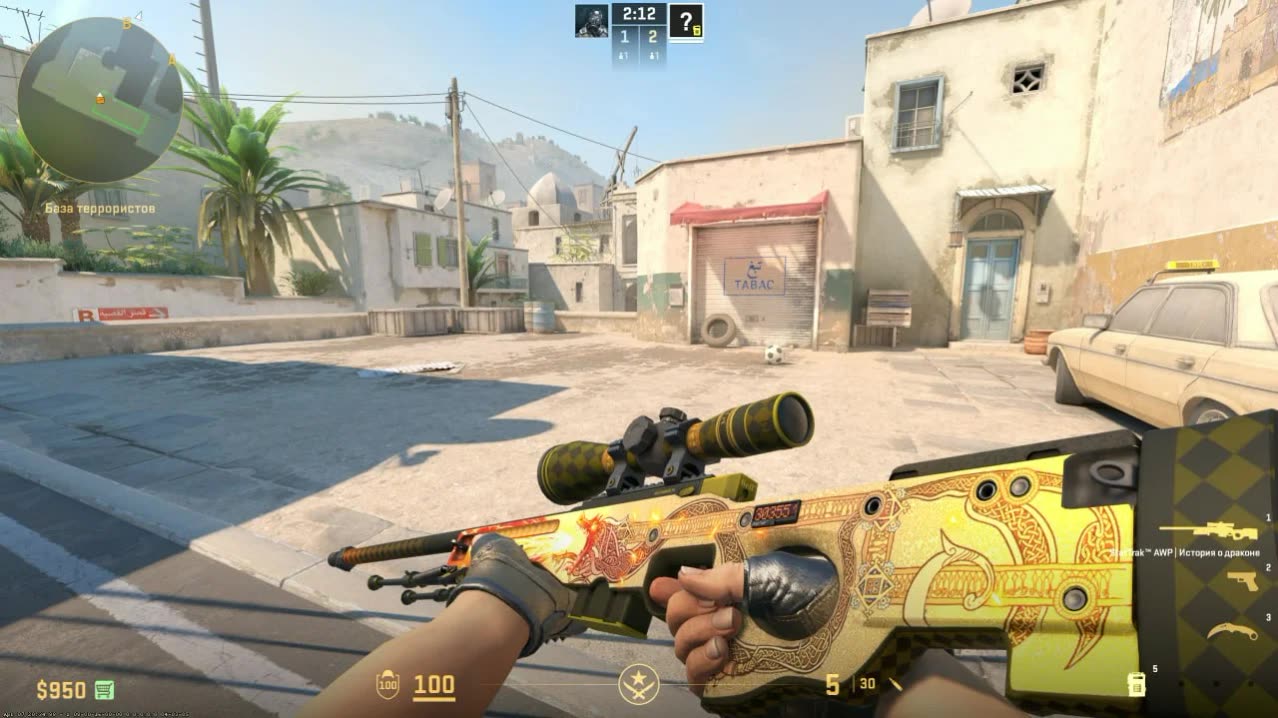
Skin library. Access to every skin in the game. Convenient search and rarity filters help you find the Dragon Lore or Gungnir you need in seconds.Advanced Settings
Detailed setup. Build your own unique skin: pick the wear level (Float), a rare pattern (Seed), crank up the StatTrak counter, and add a Name Tag.Virtual Inventory
Inventory. Add your customized skins to the cheat's virtual inventory so you can switch between sets quickly.World & View (Visuals)
World Paint
World painting. Completely change the look of the game. Repaint the walls, floor, and sky any color you like. Make the map look like Minecraft or Cyberpunk.Lighting
Lighting. Adjust the color and brightness of light sources (sun, lamps). Helps brighten up dark corners.Viewmodel
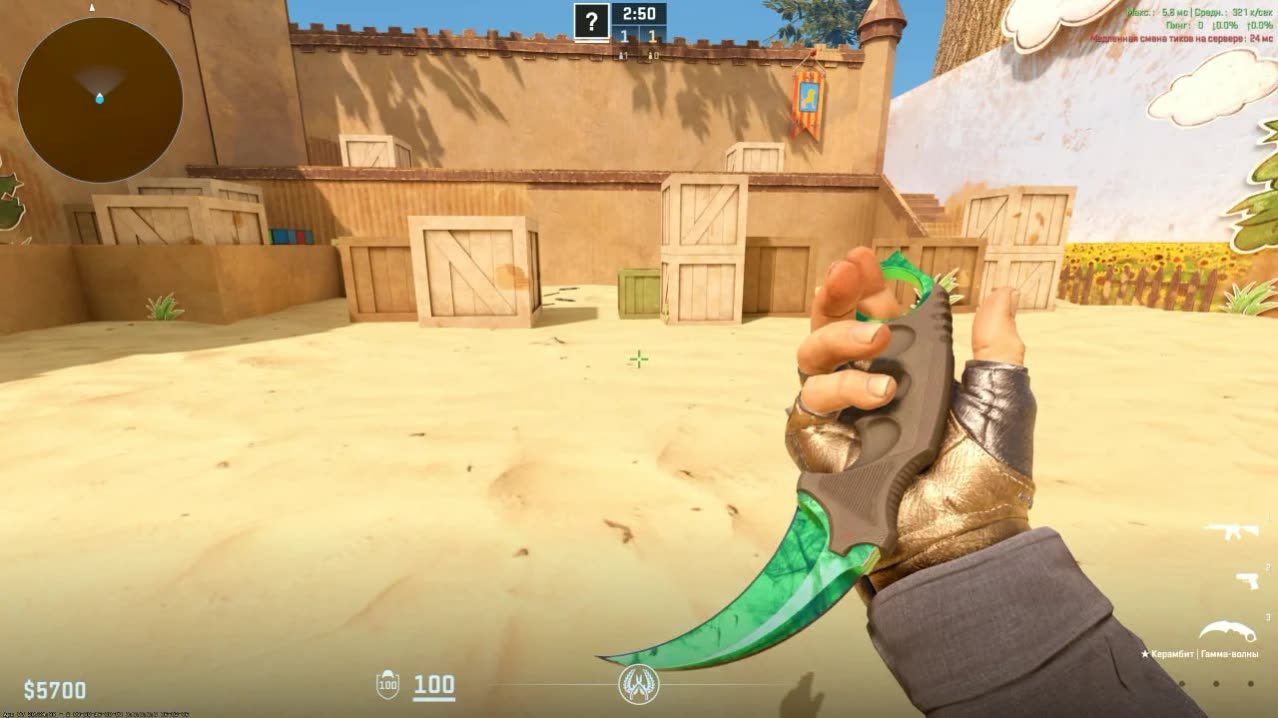
Hand setup. Full control over weapon placement. Move your hands along the X, Y, and Z axes and change the FOV so the weapon doesn't block your view (just like the pros).System (System)
Config System
Configs. Save your skin sets and world settings to files. Load ready-made presets (great color combos) in one click.Mini-Games
Mini-games. Bored waiting for a match to load? Built-in menu games (Snake, Tetris) help you kill time right in the lobby.Known issues & fixes
Real questions from our support, with the fixes that worked. Based on user requests for this product.
Loader won't launch, closes instantly or shows an access error
The archive password for the diagnostic utility is sordum. Download the Sordum utility, launch it, click Search, and send a screenshot of the results to support.
Make sure your antivirus is fully removed or disabled (Kaspersky, Norton, Windows Defender). If a third-party antivirus is installed, uninstall it via Programs and Features and reboot.
Move all loader files to your Desktop and run the .exe from there. If the issue persists, re-download the loader from the site and launch it as Administrator.
Loader loads endlessly or takes forever to start, server unreachable
The most common cause is ISP-level blocking of the activation servers. Connect to a VPN and try launching the loader again. In your VPN settings, switch to Proxy mode and pick the server with the lowest ping.
If that does not help, reboot your PC and try again. If the loader still fails to load, third-party software or Windows settings may be interfering — contact support.
Console shows 'load module' and closes, loader fails to load the cheat
This is typically caused by leftover files from previous sessions or corrupted Windows system components. Follow these steps in order:
- Download and run the Sordum utility (archive password: sordum), click Search, and wait for it to finish — it removes leftover directories from prior loader runs.
- Open Command Prompt as Administrator and run in sequence: DISM /Online /Cleanup-Image /RestoreHealth, then sfc /scannow. Wait for each to complete, then reboot.
- If the issue persists, try switching your DNS or changing your VPN server/location, then attempt the loader again.
- If nothing helps, record a video of the full launch process and send it to support.
After injecting the loader closes, no menu appears or the game crashes when launching with the cheat
- When injecting, keep the game window active (in focus), not the loader window.
- Remove any automatic memory-cleaning tools (e.g. MemReduct) — they conflict with the injector.
- Reinstall all Visual C++ Redistributable packages: uninstall all existing versions and download fresh ones.
- If the error persists, make sure Core Isolation / Memory Integrity is disabled in Windows: Settings → Windows Security → Device Security → Core Isolation.
Updater.exe is running in Task Manager but the loader window never appears
The most likely cause is a non-standard (modified or stripped) Windows build. The loader requires a clean, official Windows installation.
- Reinstall Windows using an official image.
- As a temporary workaround, try launching the loader with a VPN enabled.
- Make sure Vanguard (Valorant anti-cheat) is fully uninstalled — it can interfere with the launch.
Key not accepted after PC reboot or error when entering the key in the loader
After a reboot, a key can stop working due to a conflict with the spoofer or a changed system state. Contact support — an operator will issue a replacement key. To speed things up, provide your current key upfront.
PHOENIX




