
Cheat Arcane Delta Force Internal: private software for Delta Force
 Arcane

ARCANE: Inner Superiority in Delta Force
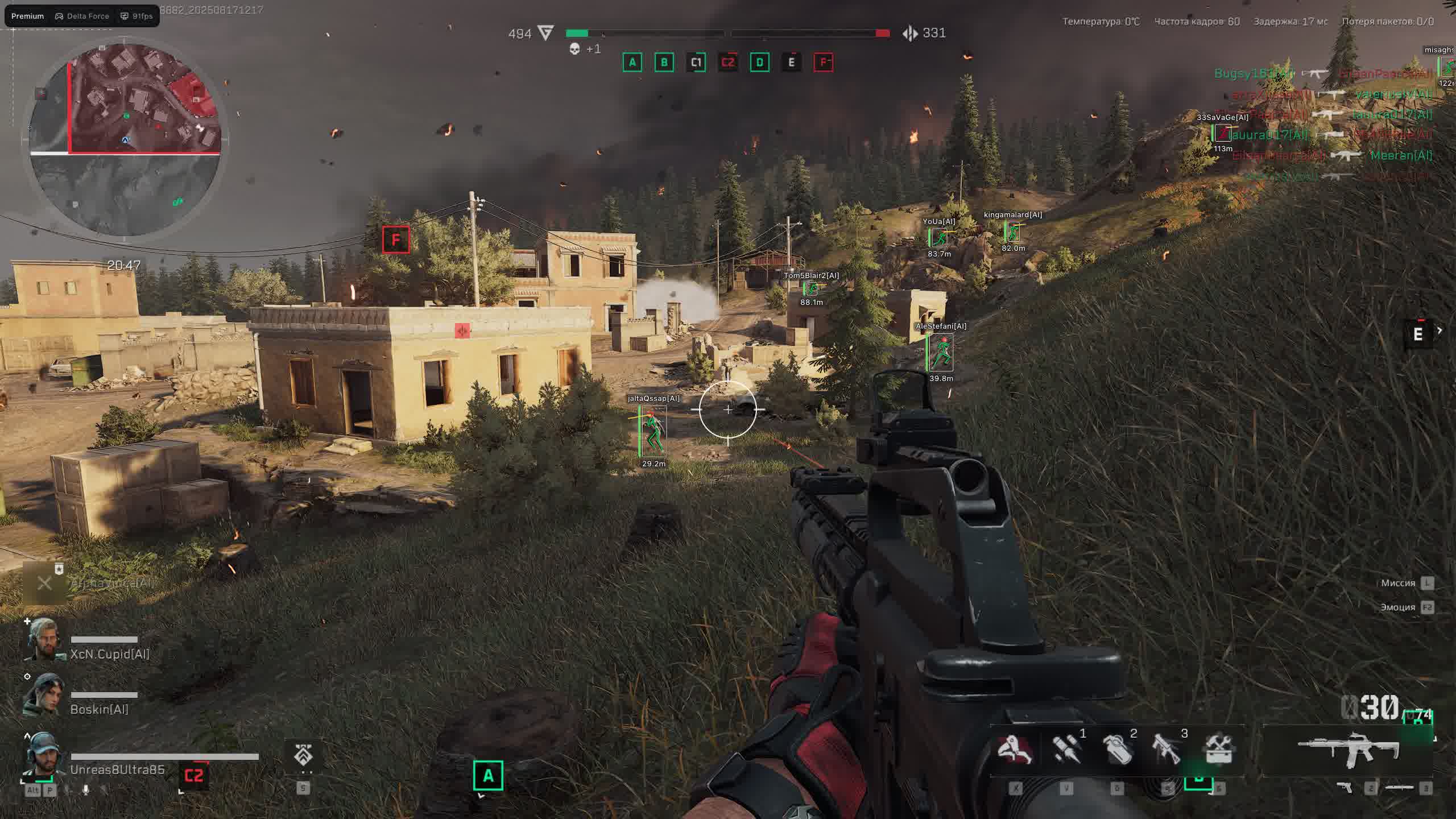
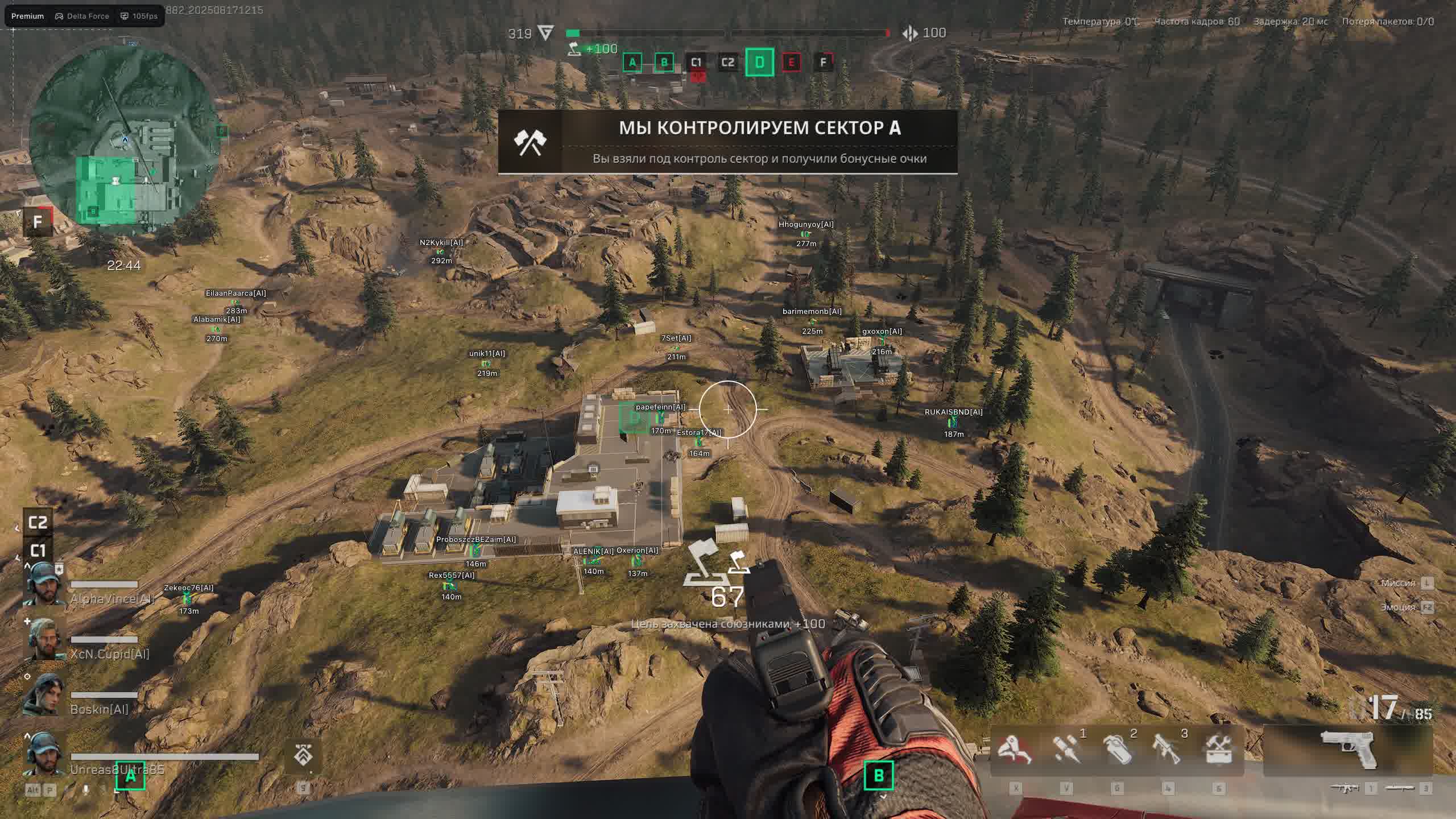
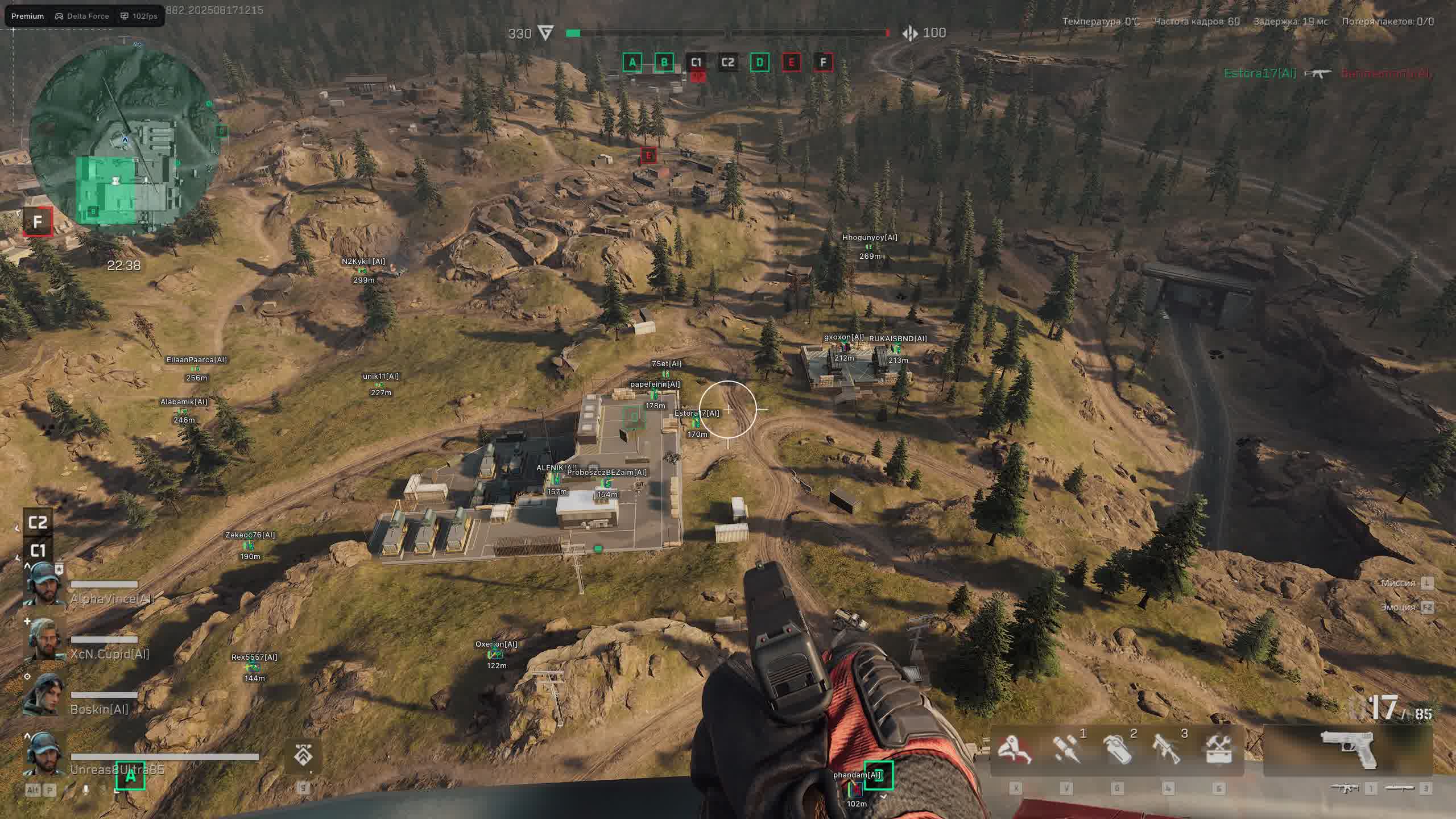
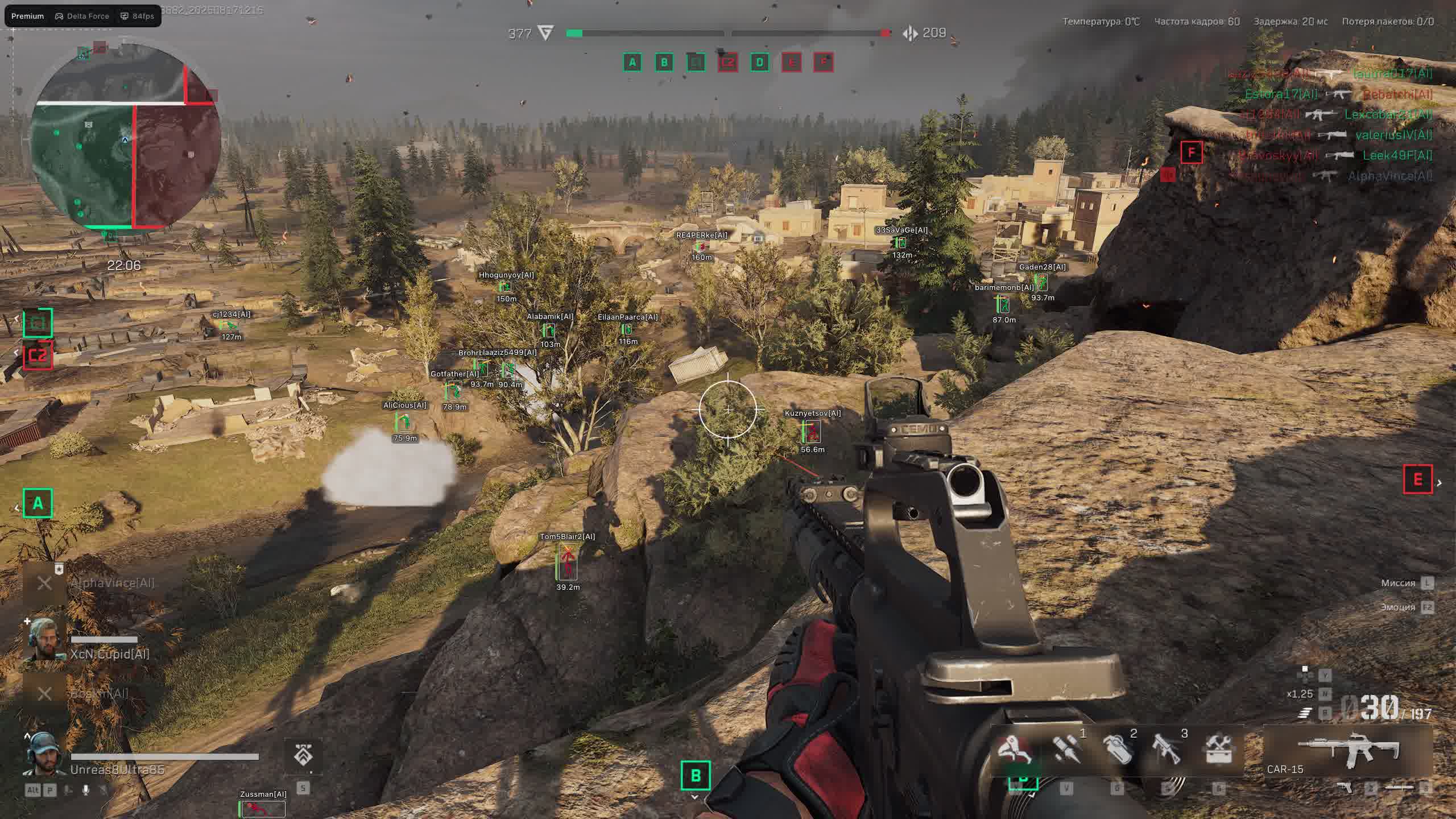
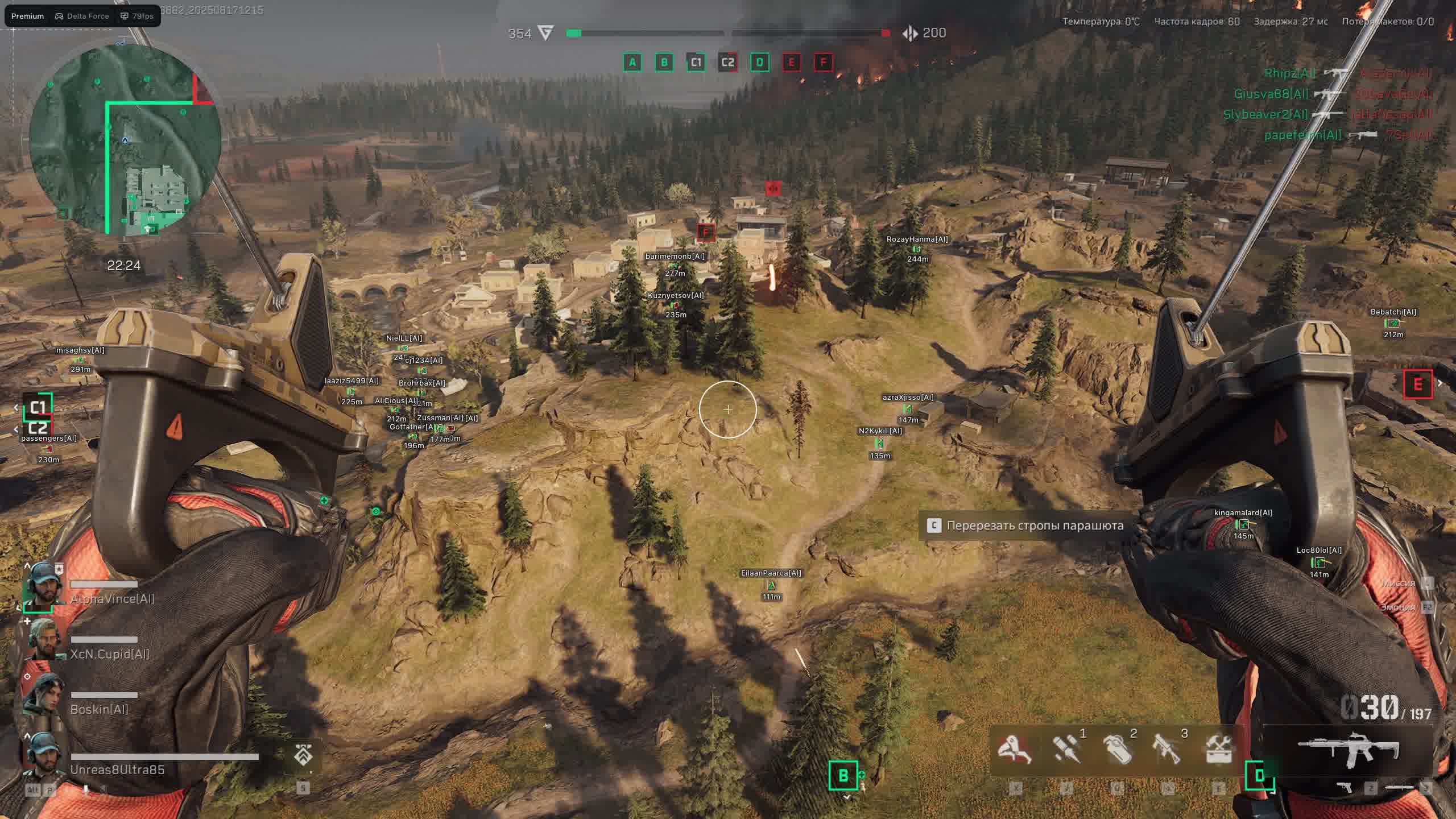
Drop into the fight knowing the Arcane Internal cheat has your back. This is more than a helper. It's a full combat suite built into the very heart of the game for maximum performance and functionality. The advanced Aimbot packs prediction and smart bone-selection logic, and the automatic Triggerbot keeps you a step ahead in every firefight.
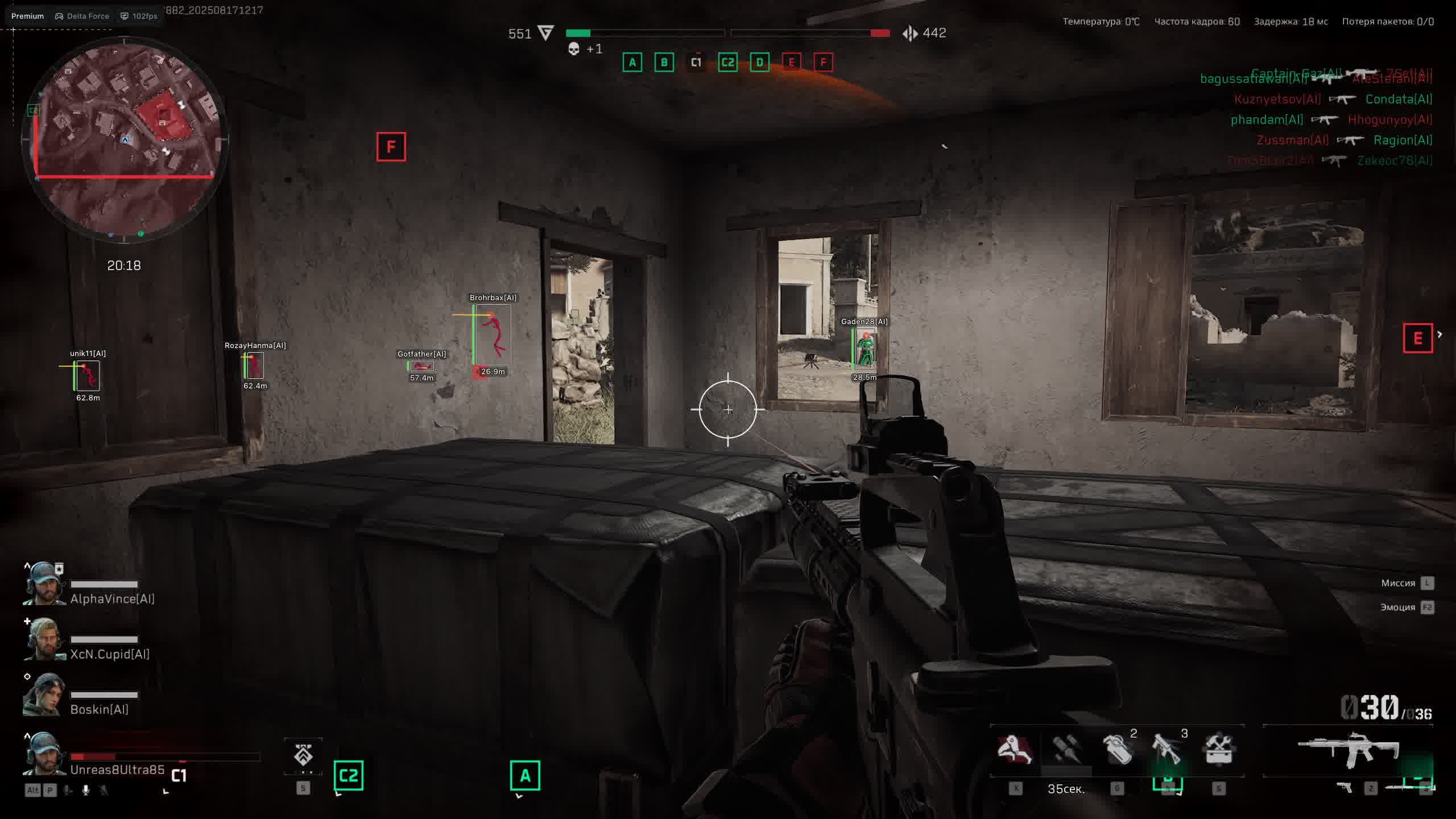
A detailed ESP with fully customizable visuals, from gradient boxes to health bars, gives you all the intel you need on the battlefield. A huge range of settings, including "Battle Mode" and an FPS limit, lets you tune the cheat to your system and playstyle.
Product features
AIMBOT & TRIGGER (Full Arsenal)
Triggerbot
Mongoose reflexes. The Triggerbot fires on its own the instant an enemy lands in your crosshair. Perfect for sniper ambushes and holding angles.Prediction & Bone Logic
Smart shooting. Prediction calculates the lead, while random bone selection (Random) makes your gameplay look as legit as possible.Target Delay & Smooth
Fine-tuning. The target-switch delay mimics human reaction, while smoothing hides the cheat's work from spectators.ESP Players (Detailed Monitoring)
Gradient & Background
Aesthetics. Set up a gradient fill for the boxes and HP bar. Make the interface clean and informative.View Line & Bot Transparency
Tactics. The view line shows where the enemy is looking. Make bots semi-transparent so they don't get in the way of spotting real players.Skeleton Outline
Clarity. The skeleton with head outline stands out perfectly even against busy map backgrounds.World ESP (Valuable Loot)
Safes and Computers
Electronic hack. Highlights safes and computers. Find the most valuable points of interest faster than anyone else.Containers and Bodies
Looting. See every crate and the bodies of the dead. Don't miss a single valuable item on the map.SETTINGS (Comfort)
Battle Mode
Focus on the fight. One button strips away the extra visuals, leaving only what matters most for the firefight.FPS Limit & VSync
Optimization. Set a frame cap and vertical sync so the cheat runs smoothly without screen tearing.Known issues & fixes
Real questions from our support, with the fixes that worked. Based on user requests for this product.
The loader can't connect to the activation servers and shows no available servers
In most cases this happens because your internet provider blocks access to the activation servers — it isn't related to the software itself. Try the following:
- Turn on a VPN and start the loader again.
- Once it launches successfully, you can usually turn the VPN back off.
- If the error comes back next time, enable the VPN again before each launch.
Cheat shows FROZEN or loader says frozen — how to run?
This means the product is temporarily frozen for a scheduled update. No action is needed on your part — simply wait for the update to complete.
Your paid subscription time does not expire during a freeze: subscription days are not counted while the loader is unavailable. Monitor the product page for status changes — access will resume automatically once the update is released.
PC reboots automatically after launching the loader / system shuts down
A forced reboot or shutdown on loader start is most often caused by antivirus software or incorrect Windows security settings.
- If Kaspersky is installed, remove it completely using the official removal tool (Kavremover) rather than the standard "Programs and Features" uninstall. Reboot your PC afterwards.
- Make sure the following are disabled: Windows Defender real-time protection, Core Isolation, User Account Control (UAC), and the Vulnerable Driver Blocklist.
- Download the Sordum utility (available from technical support; archive password: sordum), run it, click Search, and send a screenshot of the results to support — this helps identify the conflicting component.
- After making changes, restart your PC and try again.
Antivirus blocks loader files or loader download stalls at zero speed
Windows Defender or a third-party antivirus is blocking the loader download or launch. Use the Defender Control utility (archive password: sordum): download it, run it, click Search, wait for the scan to finish, then click Disable.
After disabling protection, re-download and run the loader. You can re-enable protection through the same tool after your gaming session.
Loader freezes, slider does not move, cheat does not start
Try connecting via VPN — the issue may be caused by activation server restrictions in your region. If VPN does not help, run the Sordum utility (available from technical support; archive password: sordum), click Search, and send the screenshot to support. The developer will use this information to assist you.
Launching the loader as administrator but nothing happens
Make sure you have read the included instructions carefully — the launch sequence is strict. The loader must be run as Administrator, and your antivirus must be fully disabled before starting.
If you followed every step and the loader still does nothing, contact support and describe exactly which step the process gets stuck on.
Can I use one license key on more than one computer
No, a key is bound to a single computer based on its hardware ID. You can't activate the same key on multiple devices at once — trying it on another PC won't work.
If you need to move your license to a different device, contact support.
Do I need to redownload the cheat after a game update
No, you don't need to download it again. After a game update the loader automatically pulls the current version the next time you start it.
The protection or spoofer module won't start, what should I do
This error is often related to CPU virtualization being disabled. Go into your BIOS and enable virtualization (VT-x for Intel or AMD-V for AMD), save the settings, and restart the loader.
If the error still appears, contact support for further diagnostics.
After starting the cheat my internet connection stops working
This can happen because of the built-in protection module (spoofer). Try disabling the spoofer in the loader settings and start the program again — your internet access should come back.
If you need the spoofer feature enabled, ask support about an alternative configuration.


 Join all games chat





