Продали замороженный продукт
Get back into the world of tactical shooters with a full edge thanks to our cheat for Delta Force from the well-known developer Dullwave. This product delivers a perfectly balanced set of features for anyone who values both effectiveness and legitimacy.
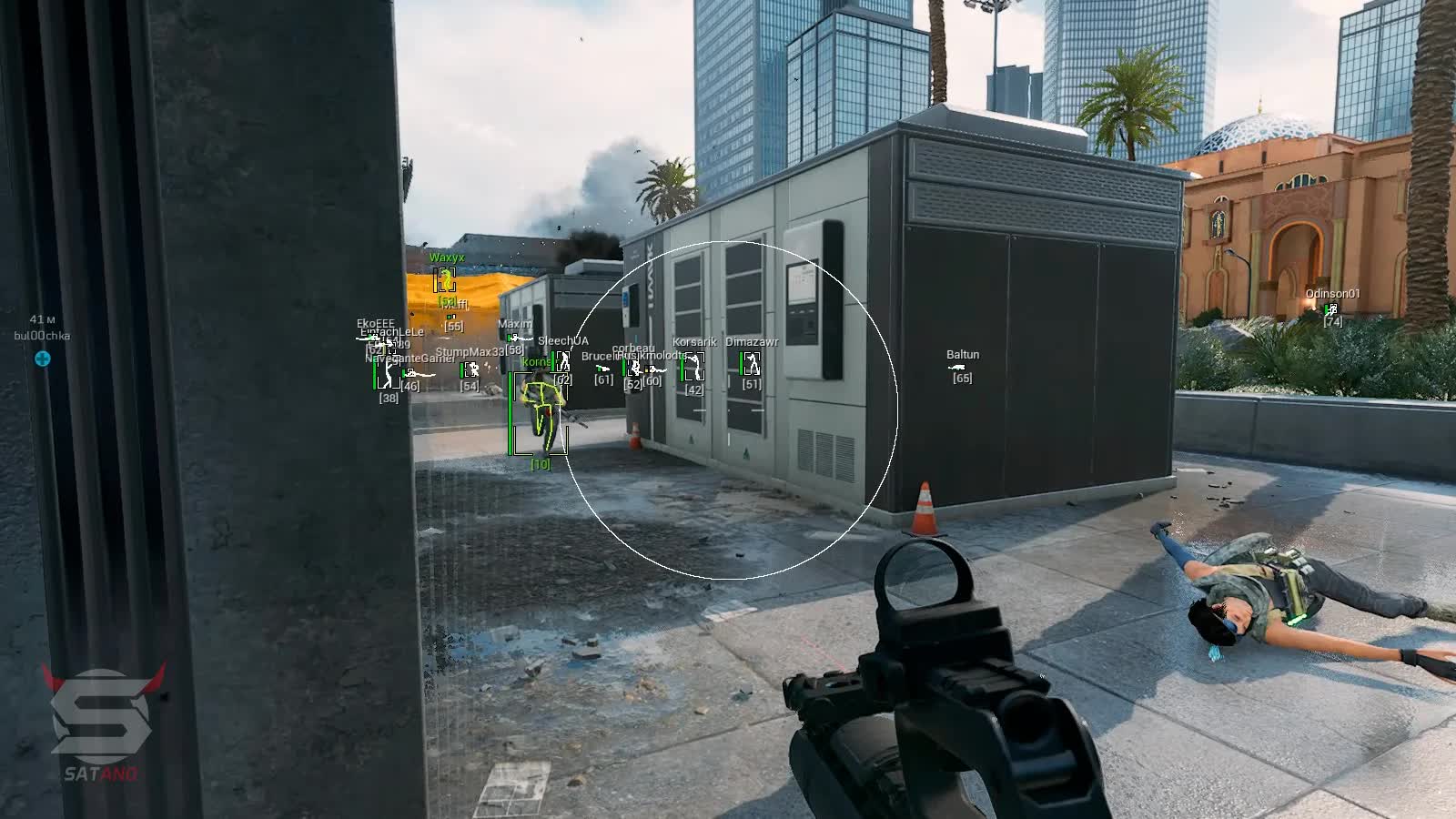
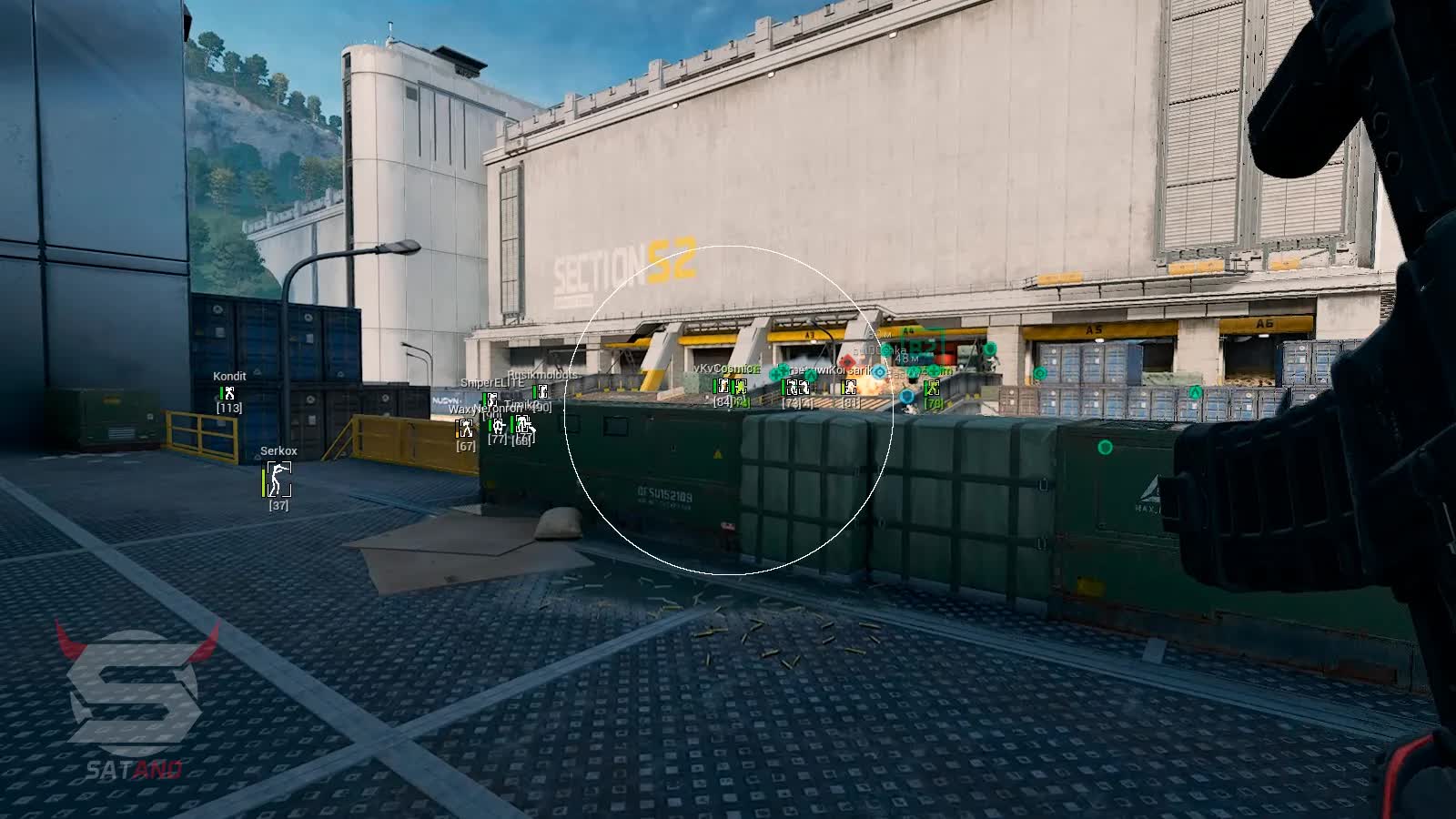
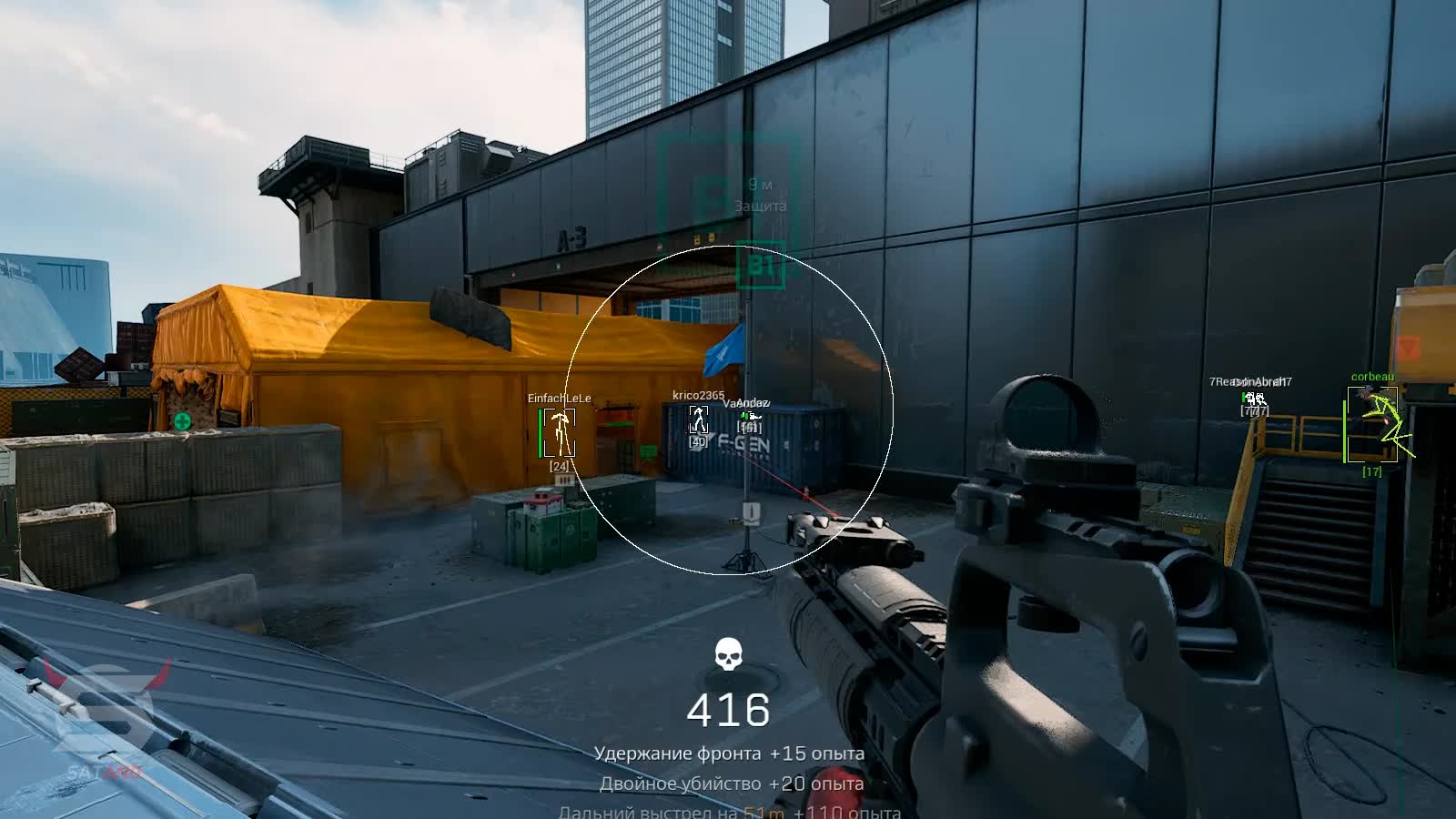
The advanced Aimbot with its unique "Humanize" mode locks on accurately with zero risk of detection, mimicking natural hand movement. At the same time, the detailed ESP (Wallhack) feeds you everything you need to know about enemies, letting you stay one step ahead and control the flow of every fight.
Product features
Aimbot (Dynamic Accuracy)
Dynamic Smooth & Humanize
Smart smoothing. The aimbot adapts its tracking speed to the situation, mimicking human behavior. Perfect for stealthy yet effective play.Aim Lock & Visible Check
Death grip. Aim Lock holds the target down to its last HP. Visible Check makes sure you won't shoot into a wall and give yourself away.Snapline & FOV
Visual control. The Snapline shows who the aimbot picked, while the FOV circle marks the kill zone around your crosshair.Player ESP (Full Intel)
Box Styles & Filled
Contrast. Pick your style: minimalist corners or full filled boxes. Enemies stay visible against any background.Level & Skeleton
Read your opponent. See the account level and enemy skeleton. Know who you're up against - a seasoned veteran or a rookie - and choose your tactic.Distance & Health
Weigh your odds. Distance and the HP bar help you decide: push the gunfight or slip past it.Known issues & fixes
Real questions from our support, with the fixes that worked. Based on user requests for this product.
The cheat freezes or closes on launch, the menu doesn't appear, or features like ESP and aim don't work — what could be causing this?
This is usually caused by the loader conflicting with your antivirus or other software on your PC. Try these steps in order:
- Add the loader folder to your antivirus and Windows Defender exclusions — it can silently delete or block its files.
- Temporarily disable real-time protection and launch the loader again.
- Close background programs, overlays, and recording software before starting the game.
If that doesn't help, contact support — they'll give you a compatibility-check utility to run, then ask for a screenshot of the result for accurate diagnosis.
Cheat stopped working after PC reboot , loader shows OK but the game won't start
After each reboot, Windows Defender or another antivirus may restore its settings and block the loader files. Make sure protection is disabled, then click Start Game in the loader again.
Also verify that Valorant Anti-Cheat (vgc / vanguard) is fully uninstalled , it conflicts with the loader.
Pressing F2 shows a corrupted file error or the cheat doesn't launch , what to do?
Make sure the game is running in windowed mode, not fullscreen. Switch Delta Force to windowed mode, then press F2 again , the cheat should load correctly.
After a game update the cheat stopped working and the loader shows access as temporarily frozen — is that normal?
Yes, that's expected. After a major game update, the cheat is temporarily taken offline for an update — during this time the loader may show your access as frozen, but your subscription time is not being used up.
You don't need to reinstall or re-download the loader manually — access turns back on automatically once a new version is released for the current game patch. You can ask support for an estimated timeframe.
Dullwave




