Чит не работает! Ответа от поддержки не дождался
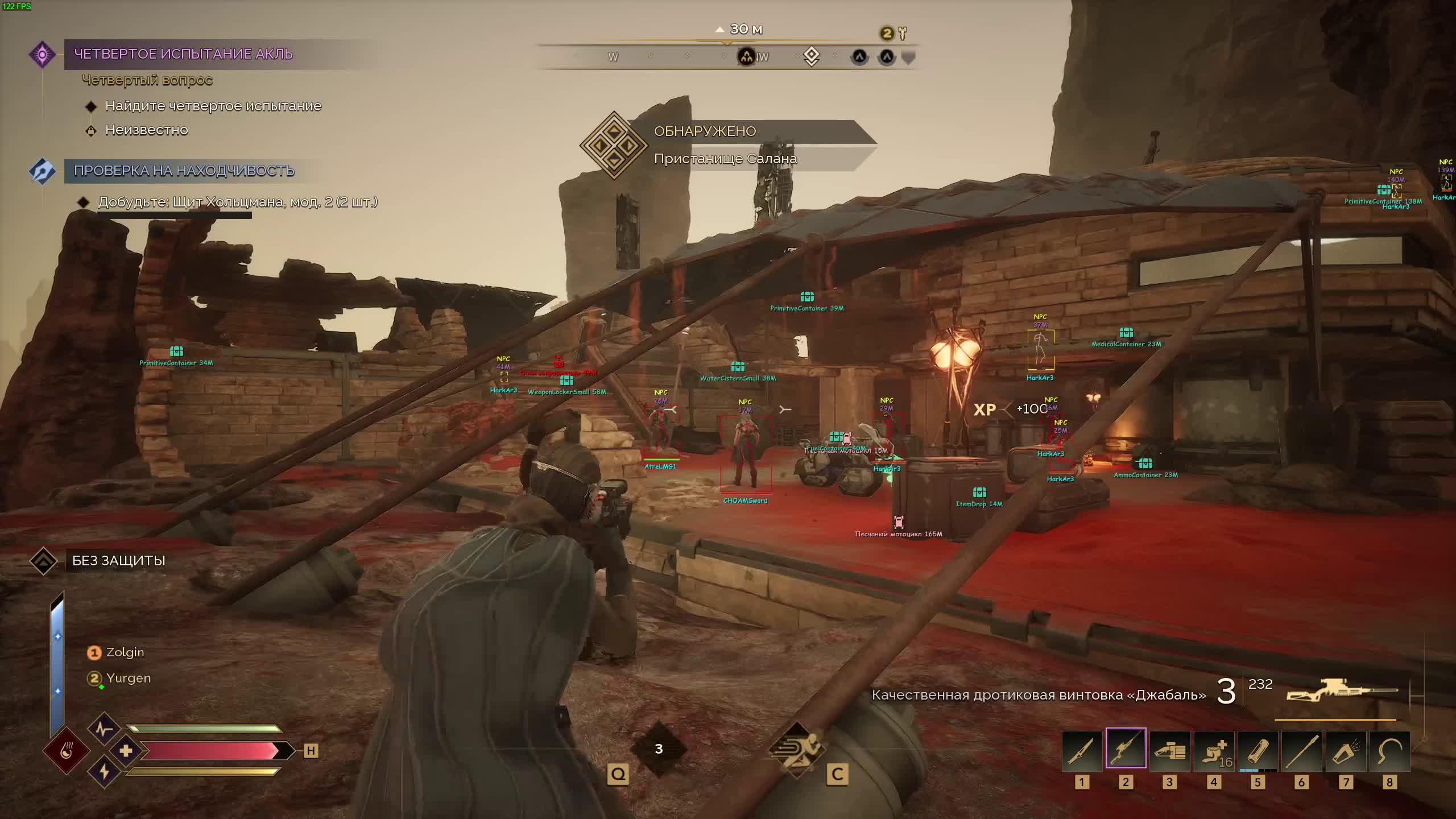
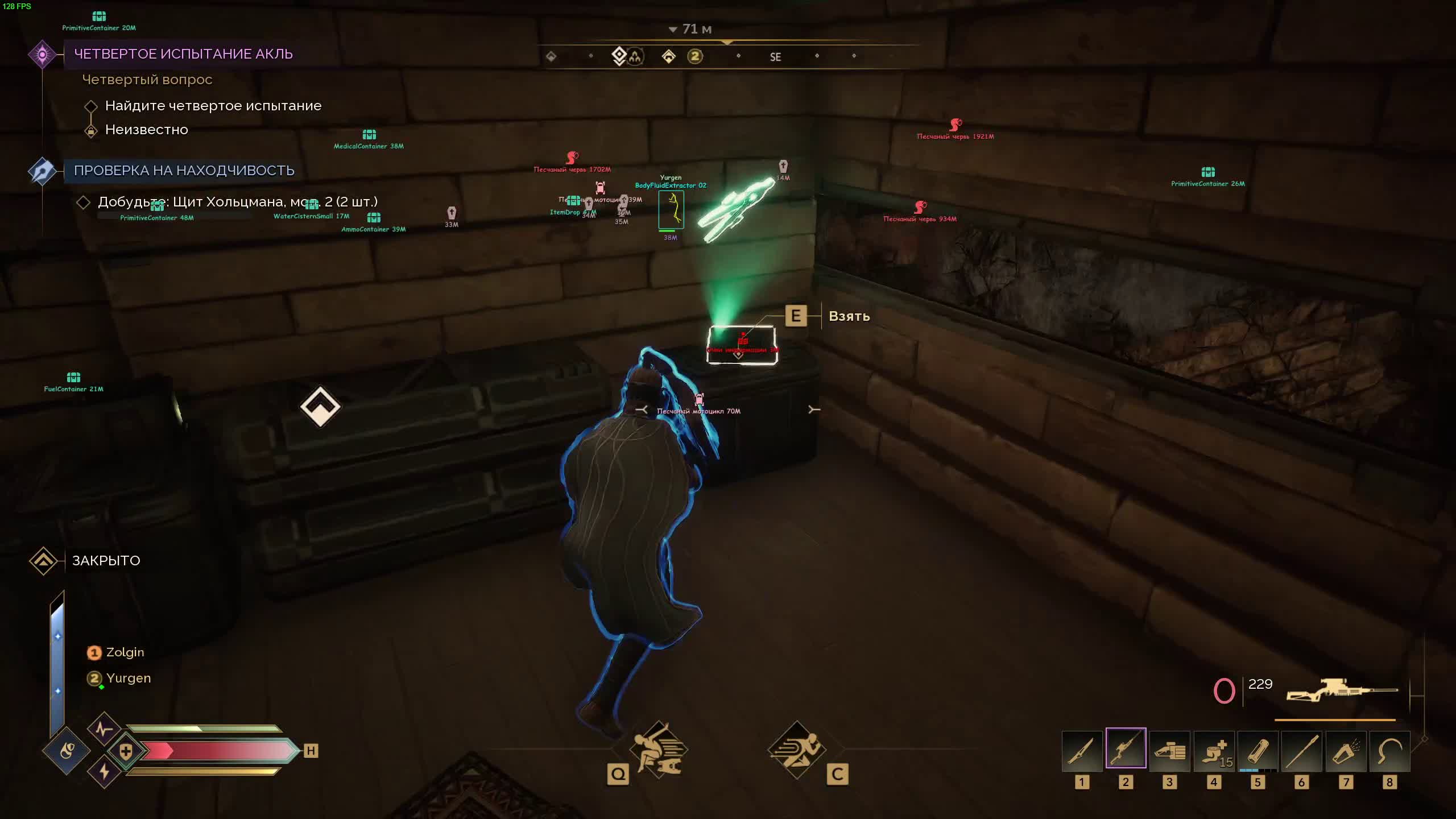
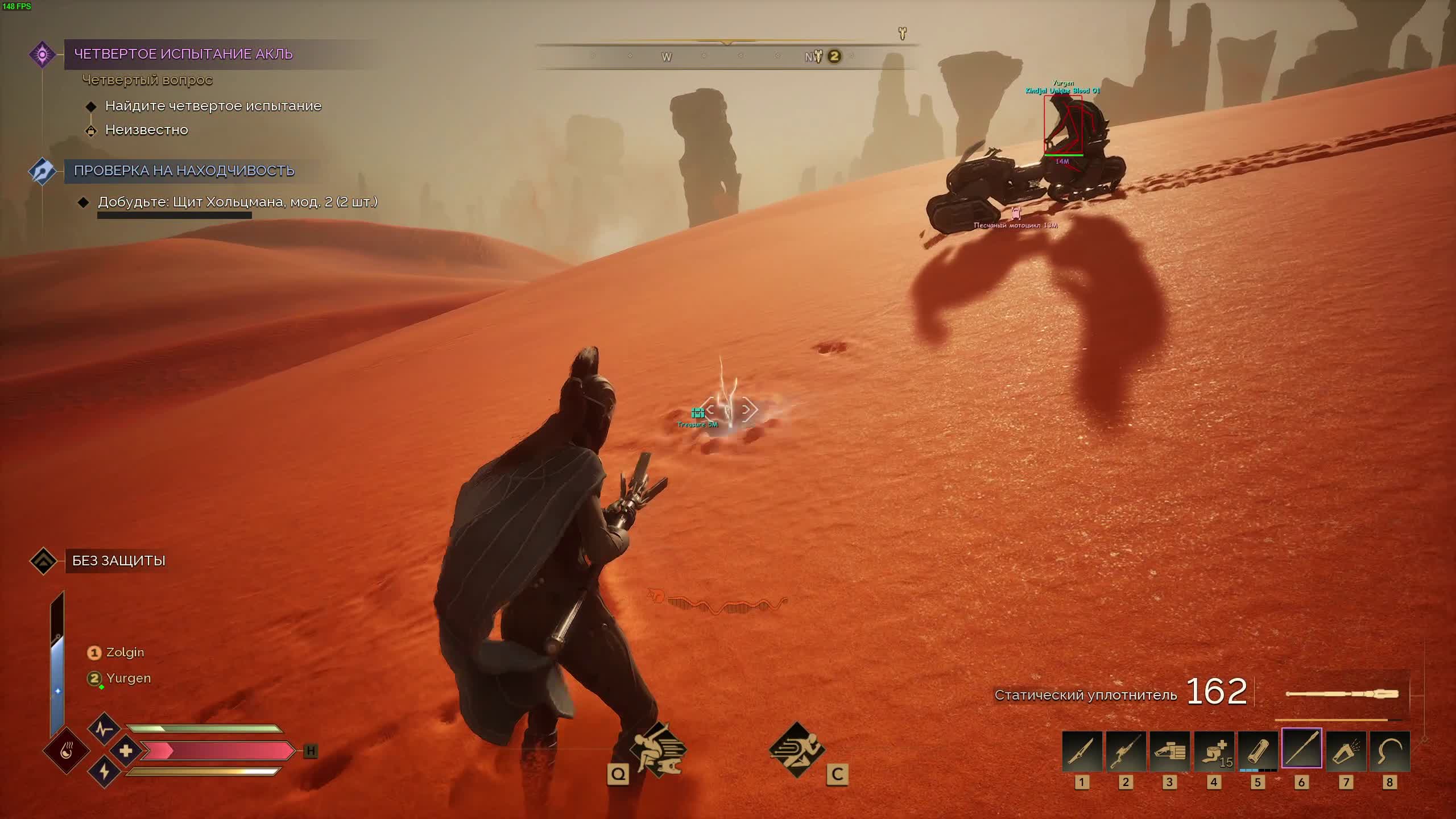
SMG for Dune: Awakening is a professional cheat with a heavy feature set, built for total control on Arrakis. This product from the well-known SMG developer hands you every tool you need: a high-precision aimbot with flexible settings, and a detailed ESP that highlights not just players but vehicles, loot containers, and even the deadly sandworms.
The cheat has a clean interface that lets you save your settings, change the FOV, and bind hotkeys to the functions that matter. On top of that, the product ships with a built-in HWID spoofer that gives you an extra layer of protection against hardware bans. SMG is a flexible, reliable tool for any playstyle.
Product features
AIMBOT (Precision of the Fremen)
Aim Player & Toggle
Keep your crosshair locked on the enemy. Run the aim on hold or toggle it with a key. Full control over your fire in any fight.Auto Change & Bone Selection
Chain reaction. After a kill the aim snaps to the next enemy on its own. Pick the head or the neck for maximum damage and ammo savings.Visible Check & Smooth
Smart fire. The aim will not twitch toward an enemy behind a rock, so your cover stays intact. Smooth tracking makes your movement indistinguishable from a skilled player.FOV & Distance
Your kill zone. Set the lock radius and the range. Do not try to shoot across half the map, hit what you can land.PLAYER ESP (Tactical visuals)
Vis Box & Skeleton
Vision through the storm. The boxes change color when an enemy steps into your line of fire. The skeleton shows the pose, so you know whether they are crouched or aiming at you.Shield & HP Bar
Know when to push. Shield and health bars show you which enemies are one hit from down and which ones are still at full strength.Weapon & Name
Read the threat. See the name and the weapon in an enemy's hands. Do not bring a pistol to a laser rifle fight.Teammate & Distance
Set your filters. Hide teammates so they do not clutter the screen, and cap the range so you only see the real targets near you.OBJECT ESP (Resources of Arrakis)
Sandworm ESP
Worm tamer. See Shai-Hulud coming early. Dodge the lethal attacks from below and use the worm as a weapon against enemies.Crash Site & Loot Container
First on the crash site. Find downed ornithopters and containers full of top loot before the other clans do.Pentashield Key
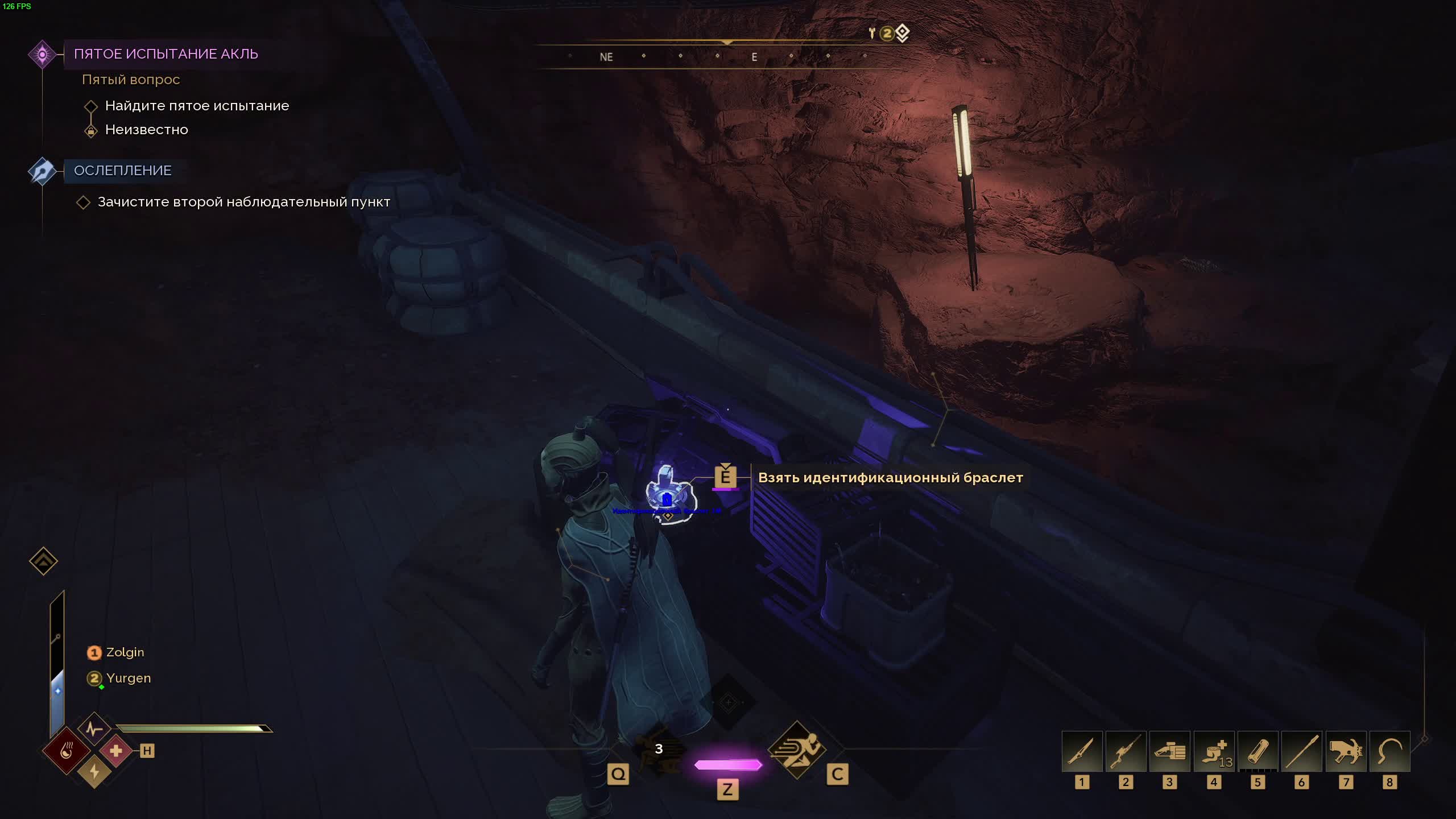
Keys to power. Highlights the ID bracelets (Pentashield Key) you need to reach protected zones and resources.Vehicles (Flying/Wheeled)
Vehicle control. See every ornithopter and buggy around you. Do not let an enemy slip away, or grab a ride for your own escape.MISC (Survival)
Battle Mode & Panic Button
Battle mode. One button clears the extra junk off your screen (loot, mobs) and leaves only enemies. The panic button instantly shuts the cheat off when things get dangerous.Zoom Hack & FOV
Eagle eye. Zoom in to scout without binoculars and change the field of view (FOV) for better peripheral vision.Configs & Custom Fonts
Your style. Save settings for different situations (farming/PvP) and switch up the interface fonts for maximum comfort.Known issues & fixes
Real questions from our support, with the fixes that worked. Based on user requests for this product.
Loader flashes briefly and disappears on startup — Windows security driver conflict
This is a common issue caused by Windows driver security components. Follow these steps:
- Download the Sordum utility (archive password: sordum), run it, click Search, and wait for it to finish.
- Apply the win_driver_OFF.reg file provided by support — it disables Windows driver signature enforcement. Reboot your PC afterwards.
- Make sure User Account Control (UAC) is disabled — the loader handles this automatically, but verify it manually if needed.
- If the issue persists, run sc query vgk, sc query faceit, sc query wdfilter in CMD and send a screenshot to support.
Loader connection error or infinite loading on startup — VPN or Network Manager required
Loader connection errors are usually caused by ISP-level blocking. Try the following steps:
- Enable a VPN (any country), launch the loader and click Inject. Once injected successfully, disable the VPN before starting the game.
- If VPN does not help: download the networkmanager.zip utility, run it, select «Find Best IP» and click Apply. Then try launching the loader again.
System freezes and mouse barely moves when entering the key in the loader
System freeze when entering the key is usually caused by HDR or antivirus conflicts. Do the following in order:
- Disable HDR in Windows display settings.
- Disable Windows Defender and make sure any third-party antivirus (e.g. Kaspersky) is fully uninstalled.
- Run the Sordum utility to disable system security drivers, then reboot your PC.
Loader crashes or throws errors on startup — antivirus or Vanguard interfering
The most common cause is third-party antivirus or security software blocking the loader. Completely uninstall 360 Total Security, Vanguard (Valorant anti-cheat — must be uninstalled, not just disabled), and any other third-party antivirus.
After removal: download the Sordum utility (archive password — sordum), run it, click Search, and wait for it to finish. Then reboot your PC and try launching the loader again.
If errors persist, send a screenshot of your installed programs list to support. As a last resort, a clean Windows reinstall resolves the issue.
Loader keeps asking to reboot the PC — stuck in a reboot loop
Run a system file repair: open Command Prompt as Administrator and execute two commands — first DISM /Online /Cleanup-Image /RestoreHealth, then sfc /scannow. After that, make sure Fast Boot is disabled in BIOS/UEFI, then reboot.
If the issue persists, a clean Windows reinstall is required. Use the Pro edition only — Home versions may lack required components for the loader to function correctly.
SMG




