
SMG for Hunt: Showdown, Become the Apex Predator of the Bayou
 SMG
SMG

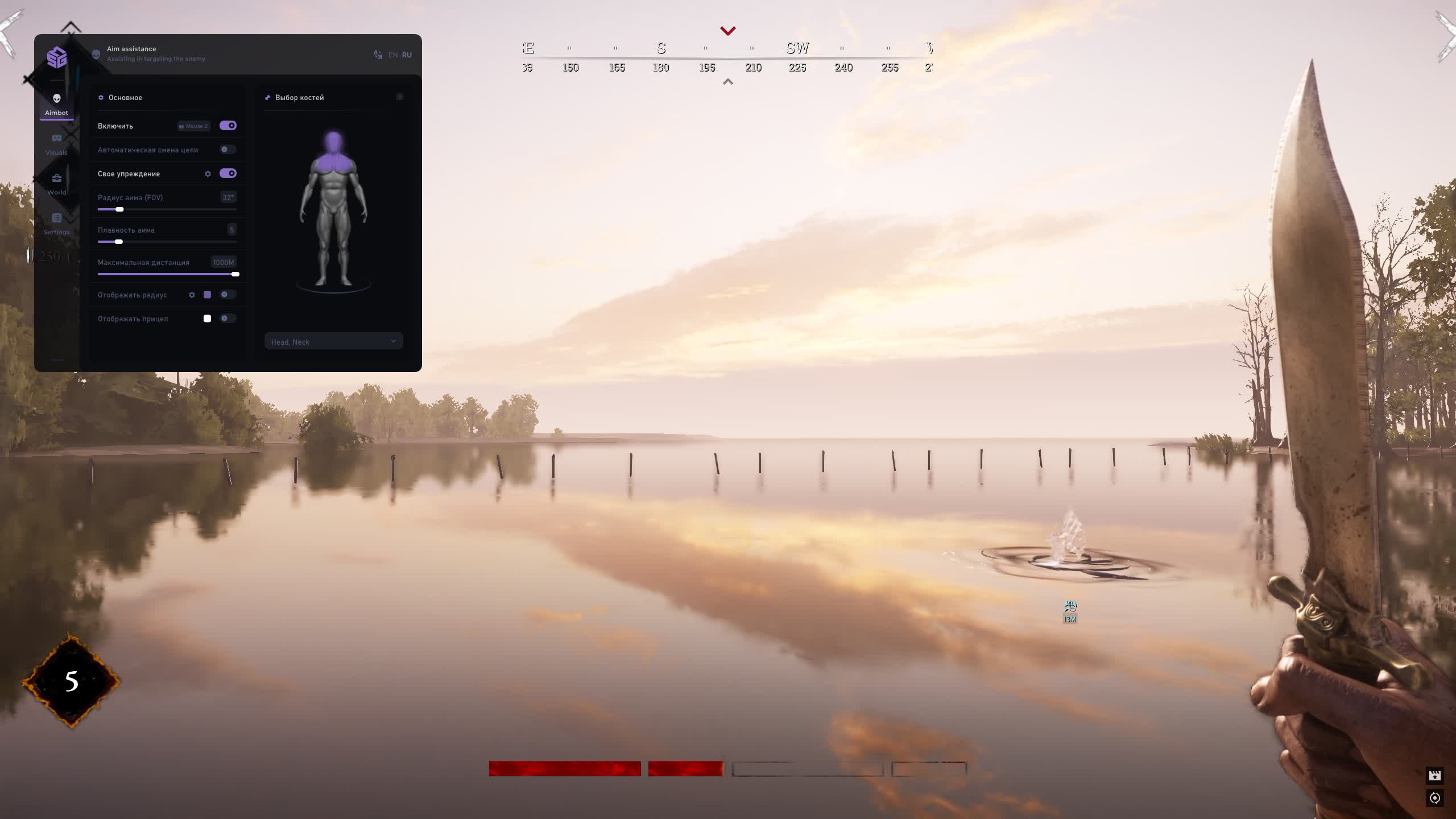
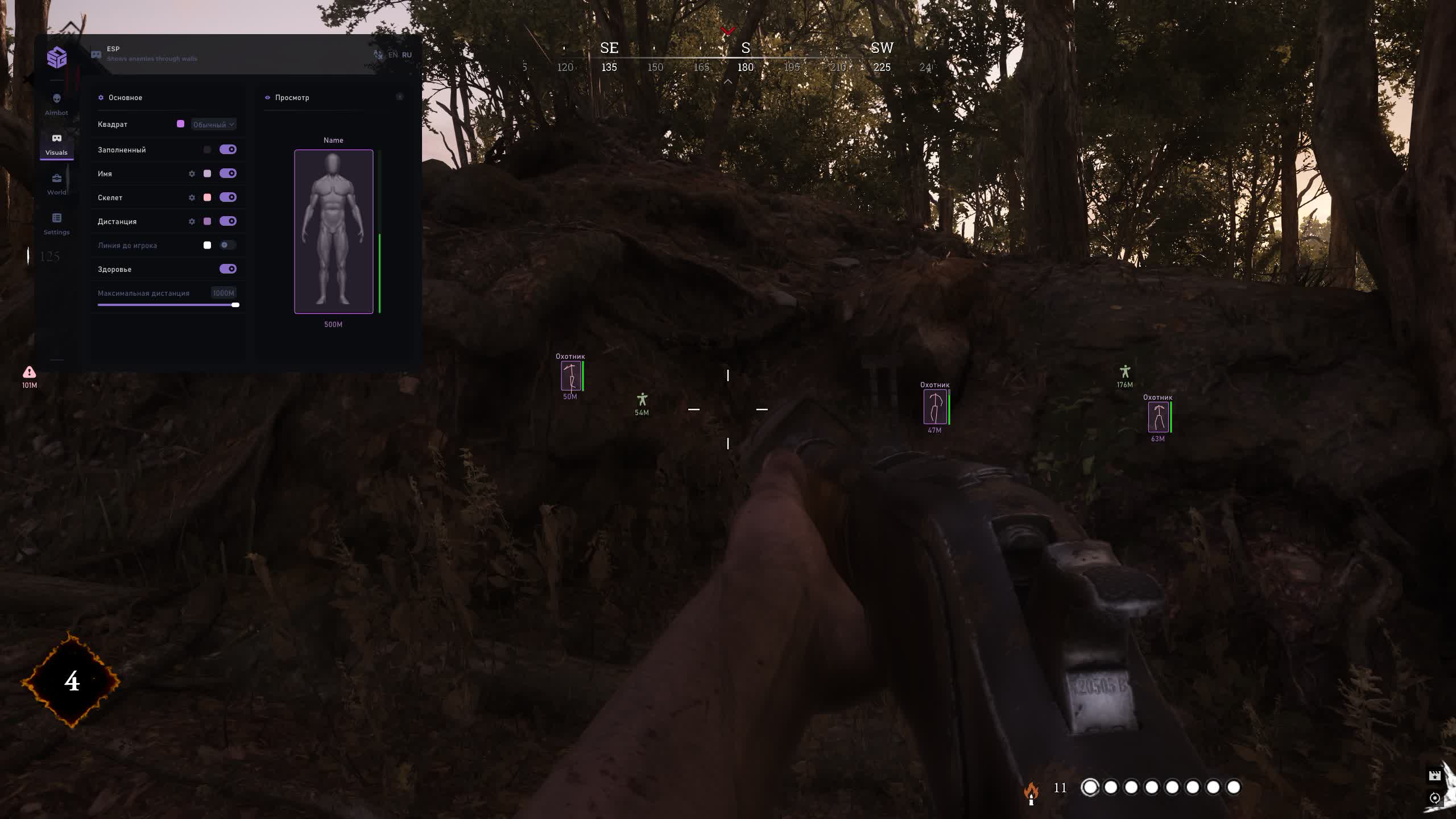
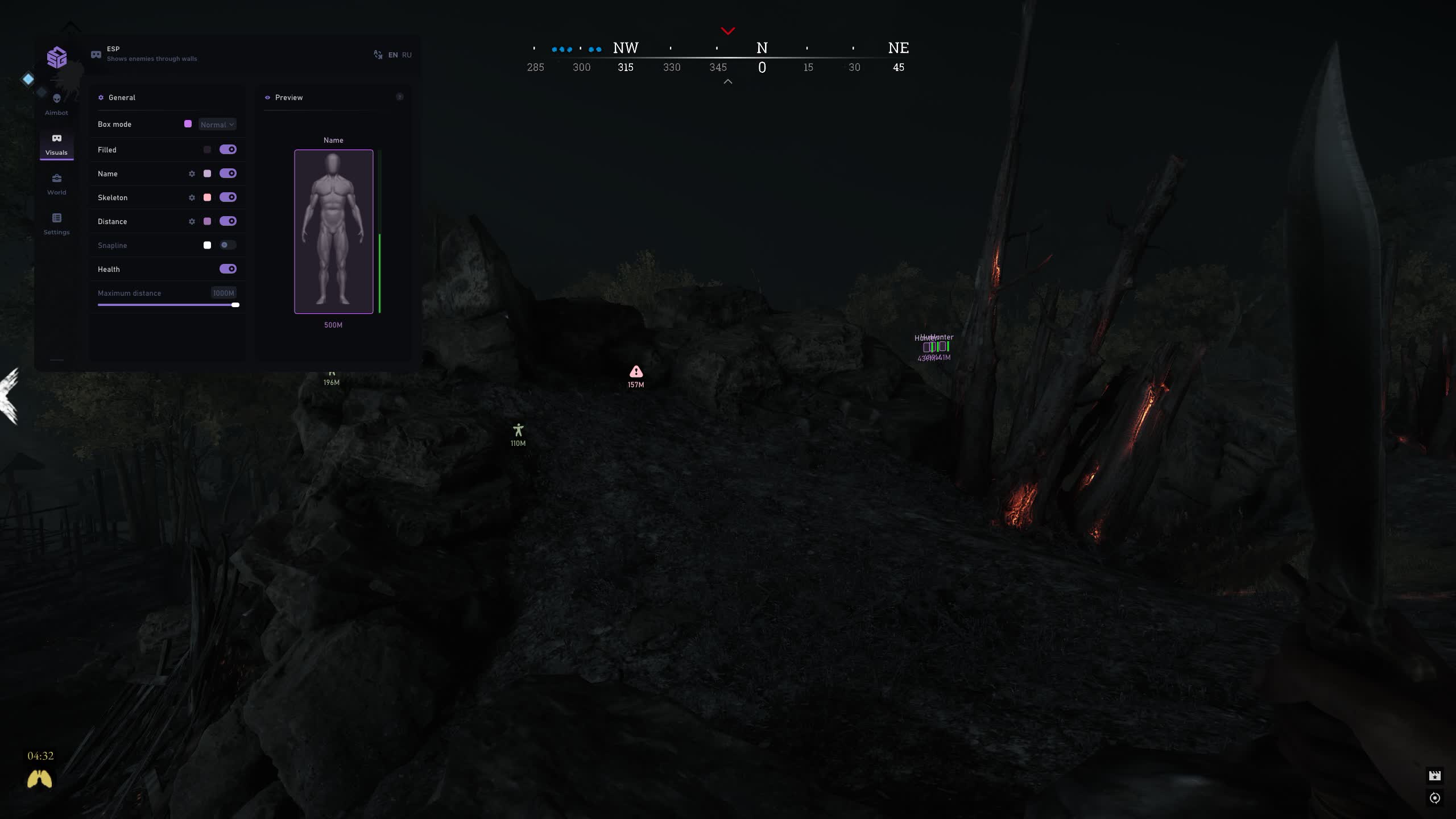
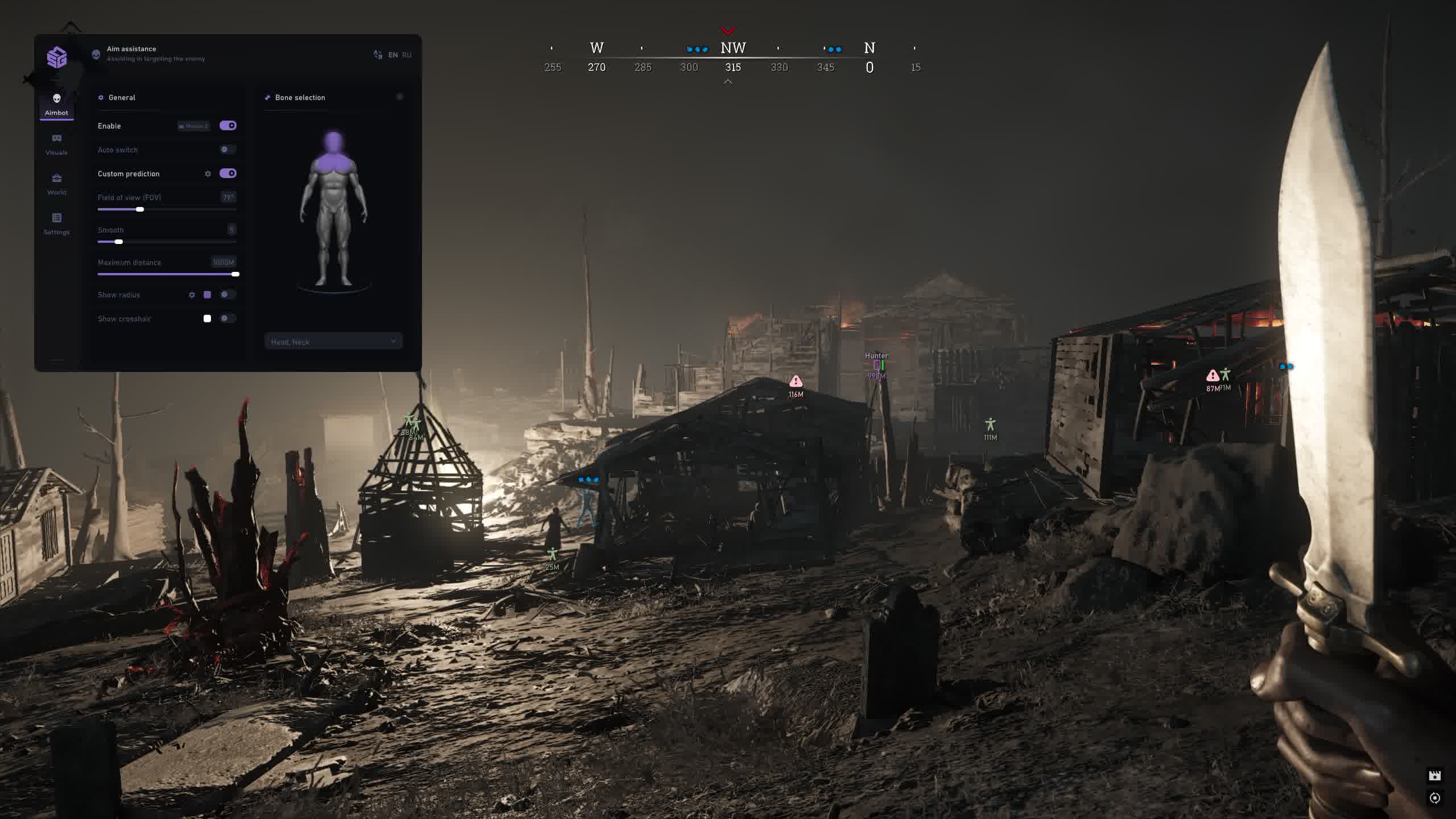
Turn the deadly bayous of Hunt: Showdown into your own private hunting grounds with this multifunctional cheat from SMG. This product is built for players who want to control every aspect of the game: from picking off enemies at any range to spotting the smallest trap or the most valuable piece of loot.
With an advanced Aimbot featuring lead prediction and smoothing settings, plus an all-encompassing ESP that highlights absolutely everything, from players and bosses to every type of weapon and clue, you'll always be one step ahead. A flexible settings system with the ability to save and load configs lets you adapt the cheat to any playstyle.
Product features
AIMBOT (The Art of Shooting)
Prediction & Custom Lead
Bayou sniper. Manual lead setup (Custom Prediction) lets you dial in your aim perfectly for the ballistics of your favorite rifle. Hit moving targets at any range.Auto Switch & FOV
Combat flow. The aimbot instantly switches to the next enemy after a kill. Tune the color and size of the FOV circle for visual control of your kill zone.Bone Priority
Smart targeting. Set your aim priority: head for one-shots or body for guaranteed damage in close-quarters fights.VISUALS (Tactical Overview)
Skeleton & Health
Status readout. The skeleton shows the enemy's pose behind cover, and the health bar tells you when a target is ready to be finished off.Box Styles & Lines
Clear targets. Pick your box style (corners/full) and enable snap lines to players to instantly read where threats are coming from.WORLD (Master of the Territory)
Interactive Objects
Environmental control. Highlight bear traps, barrels and lures. Use traps against your enemies and avoid them yourself.Monsters & Weapons
Full awareness. See every monster (including Water Devils) and filter weapons on the ground. Find valuable loot faster than anyone else.SETTINGS (Personalization)
Panic Key & Battle Mode
Safety. The panic key instantly disables the cheat. Battle Mode strips away extra visuals (loot/mobs), leaving only enemies so you can stay focused.Fonts & Colors
Aesthetics. Tune the font and colors of every ESP element. Make the cheat's interface as clean and easy on the eyes as you want.Known issues & fixes
Real questions from our support, with the fixes that worked. Based on user requests for this product.
The cheat won't launch or shows an error — is my Windows version supported?
The software doesn't support every Windows version and build — the newest system updates in particular may not be supported yet, in which case the launch fails or the system blocks the driver as "unsafe".
- Check your exact version and build number in Windows Settings (System → About) and compare it with the list of supported versions on the product page.
- If your build is newer than the ones listed, or it's a non-standard/stripped-down Windows edition, stable operation isn't guaranteed — installing one of the supported official versions usually resolves it.
- Before purchasing, ask support which Windows version is required for the specific product — they can also tell you whether an update for your build is planned.
The program launches but nothing happens, or it gets blocked even though the antivirus was removed long ago
The most common cause is leftovers from previously installed antivirus or security tools: their drivers and background files keep interfering with the program even after the antivirus itself has been removed.
Contact support — they can point you to a dedicated utility that checks your computer for such leftovers and help you remove them properly. After cleaning up, restart your computer and launch the program again.
The cheat stopped working or shows an error after a game update — what should I do?
This is expected: after a major game update the developer needs time to adapt the program, usually anywhere from a few hours up to a day. Until the update is ready, the loader may fail to start or some features may work incorrectly.
- You don't need to update anything manually — the current version is pulled through the loader automatically.
- Check the product status on the website to see when the update is finished.
- If the program is temporarily unavailable due to an update, your subscription time is extended to cover the downtime.
- If it still won't launch a day after the game patch, contact support to check the update status.
Loader flashes briefly and disappears on startup — Windows security driver conflict
This is a common issue caused by Windows driver security components. Follow these steps:
- Download the Sordum utility (available from technical support; archive password: sordum), run it, click Search, and wait for it to finish.
- Apply the win_driver_OFF.reg file provided by support — it disables Windows driver signature enforcement. Reboot your PC afterwards.
- Make sure User Account Control (UAC) is disabled — the loader handles this automatically, but verify it manually if needed.
- If the issue persists, run sc query vgk, sc query faceit, sc query wdfilter in CMD and send a screenshot to support.
The program stopped working after a Windows update — what should I do?
Most software is built for specific Windows builds, and an automatic system update can make your system incompatible with the program's protection.
- After any major system update, compare your build with the supported Windows versions listed on the product page.
- If your build isn't supported, you'll need to roll back the update or reinstall Windows on a supported build.
- Ask support for the exact list of supported builds and advice for your specific case.
Loader connection error or infinite loading on startup — VPN or Network Manager required
Loader connection errors are usually caused by ISP-level blocking. Try the following steps:
- Enable a VPN (any country), launch the loader and click Inject. Once injected successfully, disable the VPN before starting the game.
- If VPN does not help: download the networkmanager.zip utility, run it, select «Find Best IP» and click Apply. Then try launching the loader again.
System freezes and mouse barely moves when entering the key in the loader
System freeze when entering the key is usually caused by HDR or antivirus conflicts. Do the following in order:
- Disable HDR in Windows display settings.
- Disable Windows Defender and make sure any third-party antivirus (e.g. Kaspersky) is fully uninstalled.
- Run the Sordum utility (available from technical support) to disable system security drivers, then reboot your PC.
Loader crashes or throws errors on startup — antivirus or Vanguard interfering
The most common cause is third-party antivirus or security software blocking the loader. Completely uninstall 360 Total Security, Vanguard (Valorant anti-cheat — must be uninstalled, not just disabled), and any other third-party antivirus.
After removal: download the Sordum utility (available from technical support; archive password — sordum), run it, click Search, and wait for it to finish. Then reboot your PC and try launching the loader again.
If errors persist, send a screenshot of your installed programs list to support. As a last resort, a clean Windows reinstall resolves the issue.
The menu doesn't open with the hotkey after launching the game
Switching the game to windowed mode is usually what fixes this — in fullscreen mode the menu hotkey may not respond.
- Finish all loader steps exactly as instructed, then start the game in windowed mode.
- Press the menu hotkey specified in the instructions only after the game has fully loaded.
- If the menu still doesn't appear, reinstall the program and try again from scratch; if the issue persists, contact support and attach a screenshot of what happens when you press the key.
Loader keeps asking to reboot the PC — stuck in a reboot loop
Run a system file repair: open Command Prompt as Administrator and execute two commands — first DISM /Online /Cleanup-Image /RestoreHealth, then sfc /scannow. After that, make sure Fast Boot is disabled in BIOS/UEFI, then reboot.
If the issue persists, a clean Windows reinstall is required. Use the Pro edition only — Home versions may lack required components for the loader to function correctly.
The loader won't open and says it can't find d3dx9_43.dll
This error means the computer is missing DirectX components the program needs to run. Download and install the official DirectX Redistributable package from Microsoft, then restart your computer.
If the error persists, update your graphics drivers and try launching again.
Can I use one key on several computers or after switching PCs?
An activation key is bound to the hardware of one specific device (HWID) the first time you run it, and it only works on that device — you can't use the same key on several computers at once, and launching it on another PC will just return an error.
If you switch computers or reinstall Windows, the hardware binding resets along with the system. After installing a supported Windows version on the new device, contact support — once your situation is confirmed, they may extend your key's validity to cover the time spent setting things up.
After running the spoofer some hardware serial numbers didn't change
Sometimes the spoofer doesn't change every component in a single run — for example the motherboard serial number can stay the same while the SSD and RAM are spoofed correctly. That's normal behavior for some setups.
Reboot your computer and run the program again. To confirm the result, compare your system info before and after running it — a hardware-checking tool works well for this. If nothing changes after several attempts, contact support.
Do I need to enable Discord screen-share bypass separately?
Discord screen-share bypass is built in and works automatically — there is no separate toggle for it. The key requirement is to choose "Game Capture" instead of "Screen Capture" when streaming; that way viewers will not see the program's window.


 Join all games chat





